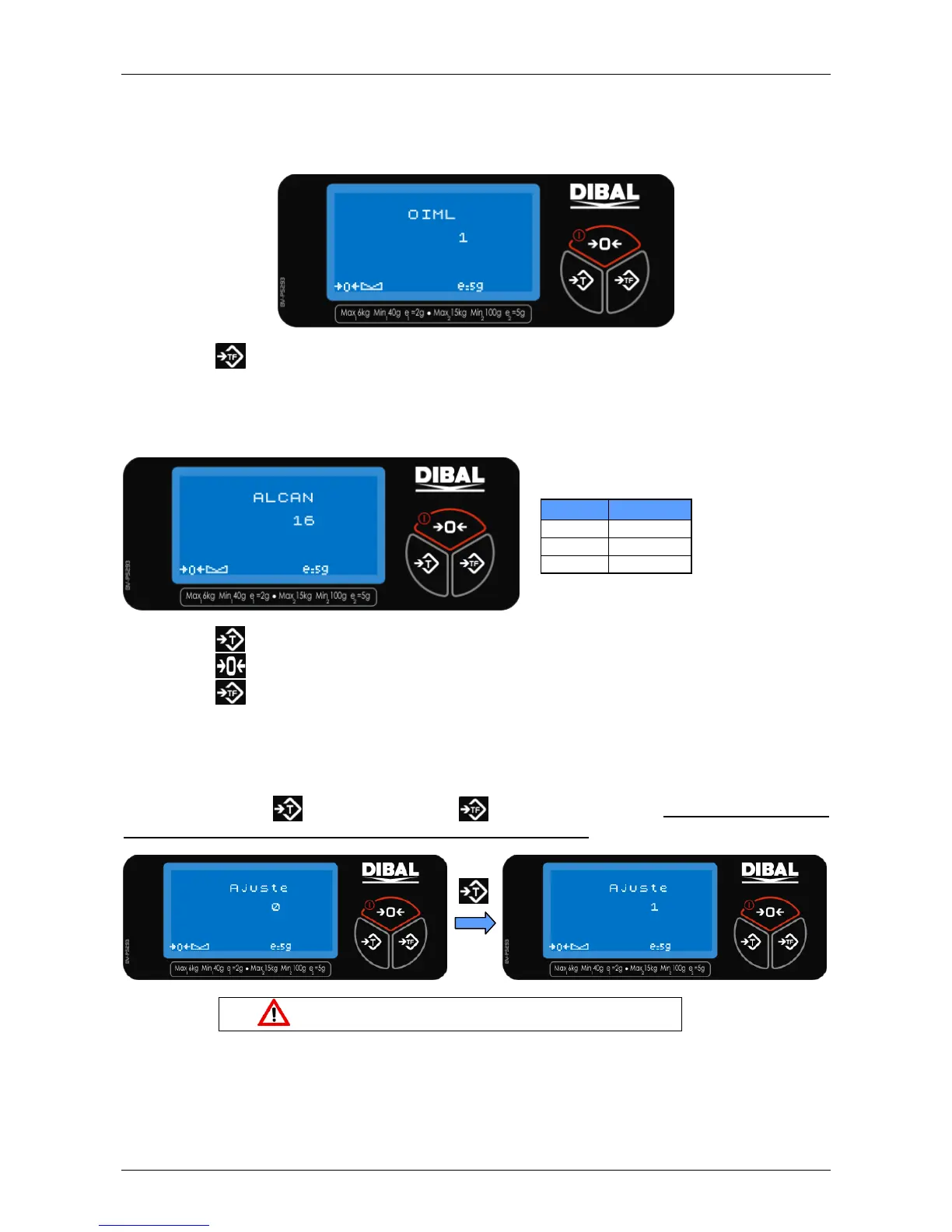
2.2 IML PROGRAMMING
This allows the user to set a series of parameters as recommended by the OIML. This parameter
cannot be modified.
Press the key
to program the next field.
2.3 CAPACITY PROGRAMMING
This allows the scale capacity to be selected according to the following table.
Press the key to increase the programming value
Press the key to decrease the programming value
Press the key
to program the next field.
2.4 ADJUSTMENT
This allows an adjustment to be done. The default value of 0 will always be shown. Change the
value pressing the key
and then press the
key to program the next field. Do not enter this option
if you are not qualified or if you do not have the calibrated weights.
This should only be done by authorized personnel.
The following sections will only be visible when this parameter will set to 1.
2.4.1 LATITUDE ADJUSTMENT



 To Next Page