11.1.3.Vat Types [ 7 1 3 ]
Up to five VAT rates can be programmed as follows:
1. Press MENU (2 seconds) 7 1 3
2. Enter the value of VAT rate 1. VAT rate 1 is that
assigned to sales of Direct price. Press
∗
∗∗
∗
to program the
next VAT values.Press C to delete the current value.
3. Once the corresponding values have been assigned,
press MENU 2 seconds to quit programming.
11.1.4.Tares [ 7 1 4 ]
The values of the 5 pre-programmed tares are programmed
as follows:
1. Press MENU (2 seconds) 7 1 4
2. Place the reference weight to be tared on the dish and
press T/FT. You can also enter a tare directly with the
numeric keyboard.
3. Press
∗
∗∗
∗
for saving and for programming the next tares.
4. Having programmed the corresponding values, press
MENU to quit programming.
11.1.5.Currencies [ 7 1 5 ]
The 500 Range scales model includes 8 fixed currencies and
2 programmable currencies.
The scale is capable of printing the total of the receipt in the
country’s main currency and in two foreign currencies, to be
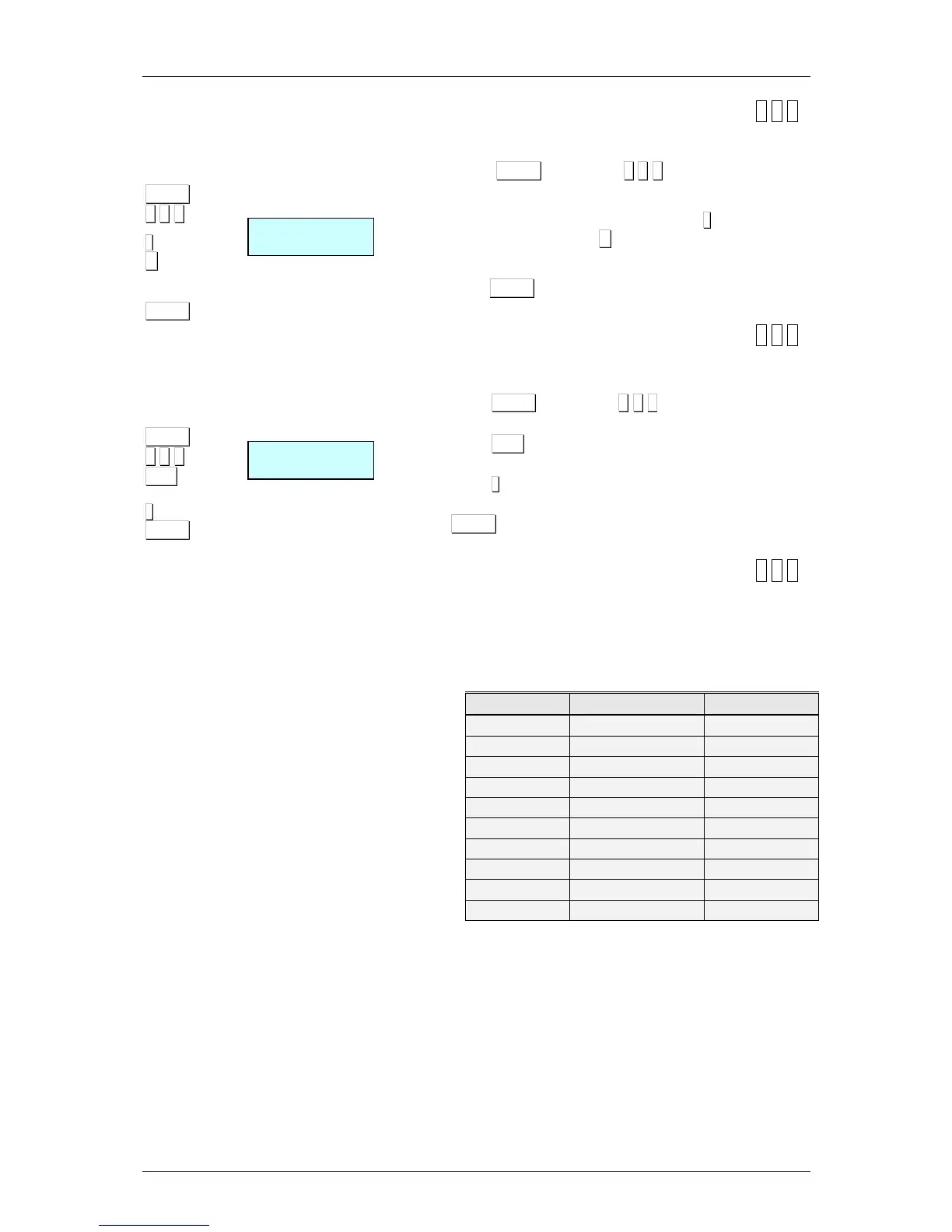
chosen by the user in accordance with the following chart:
Code Currency Symbol
0 Swedish Crown SKr
1 Yen Y
2 Norwegian Crown Nkr
3 Pound Stirling L
4 Euro €
5 US Dollar $
6 Swiss Franc SwF
7 Danish Crown DKr
8 Programmable Programmable
9 Programmable Programmable
To use each currency, the exchange rate must be
programmed, consisting of 6 digits with 3 decimals, related to
the currency of the country in which the scales are used.
In addition to the programmable currencies, there is a field of
7 alphanumeric characters for programming the symbol to be
applied to the programmable currency.
There may be a maximum of two active currencies at any
given time. The result of activating these currencies is
reflected in the printed results on the receipt and label alike.



 To Next Page