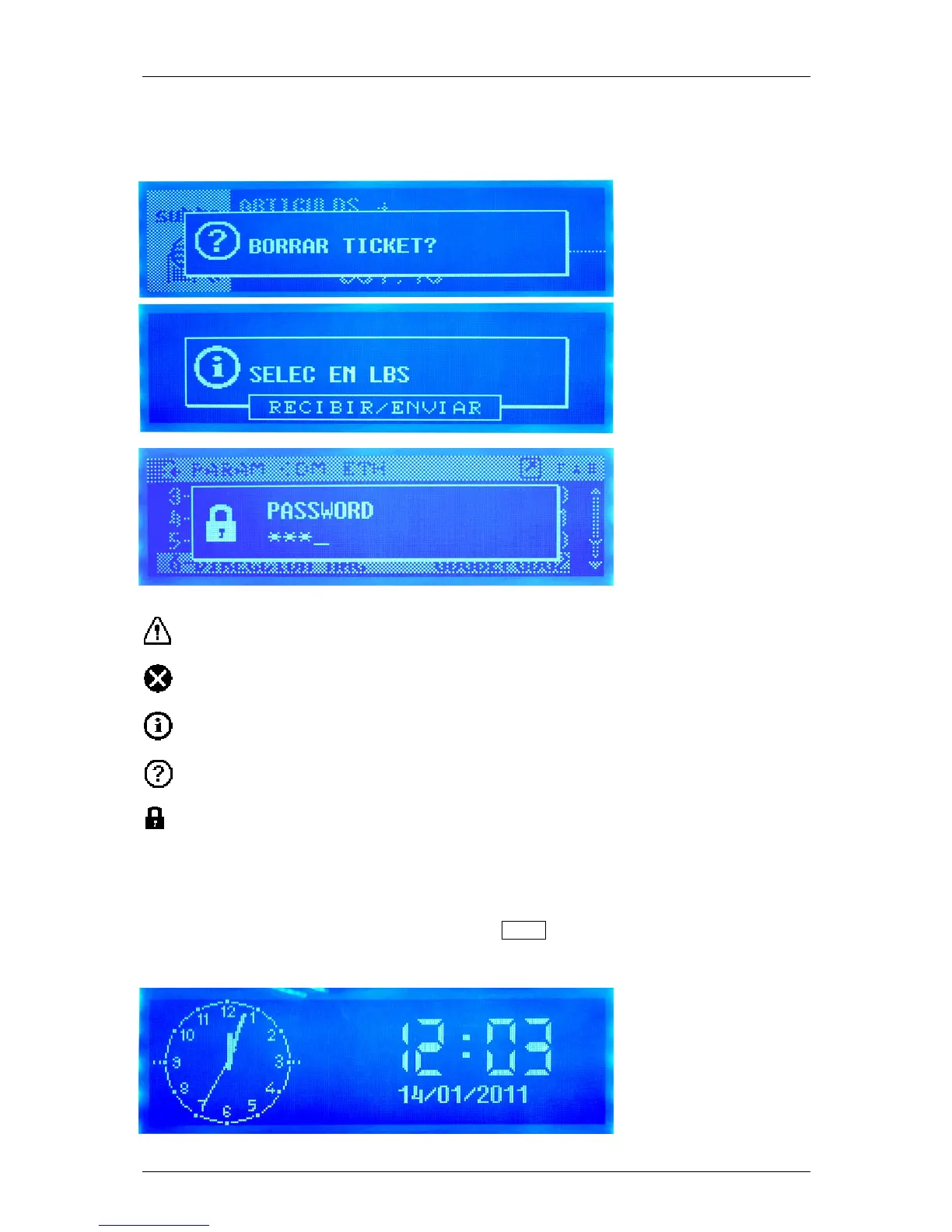
17.10. WARNING SCREENS
During the scale operative can appear warning screens:
The icons indicate the level of importance or the type of window:
Warning. Indicates that an action is required or that you should pay attention to something.
Error. An error occurred during the operation.
Information. These are informative messages.
Question. It asks for an answer to an event.
Password. It is necessary to introduce a password to continue.
17.11. STANBY SCREEN
Besides the advertisement, there is now an standby screen that is activated when there is no activity in
the machine for a while.
The inactivity time is configurable from the new menu MENU Settings Display Setup Sleep
Time. (3.8.1).
The display shows an analog clock and the date and time in digital.



 To Next Page