3.1. ARTICLES [ 1
]
3.1.1.Creating/modifying a PLU
In this section articles are programmed on the scales. The 500
model scales. The models Wind: W-010, W-015 and Mistral: M-
510, M515 allow to program 2000 articles. On the other hand, the
models W-020, W-025, M-520 and M-525 allow to program 5000
articles.
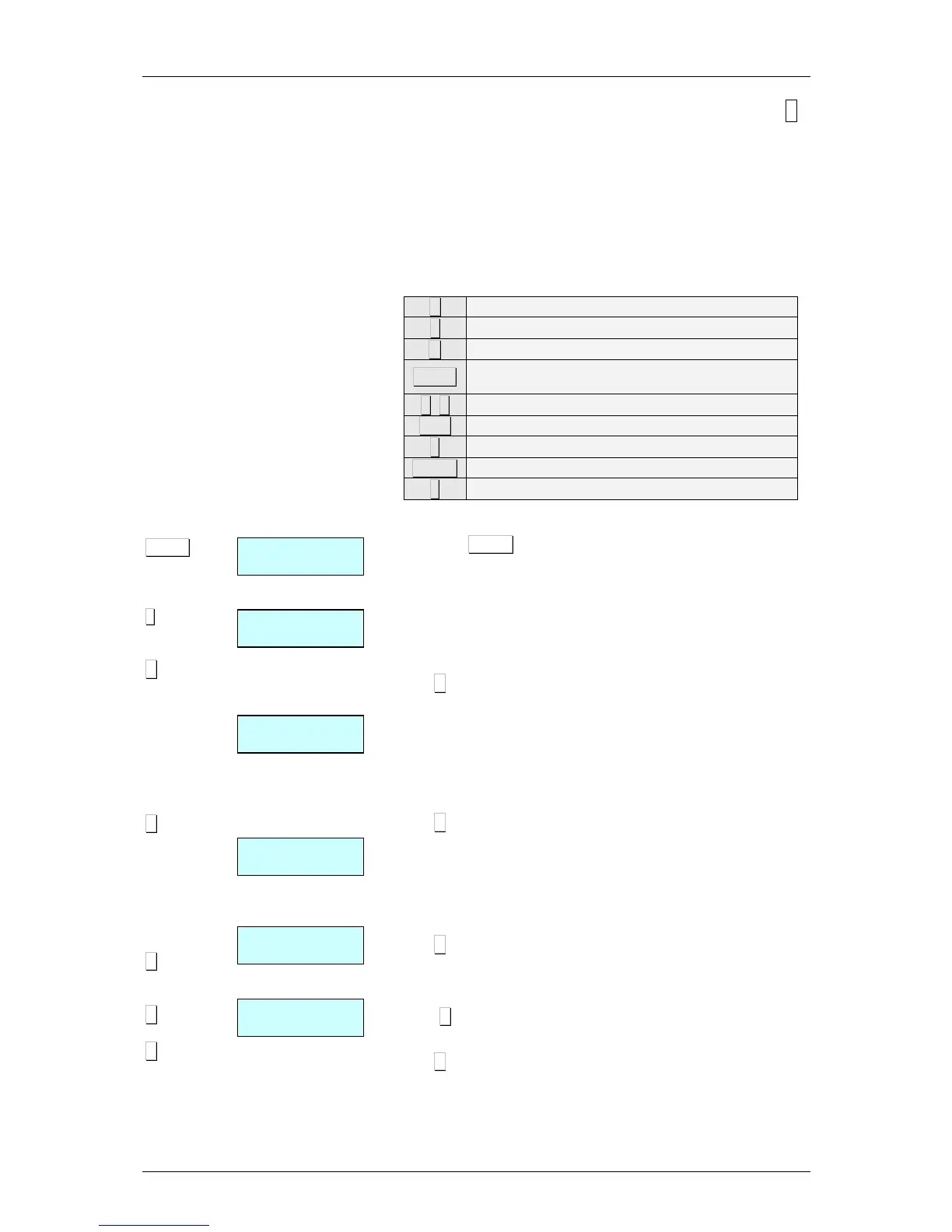
The following keys are used to create or modify a PLU:
X Proceed to edit the NEXT article field.
↑
Proceed to edit the PREVIOUS article field.
C Delete character that has been edited.
SHIFT
Switch between CAPITALS and SMALL
LETTERS or pressing some seconds the letter.
+
++
+, −
−−
−
Go (Go back) to next (previous) PLU.
T/FT Enter a blank space.
◊
◊◊
◊
Delete article/copy article.
PRINT Print a list of PLU data.
∗
∗∗
∗
Save data entered.
1. Check that the scales are the MASTER. To programme,
press MENU during 2 seconds. Type 1 to enter article
programming. First, the display will show a C in order to
enter the article code.
2. Enter the PLU code to be created or modified using the
number keys (max. 6 digits) or press the corresponding
direct key.
Press X to assign a direct key associated to a PLU.
3. Type the corresponding number for the direct key (PLU) to
be assigned to the article.
In order to not assign a direct key to the article, it is sufficient
leaving in blank the corresponding field. When doing any
operation with the article, you must enter a 6 cifres code.
Press X to proceed to enter the price per kg.
4. Enter the price per kg.
If the value of currency units / kg is entered as 0, then the
article in question will have a free price, i.e. the price can be
entered when an operation is effected.
Press X to proceed with programming the name.
5. Enter the article name (max. 20 characters).
Press X to proceed to enter a second name line name 2*
(NAME2).
Press X to programme the type of article.
* Models W-020, W-025, M-520 & M-525



 To Next Page