SENDING TRACEABILITY
7.4.1.2. Master-slave operations [ 5 4 2 ]
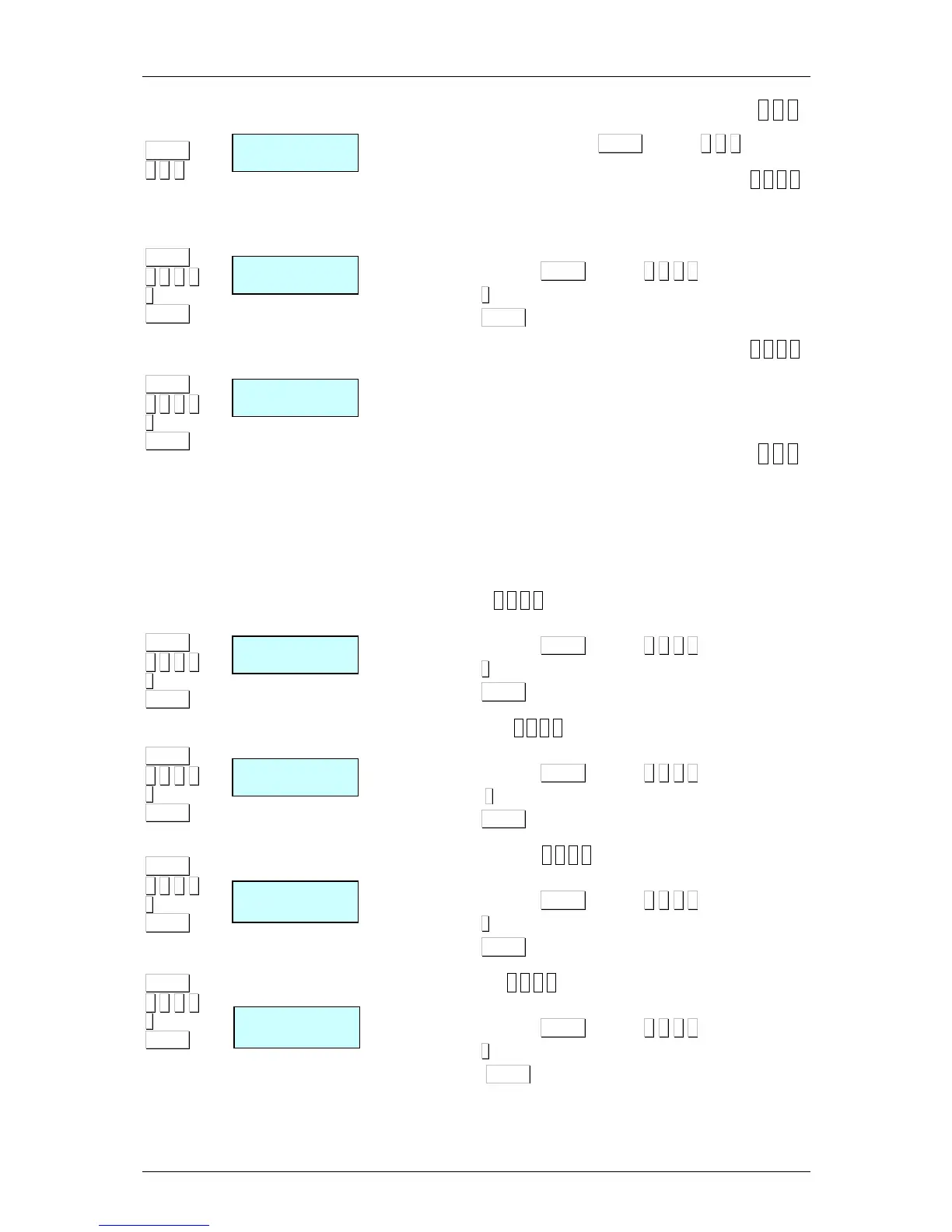
To acces to this submenu press MENU (2 secs) 5 4 2.
1. Network set up [ 5 4 2 1 ]
Autoconfigurating the scale is set as master. The other scales are
connected with the same network ID and the UDP port remains
as slaves. The parameters of master-slave communication will be
set automatically.
1. Acces pressing MENU (2 secs) 5 4 2 1.
2. Press
∗
∗∗
∗
during 3 seconds..
3. Press MENU in order to exit the configuration menu.
2. Master-slave test [ 5 4 2 2 ]
Run a test between the master and slave to check if the
communication is correct. This test is only accessible from the
slave scales.
7.4.1.3. Sending data to slaves [ 5 4 3 ]
It may be useful to do back up data from a MASTER scale in their
slaves, so that you have a security backup of these in each of
them.
The scale will print a list of the state of the scale in the network
and it will begin the data loading to the slaves. After loading a new
list with the result of the operation will print.
1. Sending All
. [ 5 4 3 1 ]
Send all necessary information to the slaves.
1. Acces pressing MENU (2 secs) 5 4 3 1.
2. Press
∗
∗∗
∗
.
3. Press MENU in order to exit the configuration menu.
2. Sending PLU’s
. [ 5 4 3 2 ]
Send PLUs to slaves.
1. Acces pressing MENU (2 secs) 5 4 3 2.
2. Press
∗
∗∗
∗
.
3. Press MENU in order to exit the configuration menu.
3. Traceability sending
[ 5 4 3 3 ]
Send the traceability to the slaves.
1. Acces pressing MENU (2 secs) 5 4 3 3.
2. Press
∗
∗∗
∗
.
3. Press MENU in order to exit the configuration menu.
4. Sending logos
[ 5 4 3 4 ]
Send logos to slaves.
1. Acces pressing MENU (2 secs) 5 4 3 4.
2. Press
∗
∗∗
∗
.
3. Press MENU in order to exit the configuration menu.



 To Next Page