LOGOS REQUEST
7.4.2.2. Master slave operations
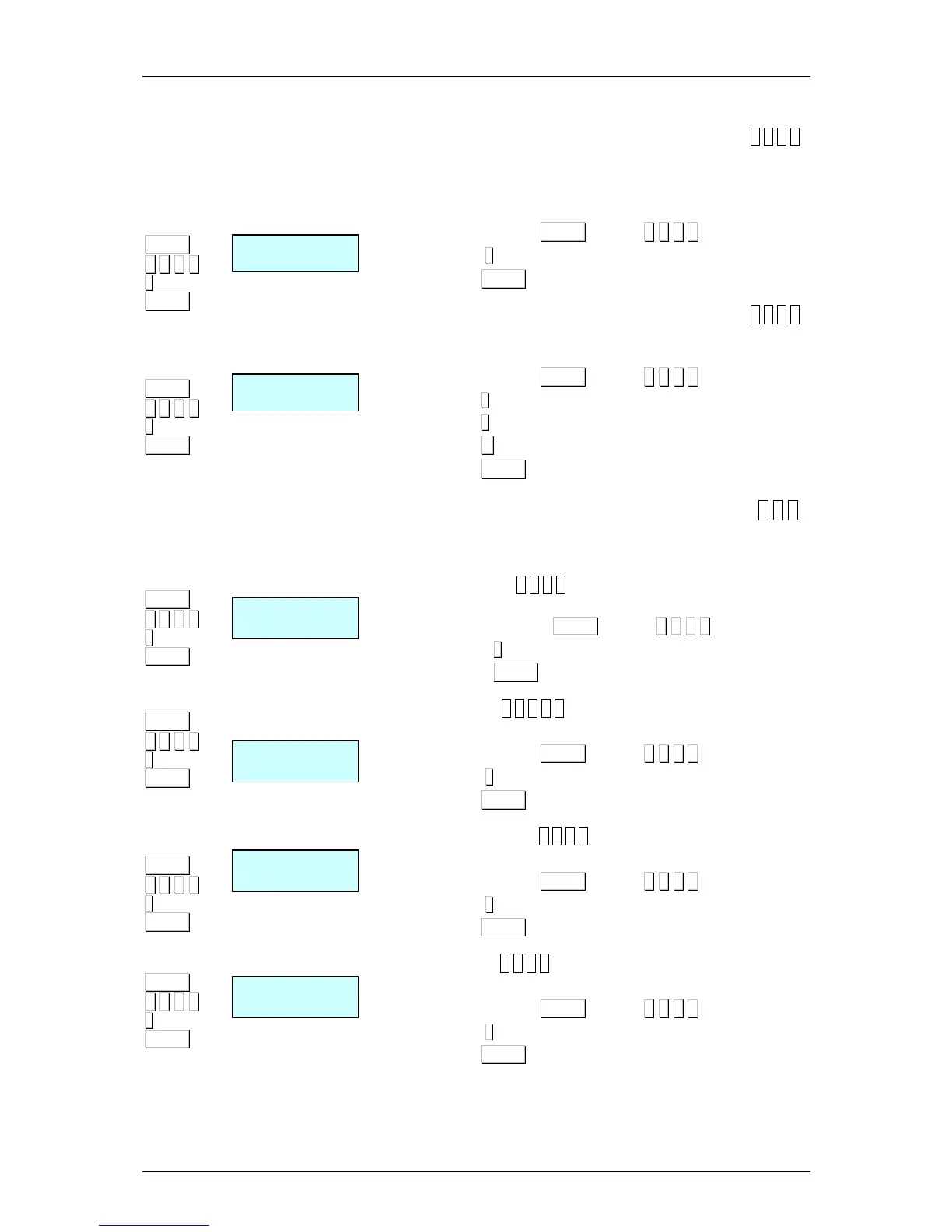
1. Network set up [ 5 4 2 1 ]
Autoconfigurating the scale is set as master. The other scales are
connected with the same network ID and the UDP port remains
as slaves. The parameters of master-slave communication will be
set automatically.
1. Acces pressing MENU (2 secs) 5 4 2 1.
2. Press
∗
∗∗
∗
during 3 seconds..
3. Press MENU in order to exit the configuration menu.
2. Master-slave test [ 5 4 2 2 ]
Run a test between the master and slave to check if the
communication is correct.
1. Acces pressing MENU (2 secs) 5 4 2 2.
2. Press
∗
∗∗
∗
to star the test.
3. Press
∗
∗∗
∗
to pause the test.
4. Press C to stop the test.
5. Press MENU in order to exit the configuration menu.
7.4.2.3. Master data request [ 5 4 3 ]
In the case that any error is sent to the slaves or a new slave is
connected alter having switching on the master.
1. General request
[ 5 4 3 1 ]
All the necessary information of the master is requested.
1. Acces pressing MENU (2 secs) 5 4 3 1.
2. Press
∗
∗∗
∗
.
3. Press MENU in order to exit the configuration menu.
2. PLUs request
[ 5 4 2 3 2 ]
The Master’s PLUs are requested.
1. Acces pressing MENU (2 secs) 5 4 3 2
2. Press
∗
∗∗
∗
.
3. Press MENU in order to exit the configuration menu.
3. Traceability request
[ 5 4 3 3 ]
The Master’s Traceability is requested.
1. Acces pressing MENU (2 secs) 5 4 3 3
2. Press
∗
∗∗
∗
.
3. Press MENU in order to exit the configuration menu.
4. Logo request
[ 5 4 3 4 ]
The Master’s Logo is requested.
1. Acces pressing MENU (2 secs) 5 4 3 4.
2. Press
∗
∗∗
∗
.
3. Press MENU in order to exit the configuration menu.



 To Next Page