Product SpecificationsProduct Specifications
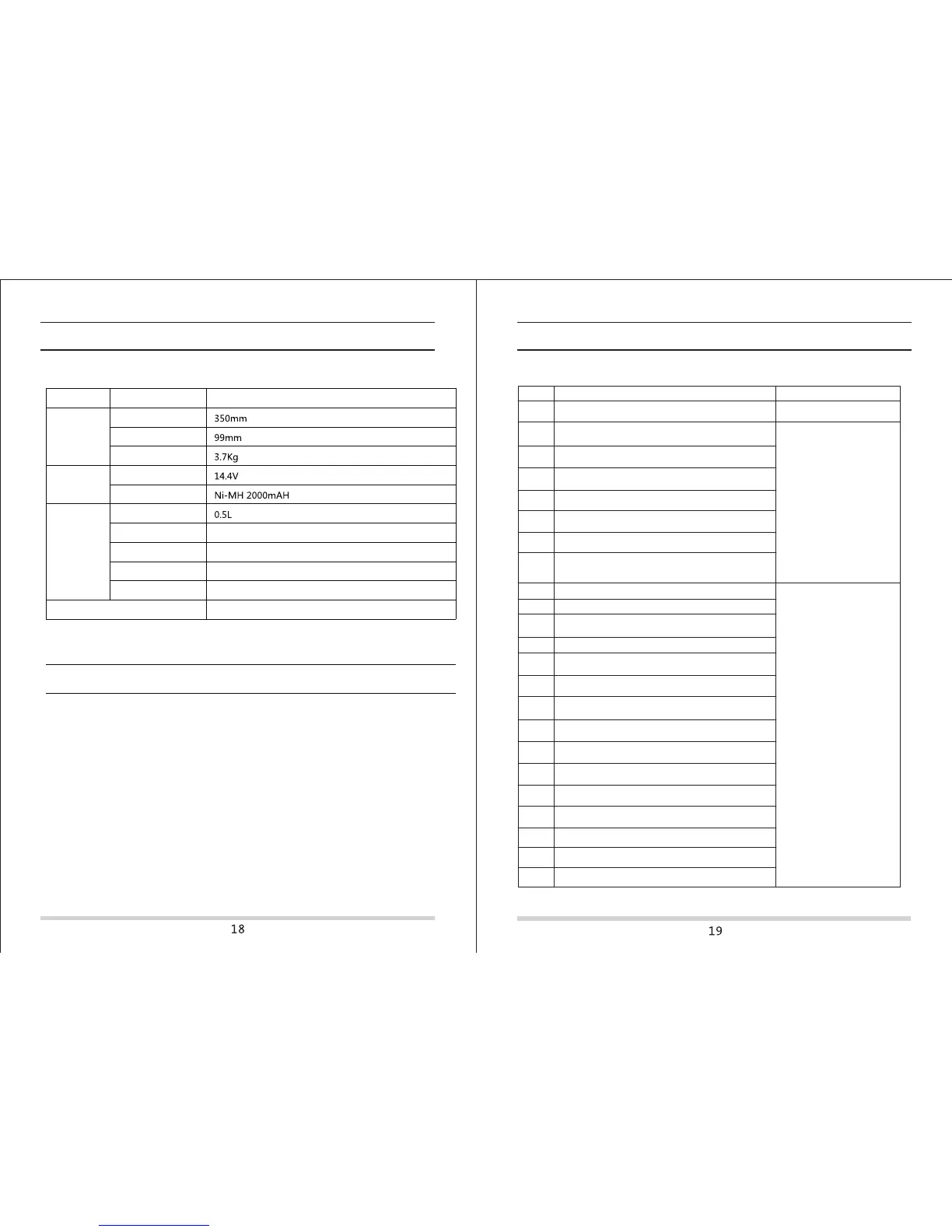
Classification
Mechanical
Specifications
Items
Detail
Diameter
Height
Net weight
Electrical
Specifications
Cleaning
Specifications
Power rating
Battery
Dust bin capacity
Charging type
Cleaning mode
Charging time
Cleaning time
Auto/manual charging
Random/ Spot/ Edge/ Zig-Zag/ Scheduling
4-6 hours
80 min
Main body button type
Touch (LED display)
Replace the BatteryReplace the Battery
A. Remove the screws on battery cover with a screw driver.
B. Remove the battery cover.
C. Grasp the insulating tape at two sides of the battery and lift the battery.
D. Unplug the wire connector that links battery and robot.
E. Take out the battery and replace it.
Note: Only use the battery provided by the factory, or else the battery could be damaged.
TroubleshootingTroubleshooting
Error codes for sensorsError codes for sensors
Front bumper right infared sensors detect
obstacle
Left anti-drop sensor detect cliff, front bumper right
infared sensors detect obstacle
Clean front sensor lens and
bottom anti-drop sensor lens
Front anti-drop sensors detect cliff, front bumper
right infared sensors detect obstacle
Left and front anti-drop sensors detect cliff, front bumper
right infared sensors detect obstacle
ExxB
Right anti-drop sensors detect cliff, front bumper right
infared sensors detect obstacle
ExxC
Left and right anti-drop sensors detect cliff, front bumper
right infared sensors detect obstacle
ExxD
ExxE
Front,left and right anti-drop sensors detect cliff, front
bumper right infared sensors detect obstacle
Front bumper left infared sensors detect obstacle
Front bumper middle infared sensors detect obstacle
Front bumper left and middle infared sensors detect
obstacle
Front bumper right infared sensors detect obstacle
Front bumper left and right infared sensors detect obstacle
Front bumper middle and right infared sensors detect
obstacle
Front bumper left, middle and right infared sensors detect
obstacle
Front bumper wall detection infared sensors detect
obstacle
Front bumper wall detection sensors and left infared
sensors detect obstacle
Front bumper wall detection sensors and middle infared
sensors detect obstacle
Front bumper wall detection sensors, le
ft and middle infared
sensors detect obstacle
Front bumper wall detection sensors and right infared
sensors detect obstacle
Front bumper wall detection sensors, left and right
infared sensors detect obstacle
Front bumper wall detection sensors, right and middle
infared sensors detect obstacle
Front bumper wall detection sensors, left, right and
middle infared sensors detect obstacle
ExxF
Ex1x
Ex2x
Ex3x
Ex5x
Ex6x
Ex7x
Ex8x
Ex9x
ExAx
ExBx
ExCx
ExDx
ExEx
ExFx
Error Code
Cause Solution
Exx8
Exx9
ExxA
Clean front bumper sensor
lens
Ex4x
Clean front bumper sensor lens
Right and front anti-drop sensors detect cliff, front bumper
right infared sensors detect obstacle



 To Next Page
 Loading...










