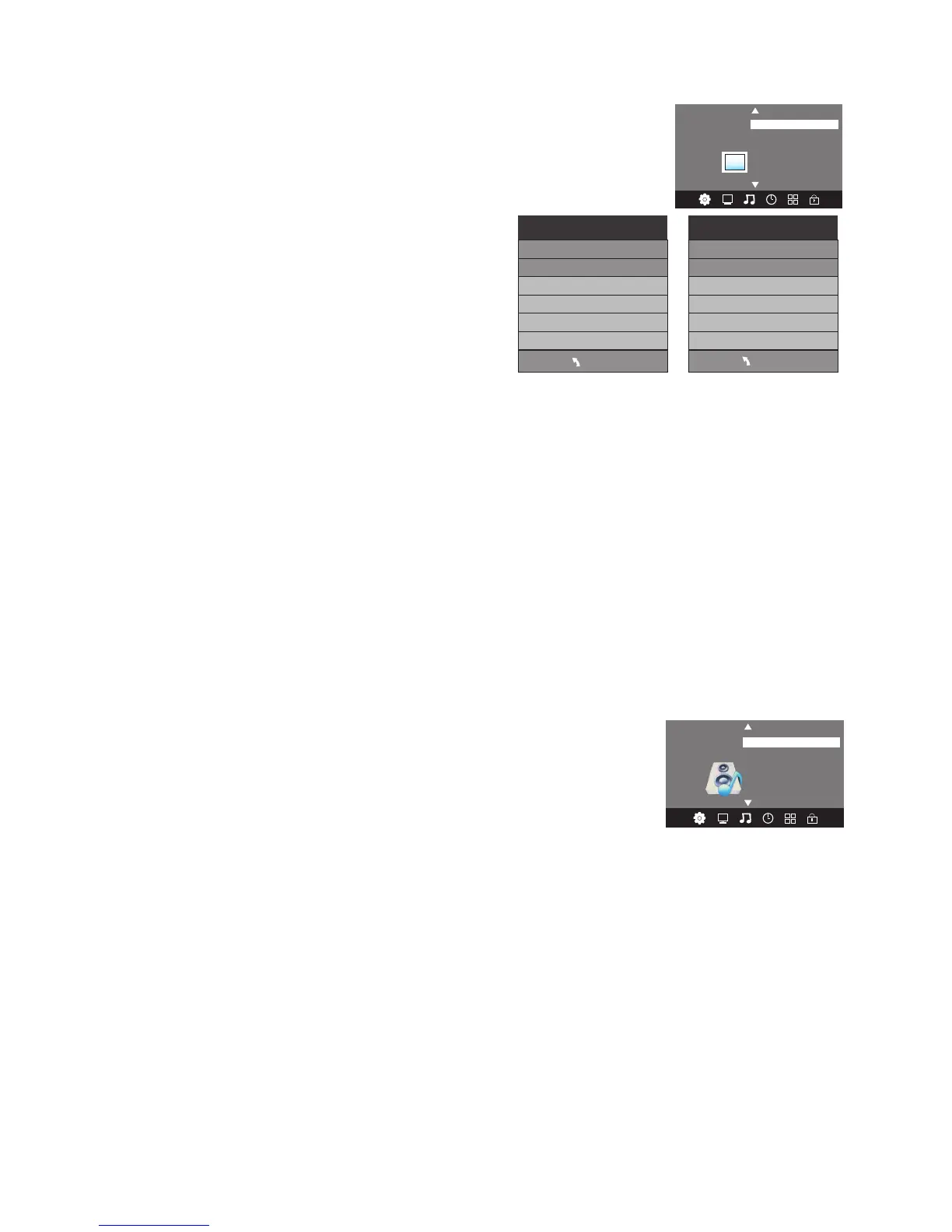
Picture Menu
The second item of the MENU is the PICTURE MENU. You can adjust picture
effects here, such as contrast, brightness etc..
Press▲ ▼ to move and press OK to adjust.
NOTE
Sound Menu
The third item of the MENU is the SOUND MENU.
You can adjust sound effects such as treble, bass, balance etc. Press ▲▼ to
move, press OK to adjust.
NOTE
1. There are five Sound modes that can be selected: Standard, Music, Movie, Sports and
User. The User option allows you to adjust Bass and Treble sound effects from the TV
speakers to suit your listening preferences. These sound modes are not active on the
audio outputs of the AUDIO Out socket.
2. The Auto Volume option helps reduce excessive input signal variations that may lead to
distorted sound. For most standard installations, this sub-menu should be set to the OFF
position.
3. The Surround Sound option generates an artificial widening of the sound stage from the
TV. If this sound effect is not suitable for your installation, leave this sub-menu in the OFF
position.
4. The SPDIF mode option affects the format of the Coaxial digital audio output from the
socket on the rear of the TV. Unless you need to force the output format to PCM, leave
this in the auto position.
15
MENU
Picture Mode Standard
Contrast 50
Brightness 50
Color 50
Sharpness 50
Tint 50
Color Temperature Medium
Red 50
Green 50
Blue 30
MENU
< >
Balance
Auto Volume
Sound Mode Standard
SOUND
Surround Sound
SPDIF MODE
Color Temperature
Aspect Ratio
Noise Reduction
Picture Mode Standard
< >
PICTURE
Backlight
Dynamic Contrast
Advance image
1). In the Picture Mode sub-menu, the Tint option is available in NTSC system countries only.
2). There are four color temperature modes that can be selected: Medium, Warm, Cool and a User
adjusment option.
3). The Aspect Ratio option allows you to select either Auto, or manually select 4:3, 16:9, Zoom1,
Zoom2 or Just Scan screen ratios. For general use leave this setting in the Auto position.
4). For improved video processing, access to the Colour adjustment may not be available in the
Picture Mode (User) area when the TV is used with progressive scan video material from externally
connected equipment. If adjustment of the Colour control is required to correct defective source
material, change the video mode of your connected equipment to an interlaced format.
The TV’s default for Picture Mode is the "Standard" setting, which is recommended for home viewing.
5). The Noise Reduction option is more useful in areas using ATV (analogue) transmissions. This
sub-menu should be set to the low or Medium position during DTV reception.


 To Next Page