Touchscreen Data Logger Quick Start Guide (DicksonOne) Page 2
Getting Started
1. Plug sensors into the device.
2. Plug the device into power.
3. Press the power button on the side of the device to turn it on.
4. Enable the channels you want to display on the screen (details in “Graph Settings” section).
5. IMPORTANT: You may wish to review the firmware versions online at
https://www.dicksonone.com/change_logs and be sure to opt-in to Firmware Notifications in
your DicksonOne profile.
NOTES ABOUT SENSORS:
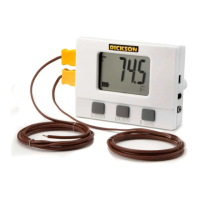
The long, straight piece of the sensor is an extension arm for the ambient temperature and temperature/humidity
sensors. It does not need to be used with any other sensor and is plugged directly into the device with the sensor
attached to it as pictured above. When unplugging your Replaceable Sensor from your device, wait 10 SECONDS before
plugging the sensor back into your device.
Device Settings
NOTE: TSB devices are configured via the touchscreen interface ONLY. TWE/TWP devices are connected to
the internet via the touchscreen interface but are further configured on DicksonOne.
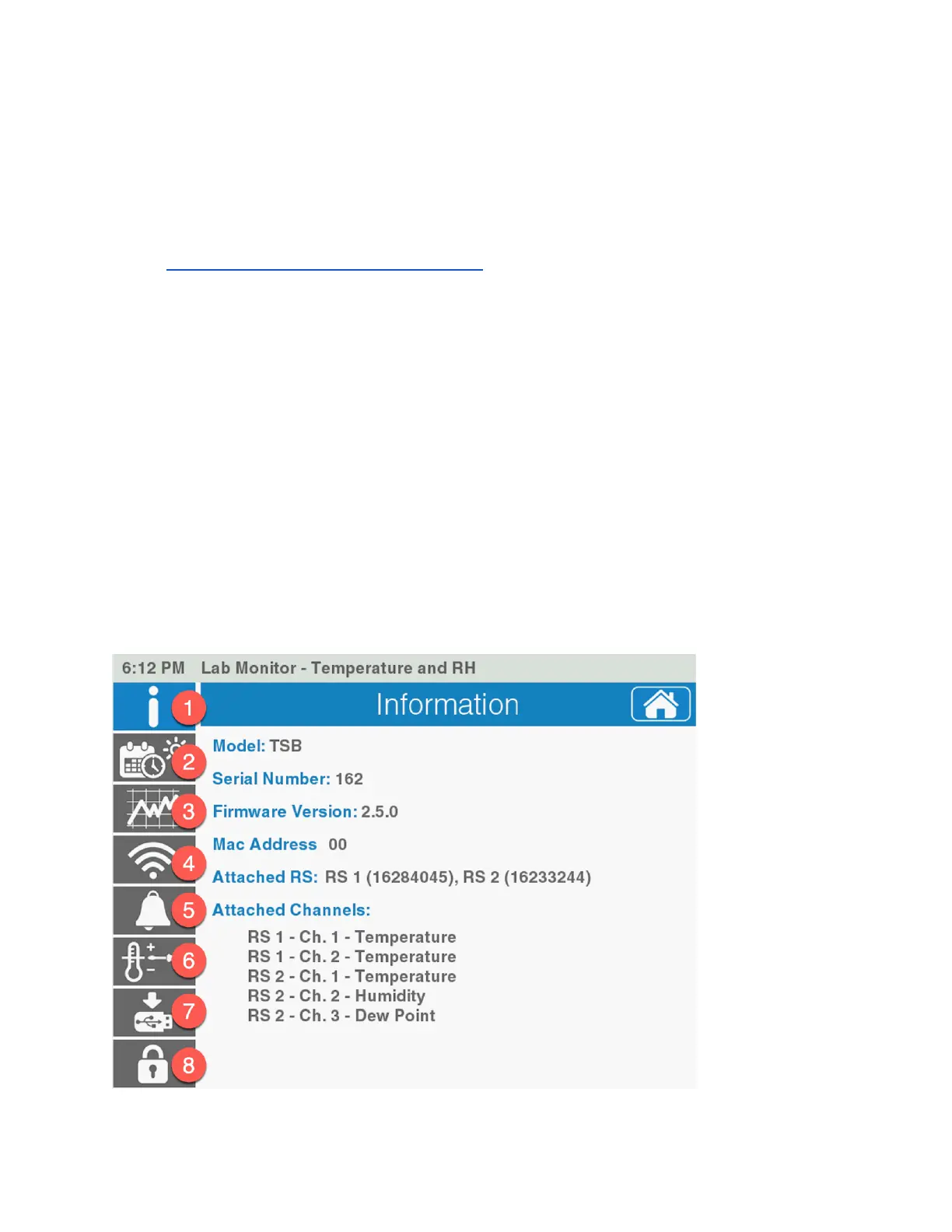
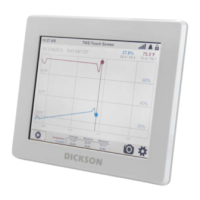
Touch the ‘Settings’ icon on the bottom right of the device screen to access the device settings
screens for device configuration and device information.


 To Next Page