Page | 3
Setting up your System
W2 Software must be fully installed and configured before adding devices.
If using W2 Ethernet Loggers only (WT540/WH545) skip to page 7 for setup instructions.
Adding a Receiver
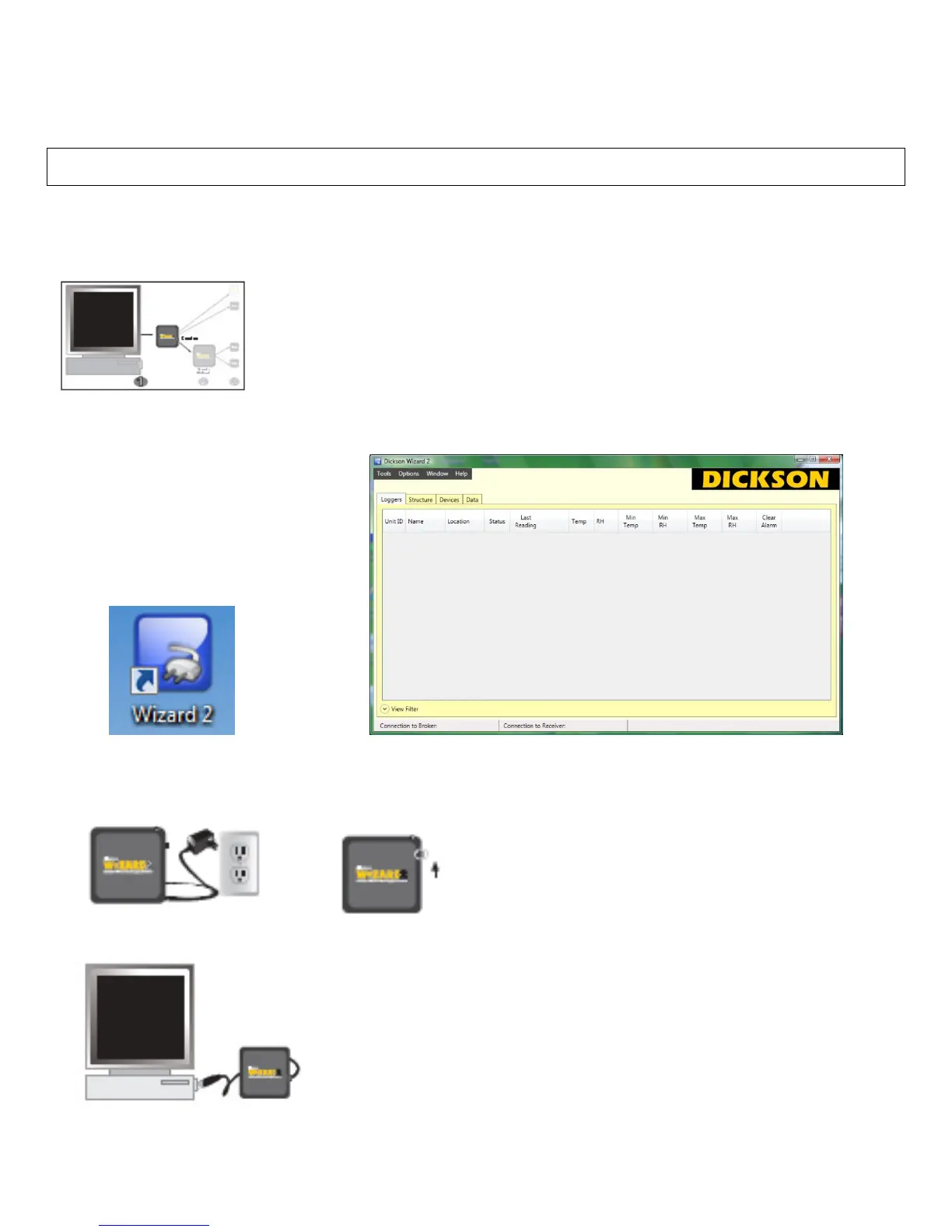
1) Double -click the WiZARD2 Icon
2) Connect the AC adapter to the Receiver (WR200 or WR400) and plug into a standard electrical outlet. The
LED will blink red/green/blue quickly 10 times. Slide the power switch to the on position.
3) Connect one of the USB cables to your PC and then to the receiver.


 To Next Page