17
Installing the Microphone Wizard Program
To download the Microphone Wizard application
from the Dictaphone Web site:
1. Start Internet Explorer and go to the Dictaphone
Web site at www.dictaphone.com
.
2. Click the Support link in the top navigation bar
on the Dictaphone home page.
3. On the Support page, scroll down and click the
Downloads link. You can go directly to the
Downloads page at http://www.dictaphone.com/
support/productService/downloads.asp.
4. Click the heading PowerMic Microphones.
5. Click the link under the heading Microphone
Wizard Program to download the file.
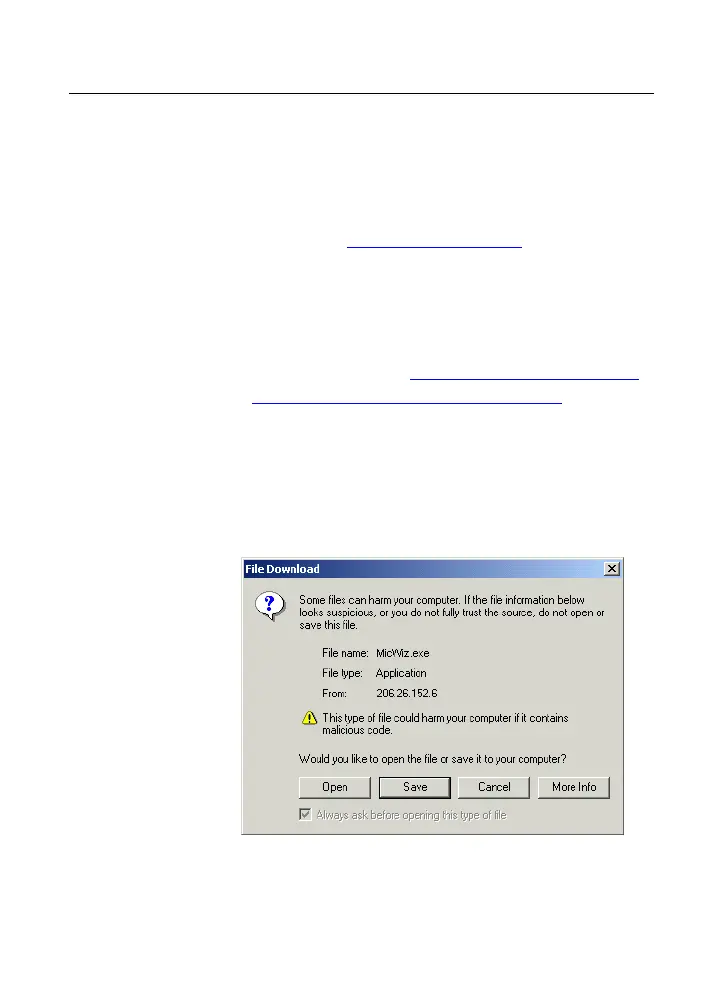
6. When prompted, click Save to begin the
download. A file selection window opens.
7. Accept the default folder of C:\MicWiz and click
Save. The installation file MicWizInstall.exe is
downloaded into the MicWiz folder. When the



 To Next Page