EasyManua.ls Logo

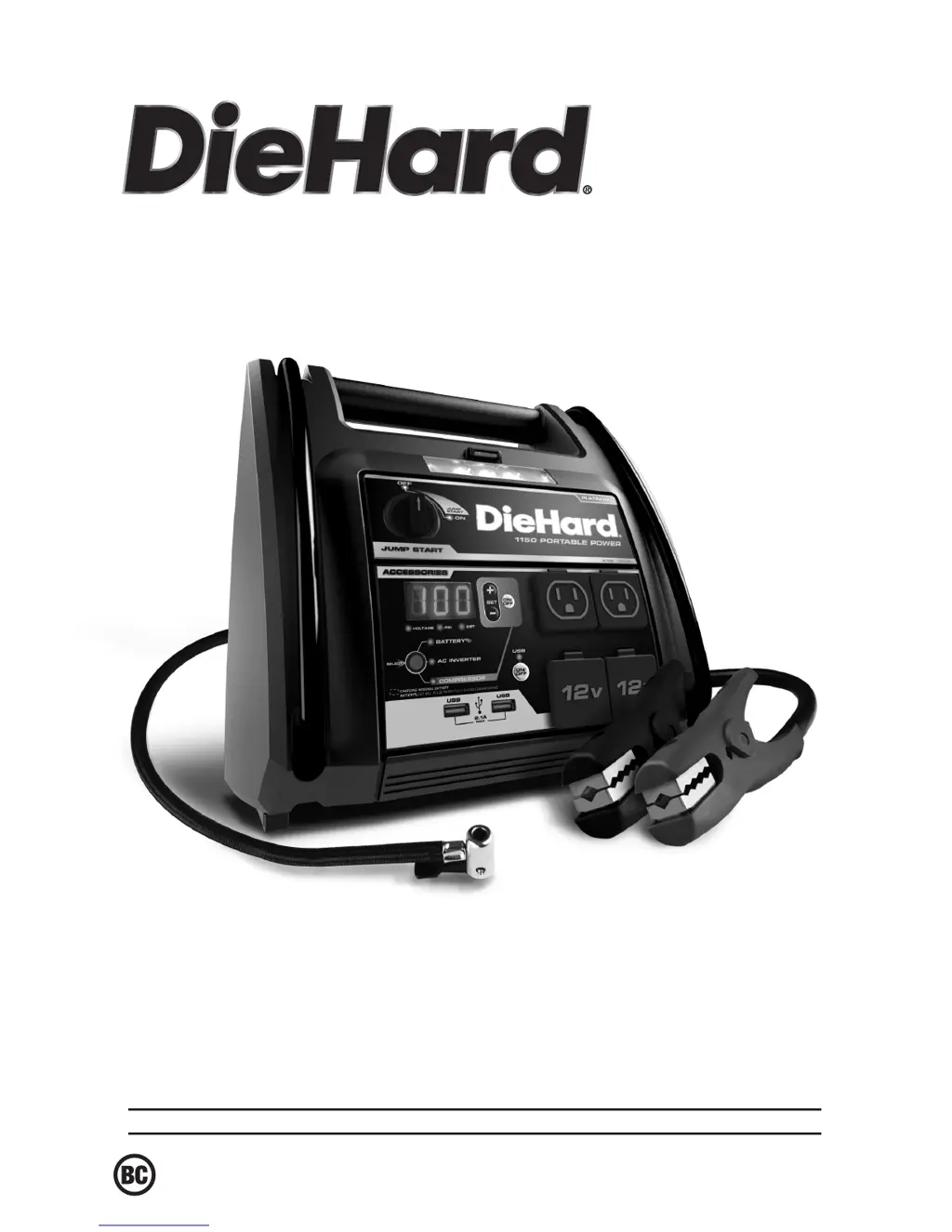
DieHard 28.71688 - User Manual

DieHard 28.71688
9 pages
Print Icon
To Next Page IconTo Next Page
Loading...
0099001442-02
Model / Modelo:
28.71688
Sears Brands Management Corporation, Hoffman Estates, IL 60179 U.S.A.
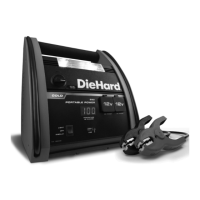
Jump Starter and AC/DC/USB Power Source
Arrancador y CA / CC / USB fuente de alimentación
OPERATOR’S MANUAL /
MANUAL DEL USUARIO
CAUTION:
Read and follow all safety
rules and operating instructions
before every use of this product.
SAVE THESE INSTRUCTIONS.
ATENCIÓN:
Lea y siga todas las reglas
de seguridad e instrucciones de uso
antes de cada uso de este producto.
GUARDE ESTAS INSTRUCCIONES.

Questions and Answers

  • S
    Susan WhiteAug 3, 2025
    What to do if my DieHard 28.71688 Remote Starter won’t jump start my car?
    • A
      Alicia WongAug 3, 2025
      If your DieHard Remote Starter won't jump start your car, first ensure that the Jump Start switch is turned ON. Then, check for a poor connection to the battery and frame, making sure the connection points are clean. Verify the battery charge status by pressing the Select button on the front of the unit. If the issue persists, the vehicle’s battery might be defective and should be checked.
  • S
    Shannon CunninghamAug 10, 2025
    Why does my DieHard Remote Starter display 'err' when the inverter is on?
    • L
      Lawrence ChambersAug 11, 2025
      If the inverter is on but the display of your DieHard Remote Starter shows 'err', it could be due to a low battery. Recharge the unit. Alternatively, the device you're using might be drawing too much power (more than 400W) or has a short circuit. Try using only devices that draw less than 3.3 amps of AC current.
  • M
    Maureen GallagherAug 17, 2025
    Why is the alarm on my DieHard 28.71688?
    • A
      Ashley MooreAug 18, 2025
      If your DieHard Remote Starter’s alarm is on, it likely means the connections are reversed. Disconnect the jump starter and reverse the clamps.
  • D
    Daniel EllisAug 26, 2025
    What to do if my DieHard 28.71688 won’t power my 12V device?
    • M
      mcdonaldscottAug 26, 2025
      If your DieHard Remote Starter won’t power your 12V device, start by ensuring the 12V device is turned on. Then, check the battery charge status of the Portable Power by pressing the button on the front of the unit. If the device still doesn't work, it might be drawing more than 15A or has a short circuit, in which case you should contact a qualified service technician to replace the fuse.

Summary

Important Safety Instructions

Explosive Gas and General Safety

Covers risks of explosive gases and general safety guidelines for operating the portable power unit.

Personal Safety Precautions

Details essential personal safety measures, including eye protection and handling battery acid.

Charging the Internal Battery

Checking Battery Charge Level

Learn how to check the internal battery's charge status using the digital display and Battery % LED.

Charging via Extension Cord

Instructions for charging the internal battery using an extension cord and a 120VAC outlet.

Charging While Driving

Guidance on charging the internal battery while driving using a male-to-male charger cable.

Using the Portable Power

Digital Display Functions

Understanding the digital display for checking battery status and vehicle voltage.

Jump Starting a Vehicle

Step-by-step guide on how to safely jump start a vehicle using the portable power unit.

Using the Work;Emergency Light

Instructions on operating the built-in work/emergency light for illumination.

Powering 12 V DC Devices

How to use the portable power to supply electricity to 12V DC accessories and devices.

Using the Portable Power Features

Using the USB Port

Guidance on utilizing the USB ports for charging electronic devices.

Using the Air Compressor

Instructions for operating the air compressor to inflate tires and other items.

Using the Inverter

Information on using the inverter to power AC devices, including wattage limitations.

Powering a 110 V AC Device

Inverter Compatibility and Warnings

Recommendations for using the inverter with various devices and potential risks.

Maintenance and Care

Troubleshooting

Jump Start Issues

Common problems and solutions when the portable power unit won't jump start a car.

Powering 12 V Devices

Troubleshooting tips for when the portable power won't supply power to 12V devices.

Battery and Alarm Issues

Resolving problems related to the battery not holding a charge or the unit's alarm.

Before Returning for Repairs

Replacement Parts and Accessories

DieHard 28.71688 Specifications

General IconGeneral
BrandDieHard
Model28.71688
CategoryRemote Starter
LanguageEnglish

Related product manuals