-13-
English
Italiano Dansk Svenska
5. Display / Operation
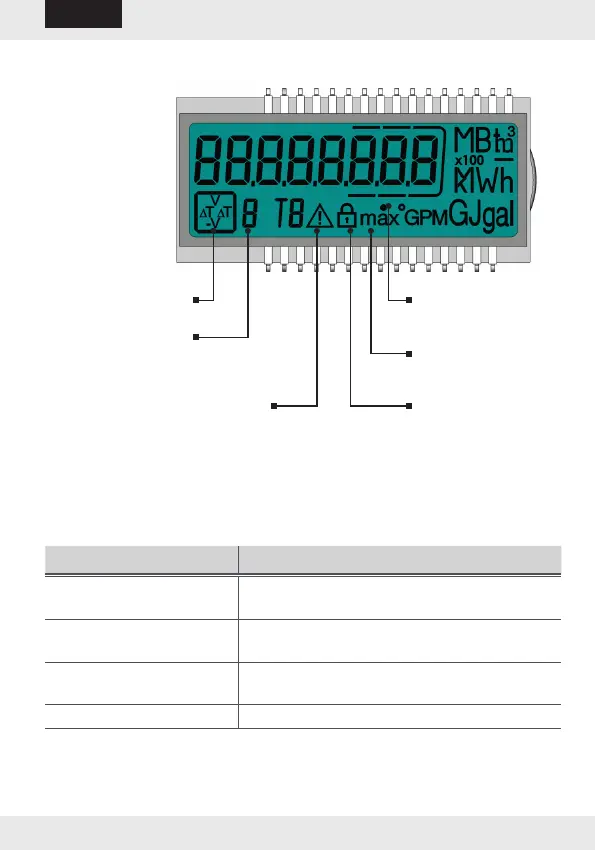
5.1 Display
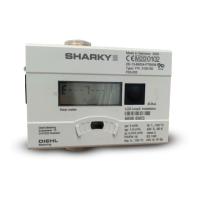
The visualization at the meter is done via a 8 digit LCD with unit and
symbol display.
5.2 Push button
A push button is mounted on the front plate of the meter. This push but-
ton is used to switch to the various displays.
Action Function
Briey press the key
(<3 seconds)
Switch within one loop
Hold the key
(> 3 seconds)
Switch to the next display loop
Do not press the key for
4 minutes
Meter turns off the display automatically
(energy saving, only if no error prevails)
Press the key again The meter is in the basic display
Flow indicator
Maximum values
Identication for
calibrated value
Display of the
quadrant
Loop display
Error symbol


 To Next Page