SM – 100 Operation Manual
110
4.7 Item Label Printing in Manual Mode
You can use this operation to print out item labels for a PLU or Non-PLU of Weighing Item or Non-
weighing Item. Before the operation, check the following point.
Press [REZERO] and [MODE] to select LABEL mode.
Check whether the Label Size fits the programmed one in PLUs when label is used.
4.7.1 Label Printing for PLU Item
For example:
Sell 1kg of BEEF STEAK(Ex. PLU #: 10) (Weighing Item).
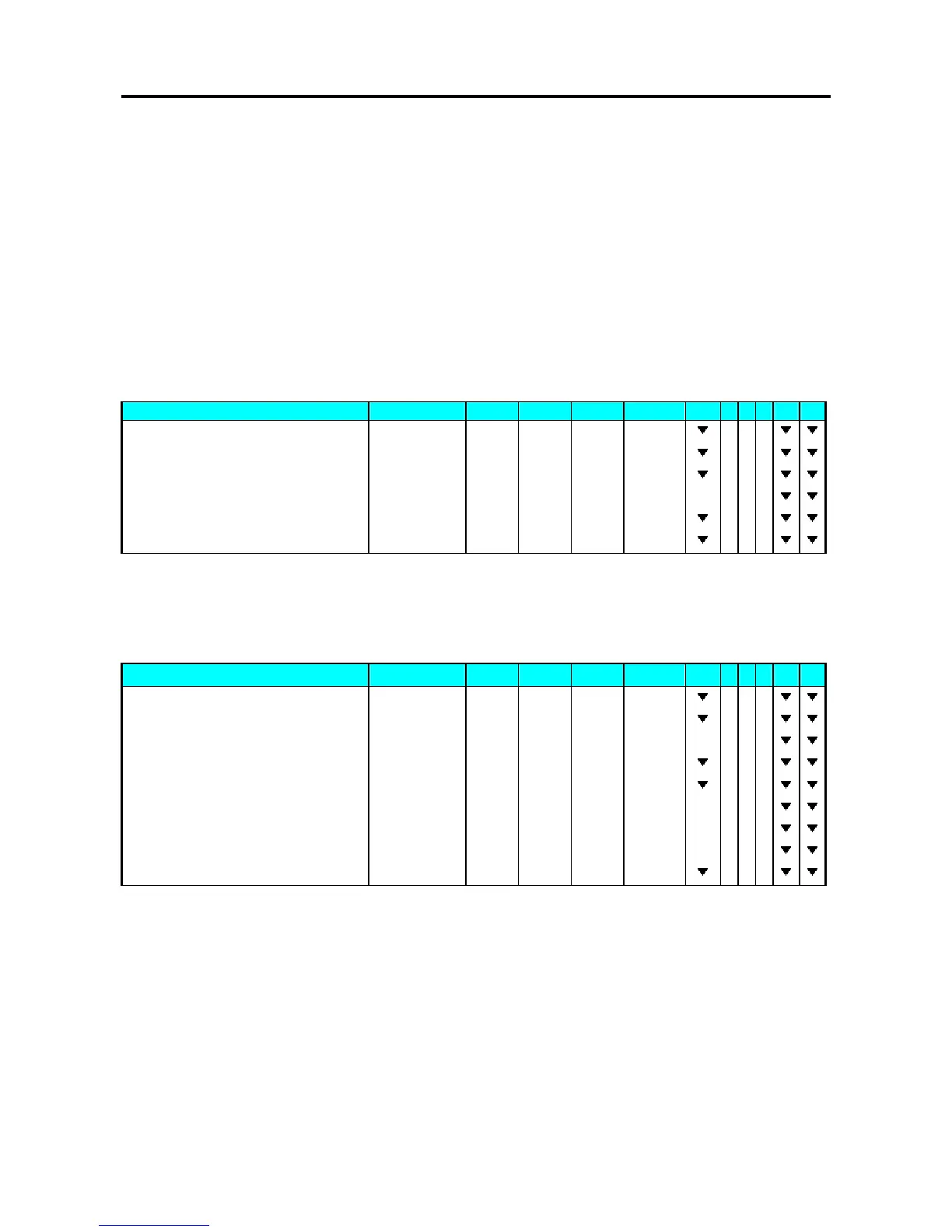
1 - ZERO 2 - NET 3 - FIX T 4 - FIX P 5 - MANUAL 6 - LABEL
OPERATION KEYS PT kg Kg $/kg $ 1 2 3 4 5 6
Stand-by-status. 0.0 0 0 0.0 0 0 0.0 0 0.0 0
Enter the PLU No. of the Beef steak. [1] [0] 0.0 0 0 0.0 0 0 0.1 0 0.0 0
Press PLU key. [PLU] 0.0 0 0 0.0 0 0 1.2 0 0.0 0
Place the product on the platter. (e.g. 1kg) 0.0 0 0 1.0 0 0 1.2 0 1.2 0
Print out one item label. [*] 0.0 0 0 1.0 0 0 1.2 0 1.2 0
Remove the product from the platter. [C] 0.0 0 0 0.0 0 0 0.0 0 0.0 0
For example:
Sell one pack of SMOKED SAUSAGE (Ex. PLU #: 30) and sell five packs of
SLICED BACON (Ex. PLU #: 40). (Non-weighing Item)
1 - ZERO 2 - NET 3 - FIX T 4 - FIX P 5 - MANUAL 6 - LABEL
OPERATION KEYS PT kg Kg $/kg $ 1 2 3 4 5 6
Stand-by-status. 0.0 0 0 0.0 0 0 0.0 0 0.0 0
Enter the PLU No. of the Smoked Sausage. [3] [0] 0.0 0 0 0.0 0 0 0.3 0 0.0 0
Press PLU key. [PLU] 2.5 0 PR-PCS
Press [*] key to print label. [*] 0.0 0 0 0.0 0 0 0.0 0 1.2 0
Enter the PLU No. of the Sliced Bacon. [4] [0] 0.0 0 0 0.0 0 0 0.4 0 0.0 0
Press PLU key. [PLU] 3.2 0 PR-PCS
Multiply. [X] QTY 1 3.2 0 3.2 0
5 packs. [5] QTY 5 3.2 0 1 6.0 0
Print out one item label. [*] 0.0 0 0 0.0 0 0 0.0 0 0.0 0



 To Next Page
 Loading...








