SM – 100 Operation Manual
111
4.7.2 Label Printing for NON-PLU Item
It is possible to print item label for Non-PLU Item at Manual Mode. The Non-PLU Item will be
cleared is a PLU is called up or [C] key is pressed.
Note: For Weighing of Non-PLU Item will be registered to PLU # 999998.
For Non-weight of Non-PLU item, will be registered to PLU # 999999.
For example:
Enter the Price for Non-PLU item (Ex. 5.00) by numeric key.
Note: For Non-weight Item, just press [*] key to issue out a label or press [X] key to enter multiply
mode, then enter sale quantity and press [*] key to issue label.
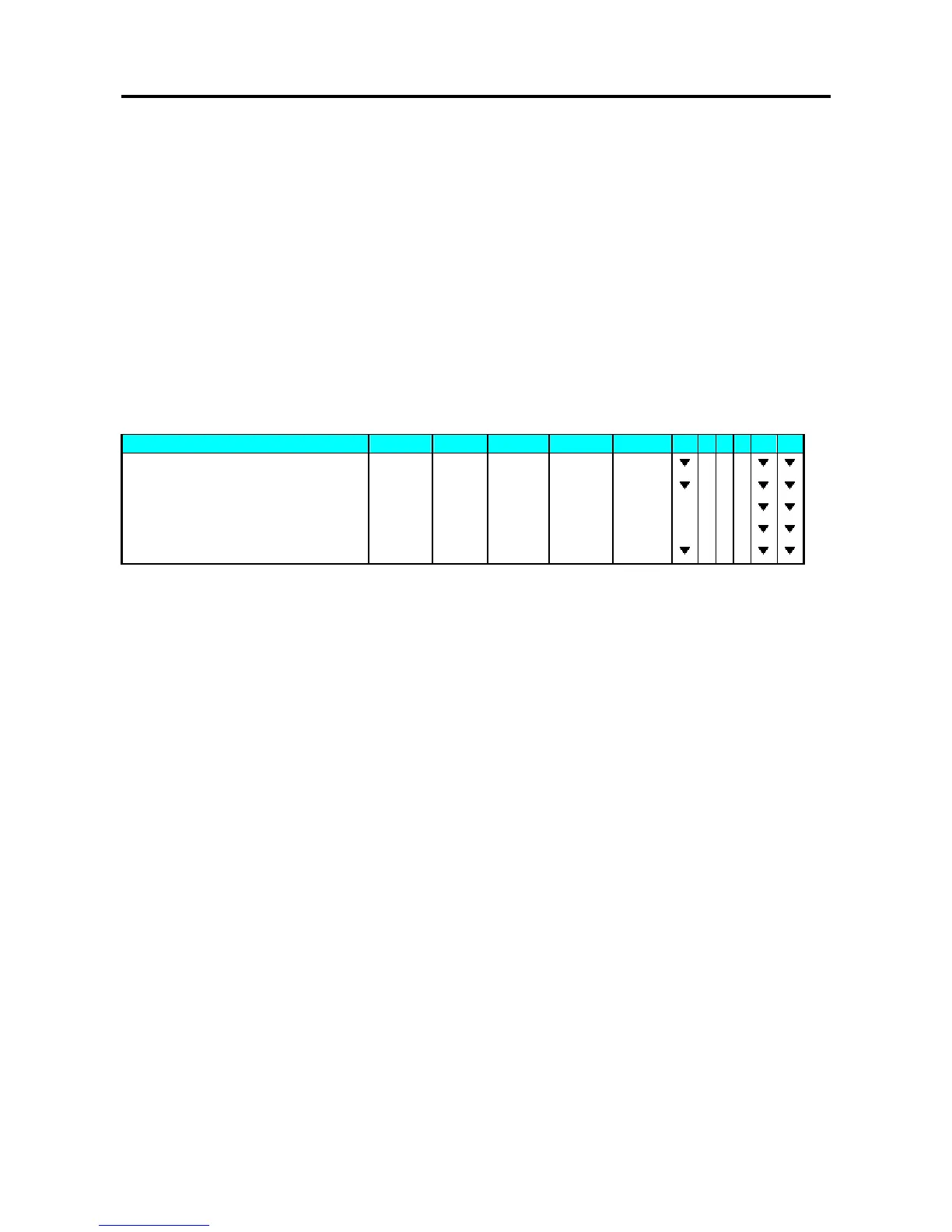
1 - ZERO 2 - NET 3 - FIX T 4 - FIX P 5 - MANUAL 6 - LABEL
OPERATION KEYS PT kg Kg $/kg $ 1 2 3 4 5 6
Stand-by-status. 0.0 0 0 0.0 0 0 0.0 0 0.0 0
Enter the unit price [5] [0] [0] 0.0 0 0 0.0 0 0 5.0 0 0.0 0
Multiply.
[X] QTY 1 5.00 5.00
5 packs.
[5] QTY 5 5.0 0 25.0 0
Print out one item label.
[*] 0.0 0 0 0.0 0 0 0.0 0 0.0 0



 To Next Page
 Loading...








