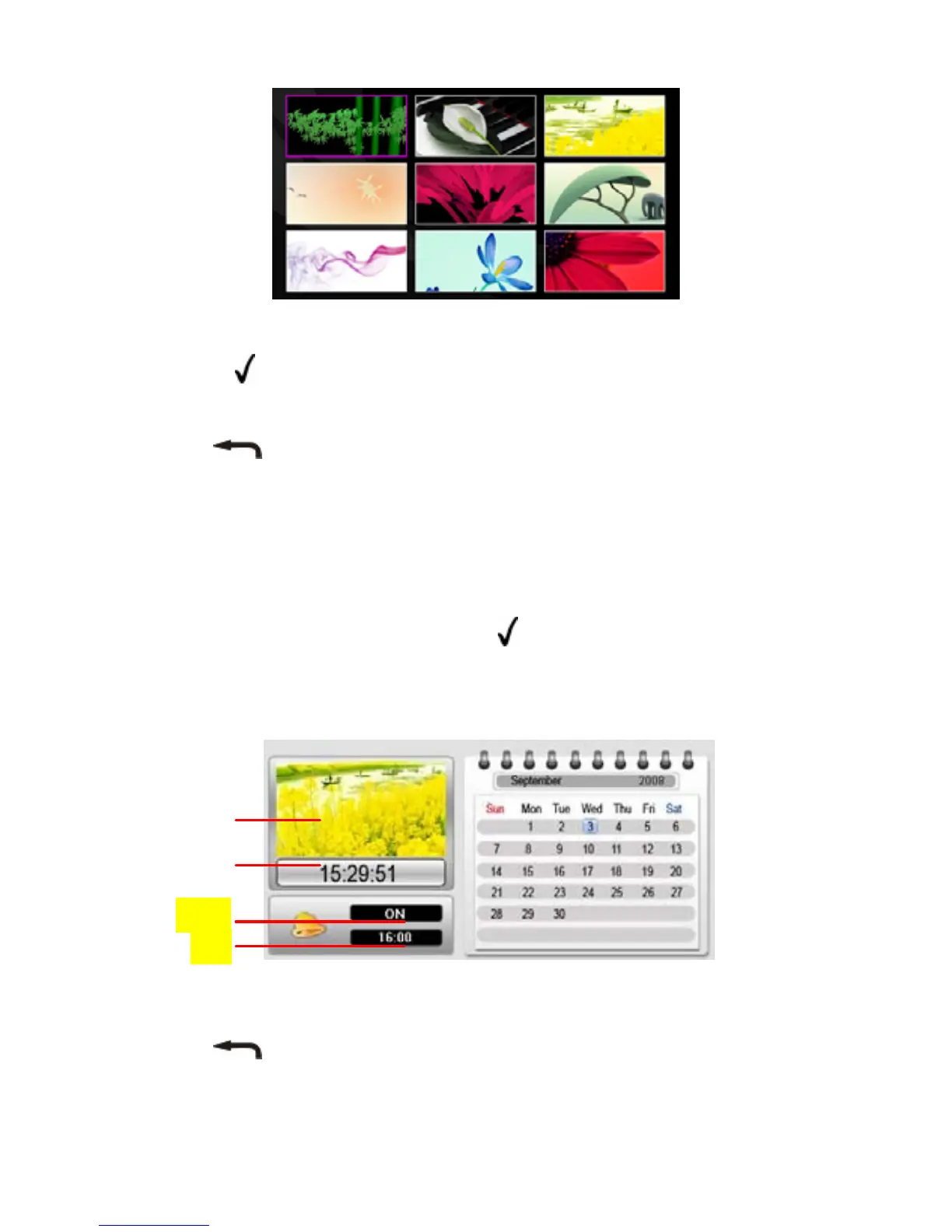
Press LEFT, RIGHT, UP and DOWN to select a picture.
Press the “ ” / “ENTER” button to confirm your selection and
enlarge the photo to full screen.
Press the
/ ESC button to return to the main menu.
9 Calendar
The 7” Touch Pad can be used as a tabletop calendar and an alarm
clock. To enter the calendar view mode, select the “Calendar” from
the main menu, and then press the “
” / “ENTER” button to confirm.
The calendar and the time should display. At the same time, all
photos are displayed in a slide show in the left top corner.
Alarm On/Off
Alarm Time
Current Time
Slide Show
Press the LEFT, RIGHT, UP and DOWN button to select the date.
Press the
/ ESC button to exit and return to the main menu.
- 8 -


 To Next Page