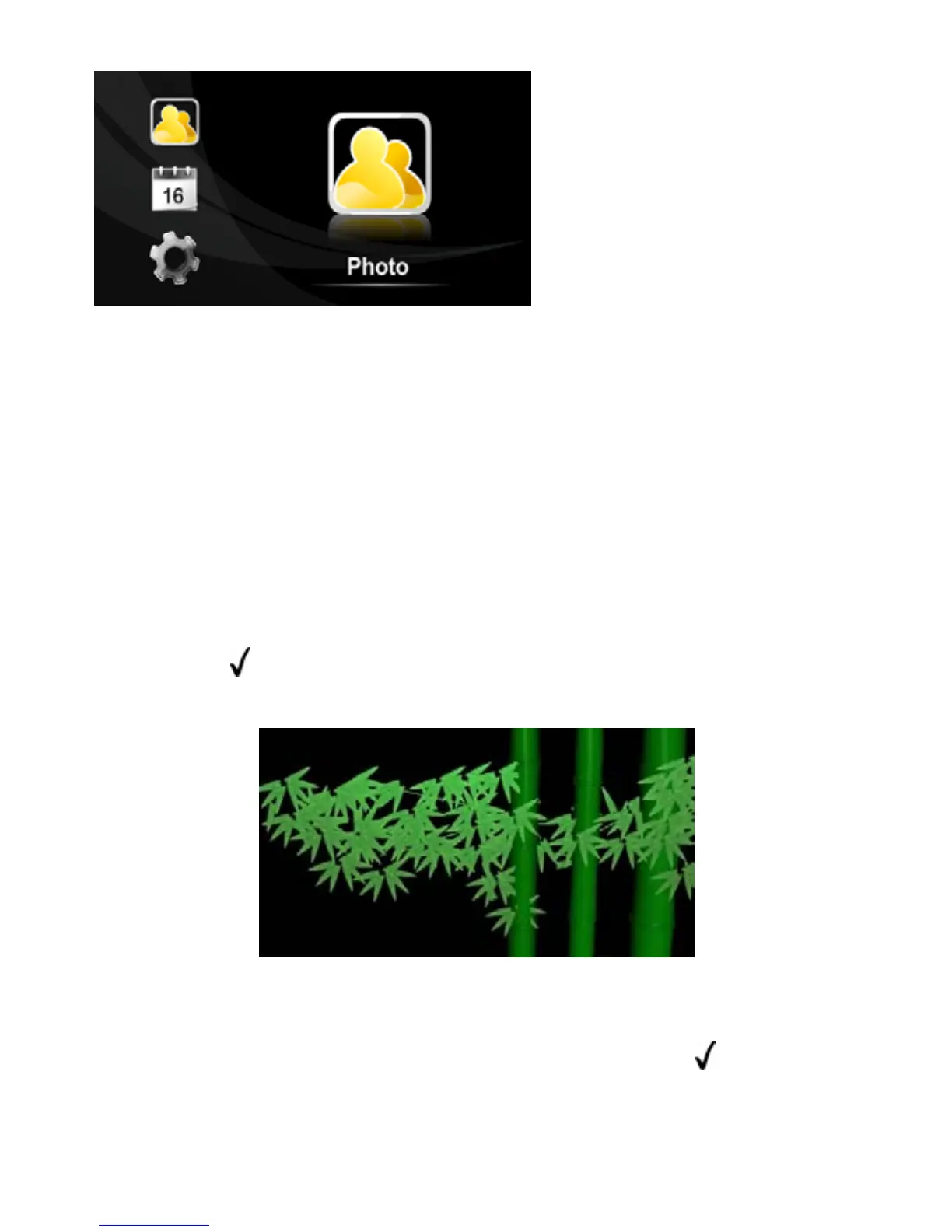
MENU:
Photo Display photos
Calendar Display c
Setting S
alendar
ystem Settings
8 View Photos
vice to a w
all outlet
flash drive into the USB port or a memory card
tep 3: Press the UP / DOWN button to select “Photo” and then
Step 1: Connect the de
Step 2: Power On
Step 3: Insert a USB
into the card slot. (Note: If you insert both, only pictures stored in the
memory device that you inserted last are displayed.)
S
press the “
” / “ENTER” button to confirm to start viewing the
photos.
tep 4: Press the LEFT, RIGHT, UP and DOWN button to select a
S
photo from the thumbnail view mode, and then press “
” / “ENTER”
button to confirm to enlarge it to full screen.
- 6 -


 To Next Page