DG-GS4600SE2 Installation Guide
Chapter 1-6
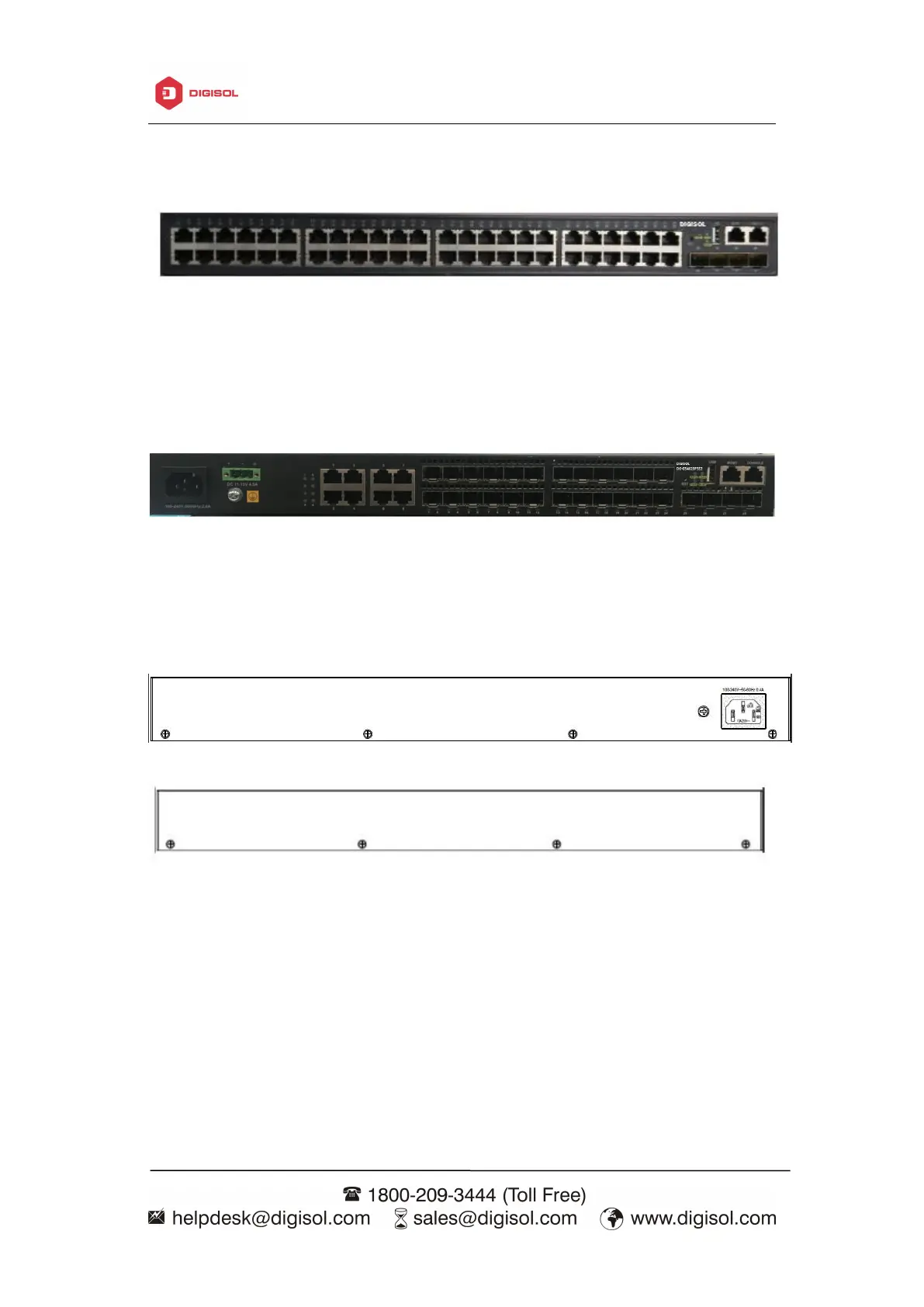
DG-GS4652SE2 Ethernet switches provide provide 48 100/1000Base-TX auto
negotiation ehternet ports, 4 10Gb optical ports, 1 network management port, 1 USB
interface, 1 reset button and 1 Console port.
Fig 1- 3 Front Panel of DG-GS4652SE2
DG-GS4628FSE2 switch provide 8 1000Mb Combo ports, 16 1Gb optical ports, 4
10Gb optical ports ,4 function LEDs, 1 network management port, 1 USB interface, 1
reset button, 1 Console port, 1 ground screw hole, 1 AC plug-in interface and 1 DC
plug-in interface.
Fig 1- 4 Front Panel of DG-GS4628FSE2
DG-GS4600SE2 supplies 1 ground screw hole and 1 power plug-in interfaces.
Fig 1- 5 Back Panel of DG-GS4600SSE2
Fig 1- 6 Back Panel of DG-GS4628FSE2
LEDs of DG-GS4600SE2 series switch show the corresponding state. Mainboard
LEDs include two parts, one is 24 1000M interface LEDs (including 4 combo ports), 4
SFP (combo optical port) interface LEDs and 4 SFP+ interface LEDs. They show each
port state at RJ45 plug-in, each port corresponds a LED with double colors.



 To Next Page
 Loading...








