The default password is encoder name. (as included in the device kit / quick
start guide)
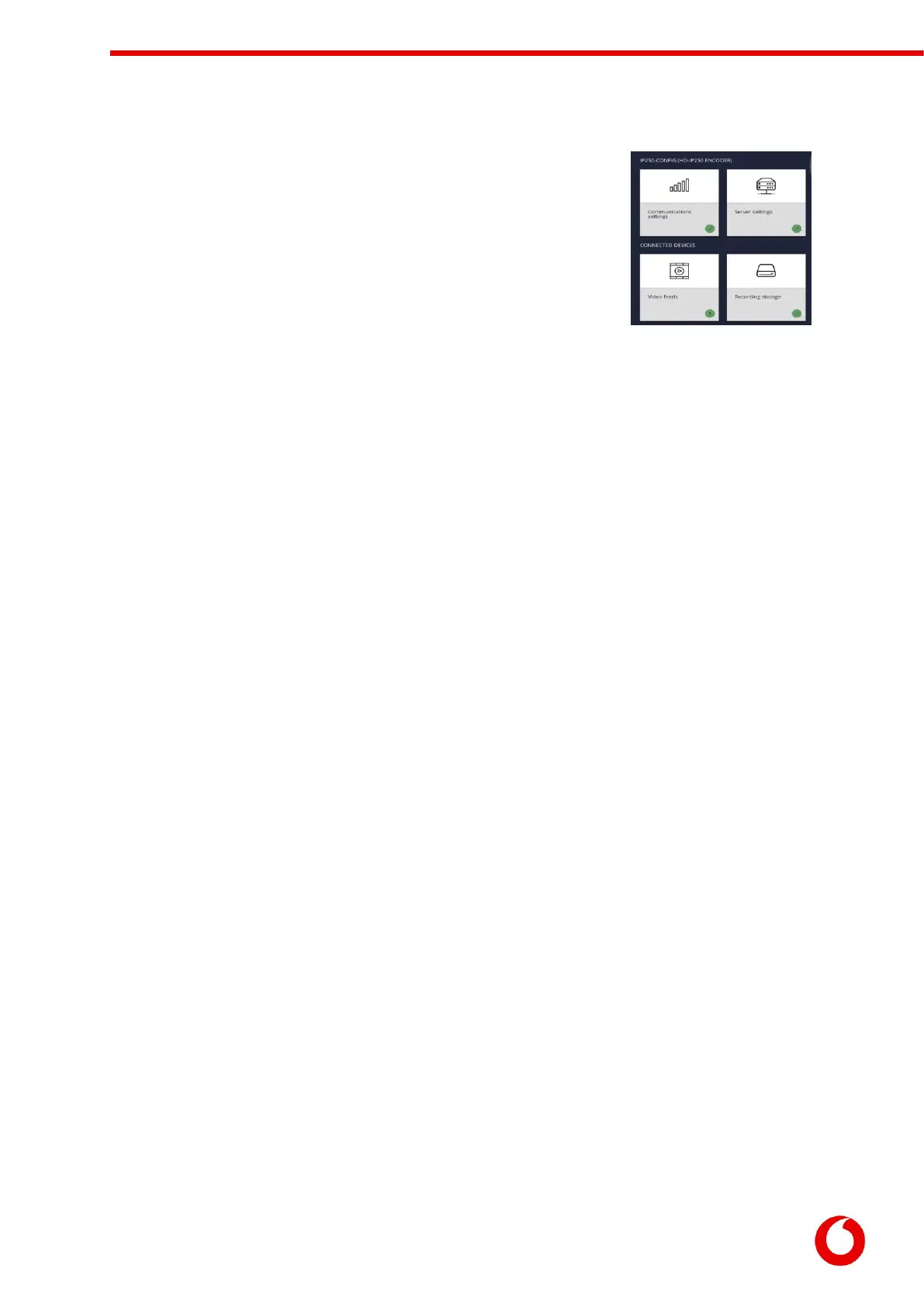
Once logged in the encoder’s dashboard is loaded:
The dashboard presents the status of the encoder, showing red-crosses where
an issue requires attention, or a green tick to indicate that section of encoder
configuration is operating correctly. The encoder will also display a help tip if
any crucial encoder settings are still blank and require configuration.


 To Next Page