Vodafone Business Surveillance – IP200 Installation User Guide
C1 – Public
2. Basic operations of the unit
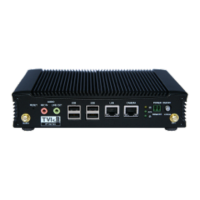
The Vodafone Business Surveillance HD-IP200 is a small and robust device,
ideally suited for use in fixed installations for the recording and live streaming
of video from a single camera.
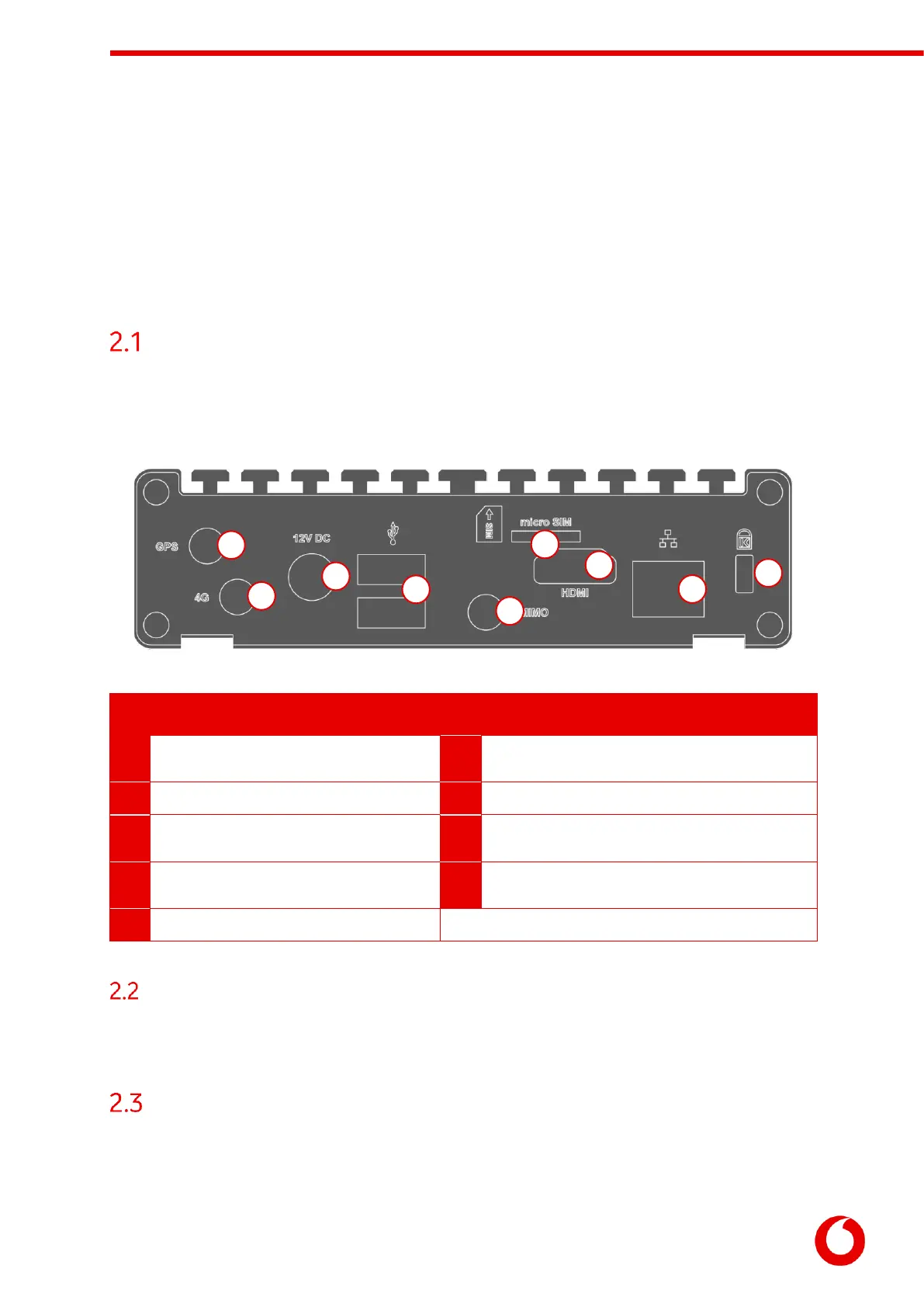
Device connectors
The HD-IP200 features integral TVI streaming using an internal 4G modem or wired LAN, and archiving onto
external SSD/HDD. The device supports the connection of one camera. Connectors for the HD-IP200 are
shown below.
GPS antenna connector. Supports active antenna
(not supplied).
Cellular Micro-SIM socket.
Cellular antenna connector.
HDMI video connector – not used.
Power input connector (12 DC)
LAN port (for configuration, communication and
accessing IP cameras)
USB 3.0 ports - for configuration, external USB
storage, Wi-Fi and additional modem support.
Cellular antenna connector.
Powering the device and switching it on/off
The HD-IP200 must be powered using an AC/DC adapter (supplied). To switch the unit on simply connect
the output cable from the AC/DC adapter to the DC input connector on the front panel of the HD-IP200 and
connect the AC/DC adapter to the mains power outlet.
Default LAN port IP Addresses
For ease of deployment each LAN port on the HD-IP200 device is pre-configured with a static IP address:



 To Next Page