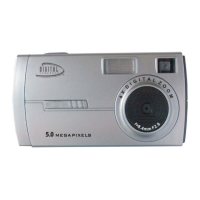
For WIN 2000 or WIN XP operating systems - On the “Install your camera
software” screen, select your camera model from the drop down list and click the
“Install” button to install PhoTags Express followed by the installation of PhoTags
WebCam Express and your camera driver.
For WIN 98SE operating system- On the “Install your camera software” screen and
follow these instructions:
1. Click the “DirectX” button and follow the installation instructions, restart your
computer after the installation
2. Insert the CD into your CD-Rom drive. Make sure that your camera is not
connected to the computer.
3. On the “Install your camera software” screen, select your camera model from
the drop down list and click the “Install” button to install PhoTags Express
followed by the installation of PhoTags WebCam Express and camera driver.


 To Next Page