Manual Photo Download -Get photos manually using “PhoTags Express”
Use the “PhoTags Express” program to import the photos from your camera.
1. Plug one end of the USB cable into the USB slot on your camera.
2. Plug the other end of the USB cable into a USB port on your computer.
3. Make sure that your camera is connected and turned ON.
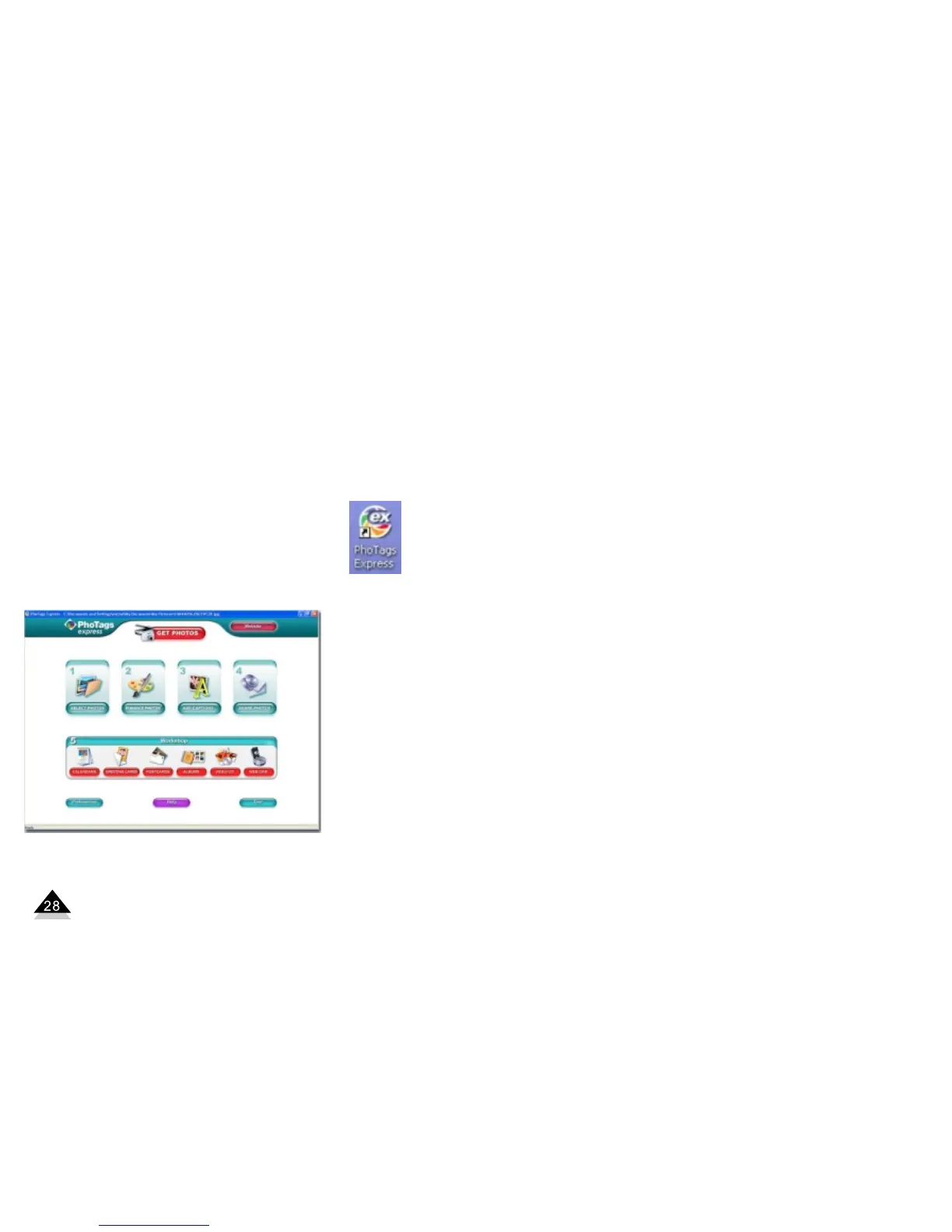
Double-click the “PhoTags Express” icon on your desktop to launch the “PhoTags Express”
program.
Click on the “Get Photos” button on the Main Menu.


 To Next Page