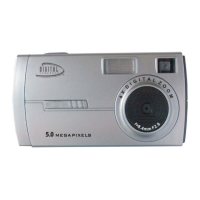
1. Press POWER/MENU to turn the camera on.
2. Hold the camera steady and press the shutter button to take photos.
Tip: You can frame your shot precisely by using the LCD monitor.
Press and hold down POWER/MENU for 3 seconds to turn your camera off.
Tip: If your camera remains idle for an extended period, it will automatically turn
off to conserve energy. To reactivate it press POWER/MENU.
Turning Off Your Camera


 To Next Page