Note: Before installing a memory card, download any pictures or videos on
the camera as these will be lost when the battery compartment is opened.
(See page 24.)
1. Open the battery compartment and
locate the memory card slot.
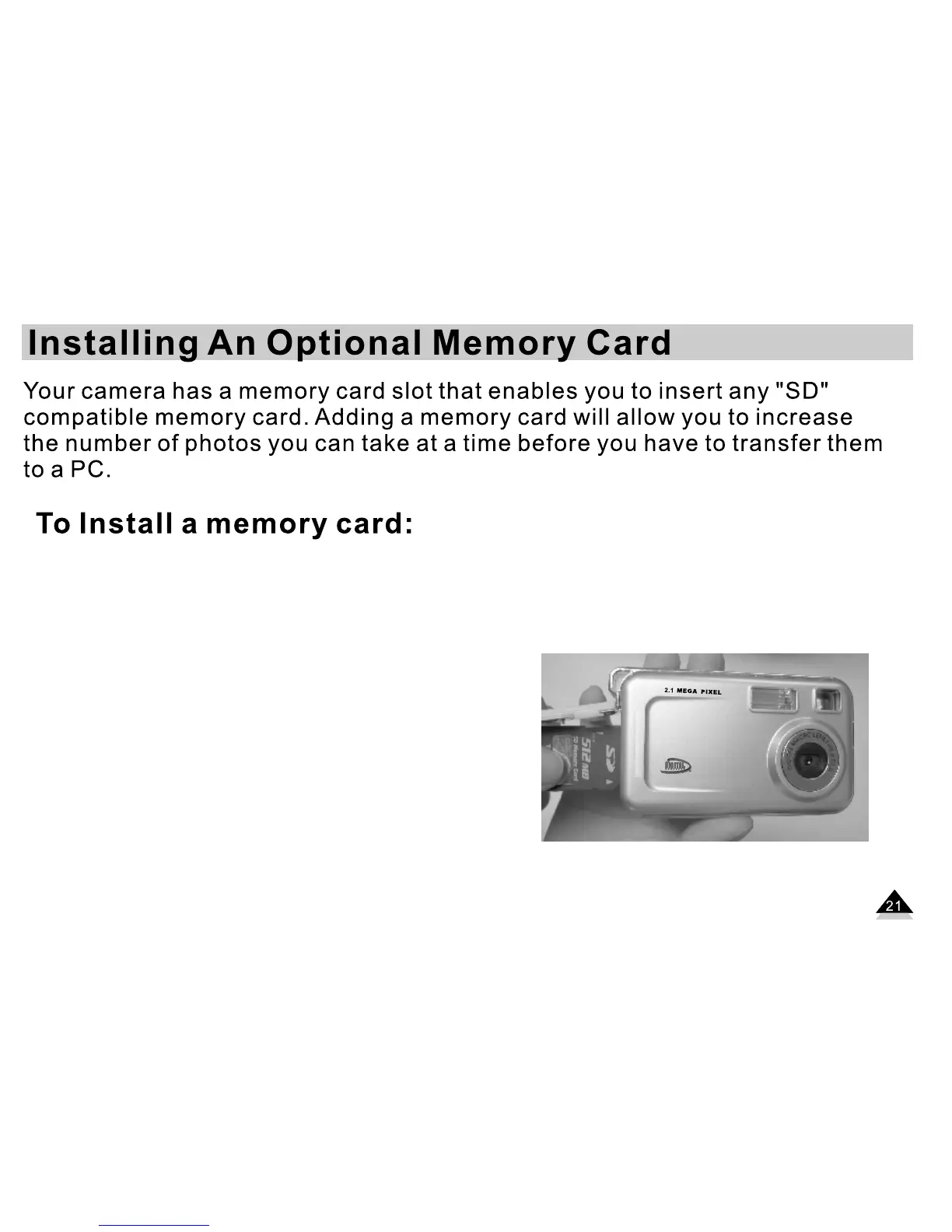
2. Insert the memory card as shown in the
illustration.
3. Push the card in until you feel the card
“click” into position. If the card is correctly
installed, the top of the card will be flush
with the side of the camera.
4. To remove the card, push it in slightly to
release it from the card slot.


 To Next Page