3
Ö For information on fitting batteries, turn to Loading the Battery in section 2.
Ö To learn how to install a memory card, turn to Inserting an Optional SD Card in
section 2.
Ö For information on transmitting images and movie clips to a computer using the TV
Out ( ) and USB ( ) ports, turn to Section 5, Viewing Photos and Movie Clips
on a TV, and Section 6, Transferring Data to a Computer respectively.
Ö The Macro Switch (
/ / ) is used when taking photos with different lengths of
focus. Turn to Taking Close-Up Photos in section 3 for full details.
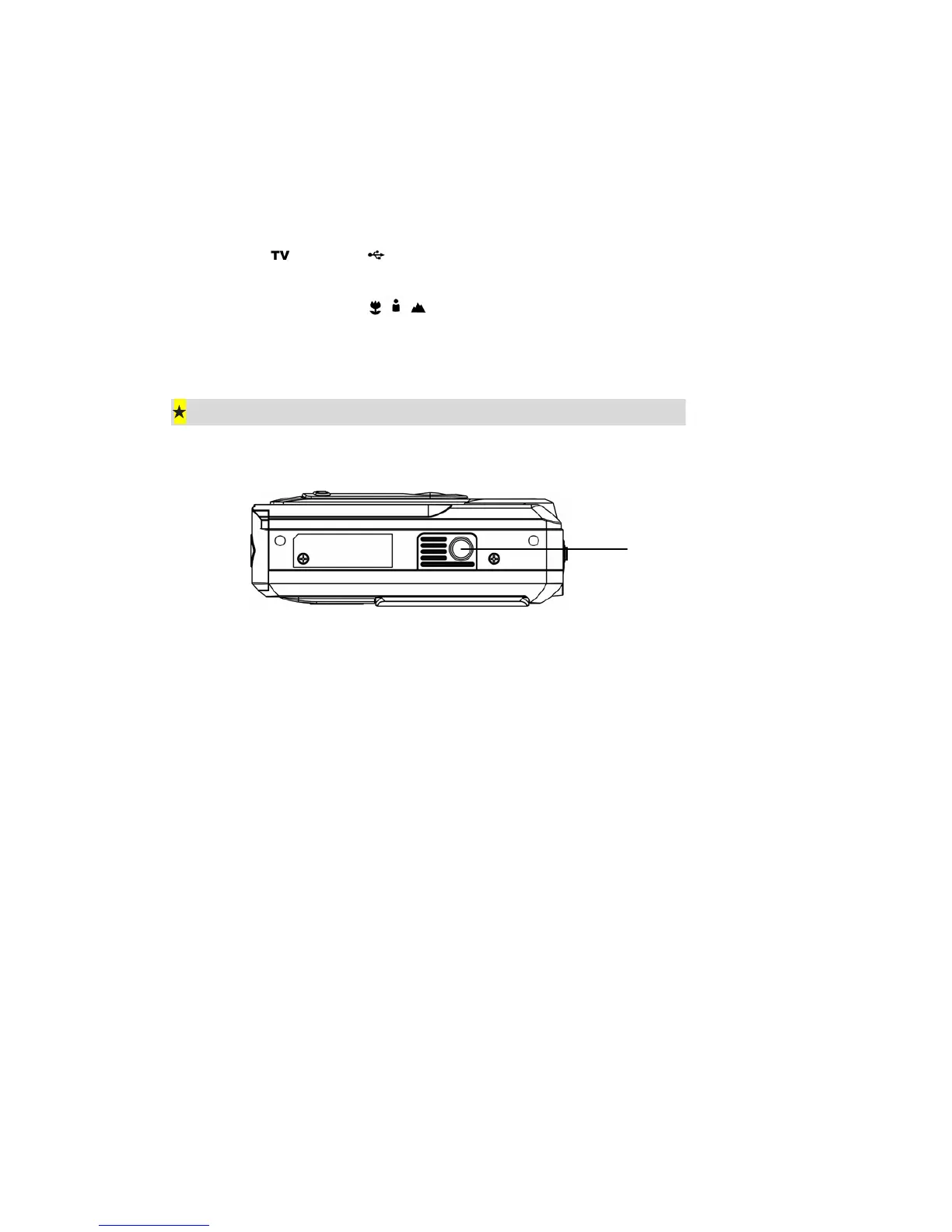
Bottom View
Tripod Mount



 To Next Page