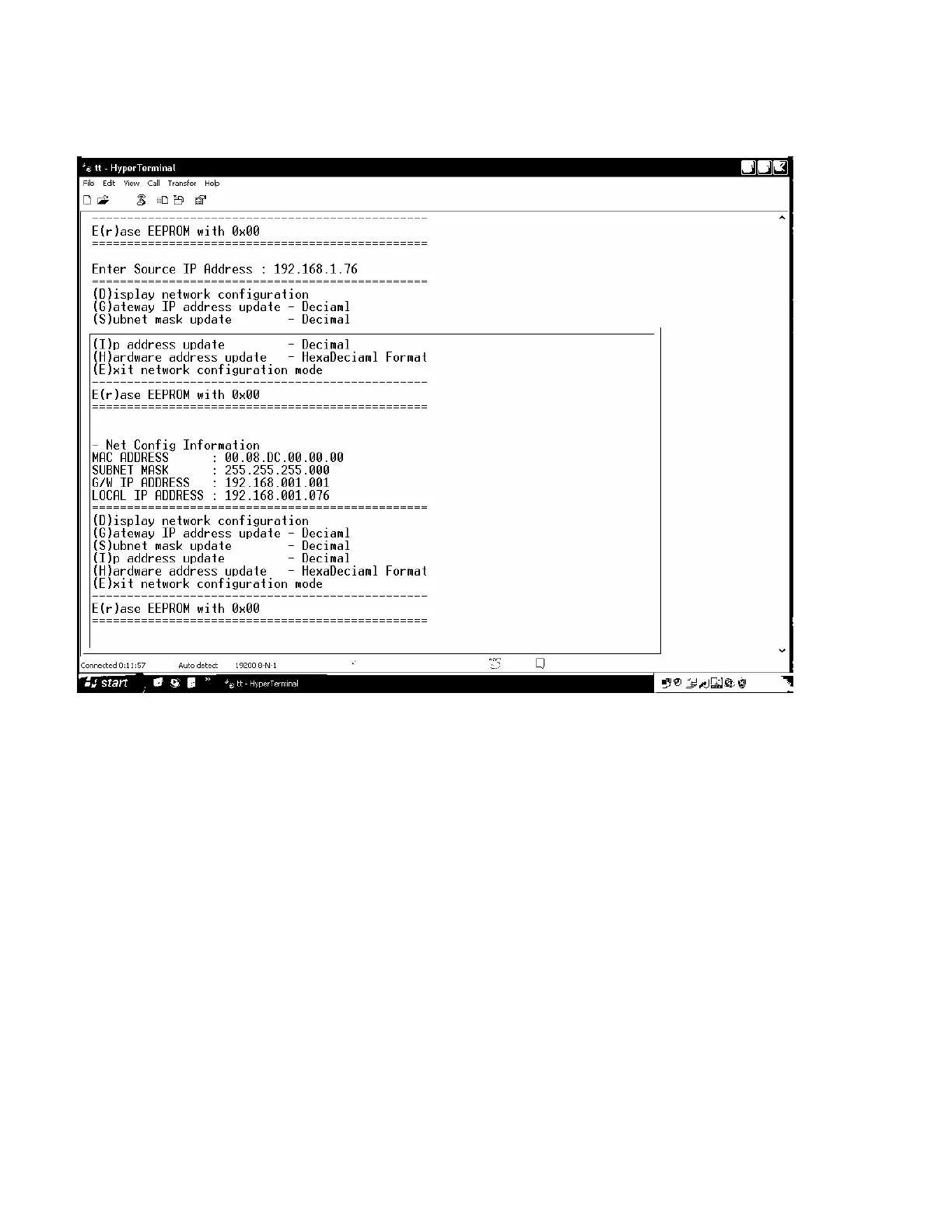
Set up IP Address
twork address.
.
Key is input matrix IP address
all inputs are completed, then exit the configuration by press E key.
lorer
.
o begin with character train of “LCD.CGI”, “O 01 = I 6” means “Output 01 Input 6”, the sequences and sizes of
uld be the same.
ttp://192.168.0.02/LCD.CGI?O01=I06&O02=I05&O03=I04&O04=I03&O05=I02&O06=I01 &Submit_=SEND
http://192.168.0.02/LCD.CGI?O01=I06&O02=I05&O03=I04&O04=I03&O05=I02&O06=I01 &Submit_=Reset
You can see the commands at Internet Explorer address line.
D key displays existing matrix ne
G key is input gateway IP address
S key is input subnet mask
I
H key is input hardware address
If
Connect matrix to your network via LAN
1. Switching command at Internet Exp
Switching command is a receiving data from IE to change channel
T
character train sho
After reset, it should be connected again to server (switcher).
Channel switch
h
Initialization (Reset)
Copyright 2007 RTcom USA., Inc.
13



 To Next Page