Copyright 2007 RTcom USA., Inc.
9
, 5 OFF, 6 OFF, 7 OFF, 8 OFF,
, 5 ON, 6 OFF, 7 OFF, 8 OFF
Ex)
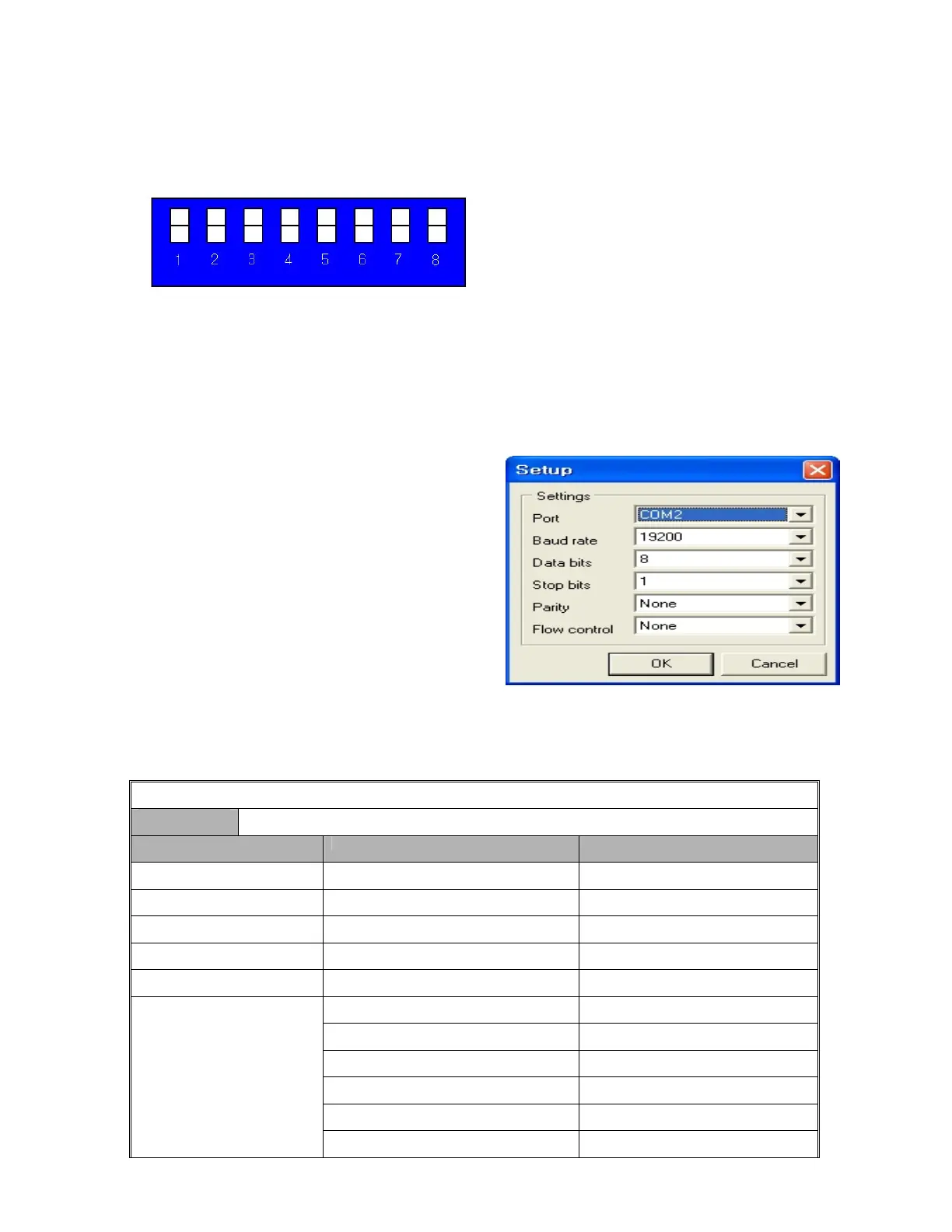
Product ID = 01 (00000001b) -- 1 ON, 2 OFF, 3 OFF, 4 OFF, 5 OFF, 6 OFF, 7 OFF, 8 OFF,
Product ID = 10 (00001010b) -- 1 OFF, 2 ON, 3 OFF, 4 ON
Product ID = 23 (00010111b) -- 1 ON, 2 ON, 3 ON, 4 OFF
D0 D1 D2 D3 D4 D5 D6 D7
LSB MSB
• The product number is the value set in dip switches
255. The value “0” is not available.
ctory Default).
After booting the matrix, connect RS-232C cable and
then ication settings as follows:
• e
• Commu tting:
You may set port COM 1 ~ 4 or you may use all
availab
4. Communication code configuration
4-1 Configuration of RS-232C communication code
From Co
of the equipment and can be set in the values of 1 ~
**The product ID is set number “1” at the time of its delivery (Fa
3-4 RS-232C (COM PORT) communication setting
make commun
Execute MiniT rm.exe or hyper terminal.
nication se
le ports.
mputer
Code (46Byte) Start Header (3Byte) | Product ID (2 ) | Command (2Byte) | Data (38Byte) | yte) Byte Tail (1B
Code Name Byte Data Function
Start Header 2 ) R t 1h (! equest Frame Star
Start Header 30h (0) Request Frame Start
Start Header 31h (1) Request Frame Start
Product ID 30h ~ 39h (DIP Switch Set) Product Number
Product ID 30h ~ 39h (DIP Switch Set) Product Number
01 Input SW Assign
02 Input SW Assign Salvo
03 ED n IE SW Assig
04 EDID SW A gn Salvo ssi
10 Assignment Status Request
Command
20 Reset



 To Next Page