Script Playback Mode
Scripting makes it relatively easy to create your own prerecorded segments and
play these back on a Digitarium Alpha projector. This allows you to automate
repetitive or awkward tasks, customize aspects of Stellarium, or even create
complete prerecorded shows. See the separate document entitled “ Creating
Scripts for the Digitarium Alpha” for information on writing a script.
To run a script, bring up the menu in Stellarium and go to section 6, Scripts. You
can choose either a local script located in the projector (maintained by Digitalis),
or a script located on a data CD or DVD that is in the projector drive. Scripts on
CD must be located in a “ scripts” directory in the root directory of the CD.
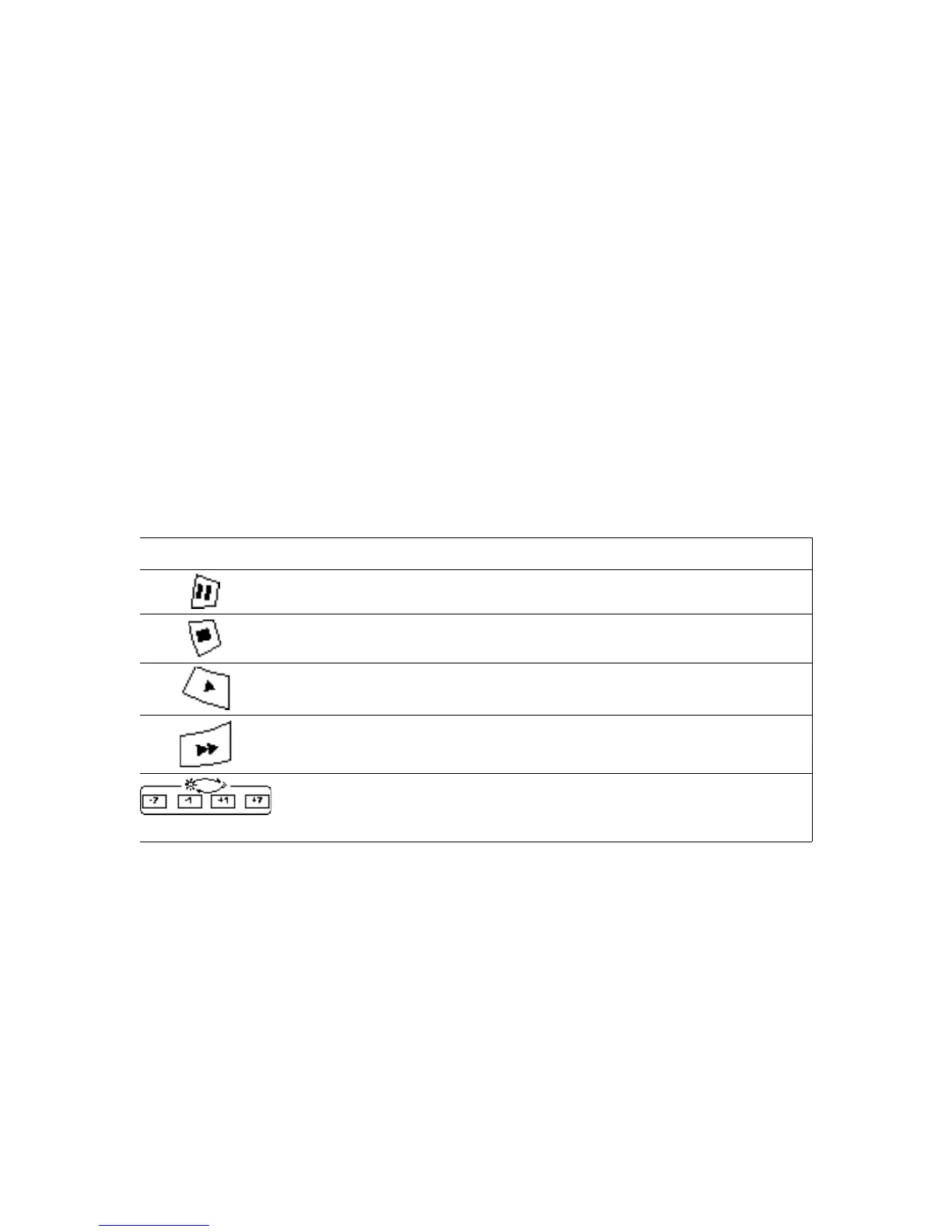
While a script is playing, you can pause, fast forward, play, stop, and adjust the
volume as needed; you cannot rewind a script. You cannot affect Stellarium with
the remote as you normally would while a script is playing. If you press the menu
button before the end of the script, the script will stop. Currently you cannot
access the media browser while a script is playing.
Button Script Playback Mode Function
Pause/continue script playback.
Stop script playback.
Play script at normal speed.
Fast forward script. Can be pressed multiple times for faster
rates.
Decrease (-7) or increase (+7) script volume.
Digitarium Alpha User Manual 17


 To Next Page