Troubleshooting
Symptom Possible Solution
Nothing
projected.
1. Is there power to your projector?
2. Did you use the DLP remote control to turn on the projector
lamp?
3. Did you press and hold down the power button while
pointing the remote into the grille?
4. Is the DLP projector remote working? The laser pointer can
still function even if the batteries are too weak to
communicate with the projector. Replace the batteries and try
again.
5. Do you need to replace the bulb? See 'Indicator Light States'
table on page 7.
Pointer stuck
at zenith.
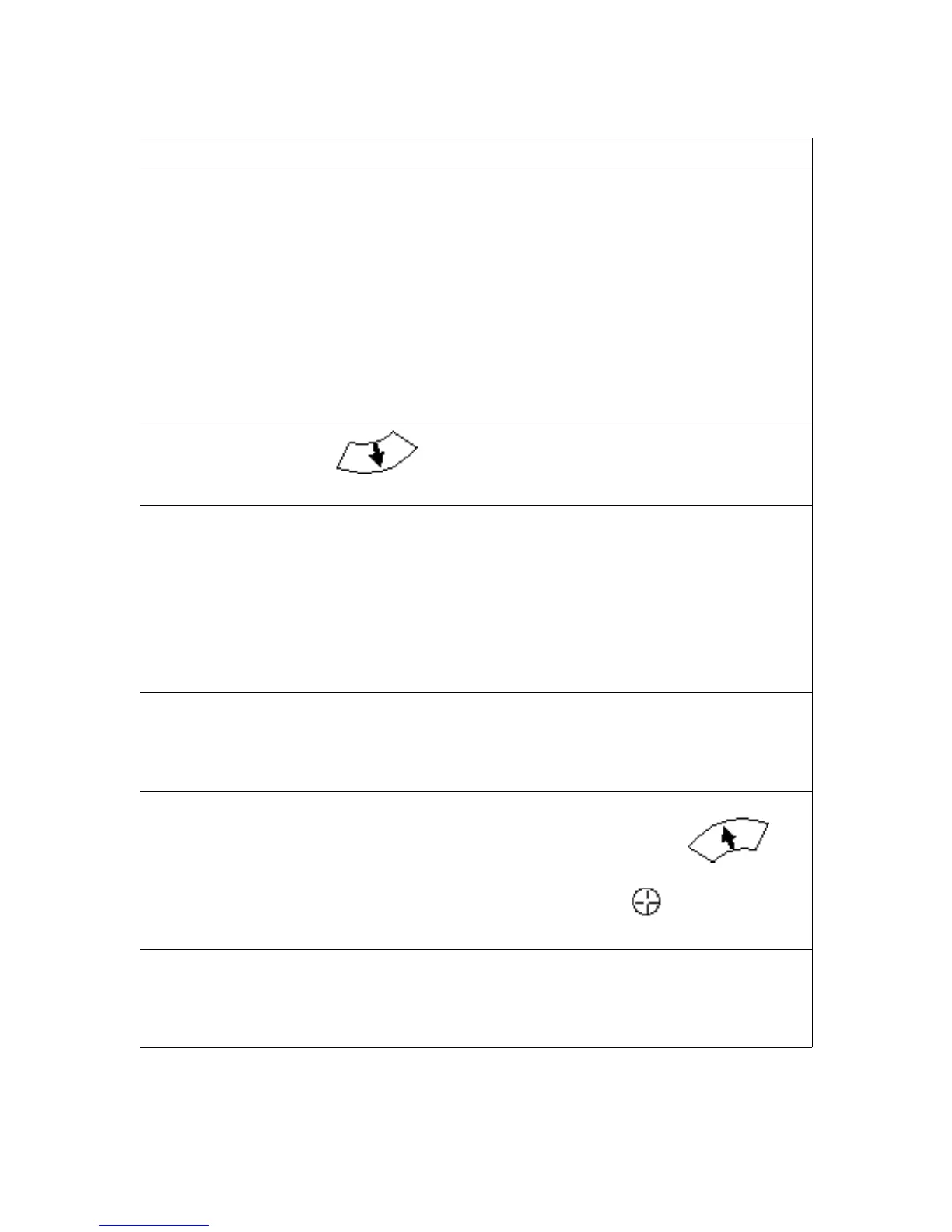
Press to get away from zenith, then move in desired
direction.
Remote
buttons don't
seem to work.
1. Are you in menu mode? If so, exit.
2. Are you aiming the remote control at the zenith?
3. Point the remote directly into the infrared receiver window on
top of the projector and push a button. The infrared receiver
will flash each time a signal is received.
4. Check remote control batteries if the buttons don't light up or
the infrared receiver did not flash.
5. If all else fails, reset the computer using the reset button.
Mouse won't
move.
1. Make sure that you are not stuck at the zenith and that the
remote buttons are responding.
2. If neither of these is the cause, check to see if you are in
menu mode, and exit if you are.
Can't find
pointer.
1. Are you in menu or media mode? If so, exit.
2. If you are in normal operating mode, press the
button to move the pointer toward the zenith.
3. Have you hidden the pointer? Press the button to show
it.
Projection
seems off
center.
Turn on the azimuthal grid. Use the DLP projector remote to
adjust the horizontal position (“ H Position” ) of the projection as
needed. This setting is accessible on the image menu section of
the DLP projector on-screen display.
Digitarium Alpha User Manual 27


 To Next Page