Media Mode
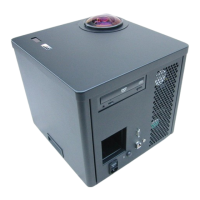
The Digitarium Alpha has an integrated DVD drive which allows you to show your
own or third-party content from a data CD, data DVD, or unencrypted video DVD.
Most common formats of still images and video are supported. Audio files in
WAV or OGG format can be played with an accompanying visualization. To show
your own content, burn the chosen files onto a DVD-R or CD-R. See the Creating
Multimedia Disks section for directions on burning disks.
Data CD or DVD:
1. Insert the disk into the disk drive.
2. Press the button. A media browser will pop up displaying the contents of
the root directory on your disk.
3. Use the and buttons to browse the directories and files.
Press or to select a subdirectory or file to view. Press to
go up a level in the directory tree.
4. If you are viewing a file, you can move between files without returning to the
media browser by using the and buttons. You can also
use the button to increase the size of a still image, and the button
to decrease the size. If the image is large, you can pan with the 2, 4, 6, and 8
buttons. Video volume is controlled by buttons -7 and +7.
5. To stop showing an image or video, press the , , or button.
6. To pause a video, press the button; to resume playing, press . Fast
forward by pressing the button, and slow playback by pushing the
button.
7. To return to the sky, press the button. The next time you press this button,
you will be returned to the last file or directory you were viewing.
Digitarium Alpha User Manual 18


 To Next Page