Sound Bar Setting
2) Sound bar Function Settings
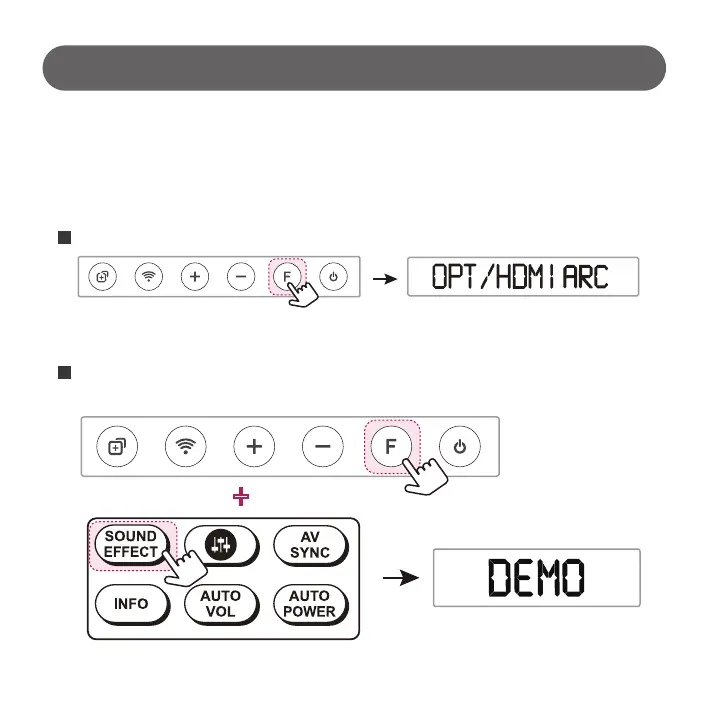
Select “OPT/HDMI ARC” function by pressing “F” button on remote controller or Sound bar.
If you don’t set up Sound bar Demo Mode, sound bar will be turned off automatically after certain time.
Then, Sound Switcher is not working well.
With pressing “F” button of Sound bar, long pressing “Sound effect key” of remote control.
Once you can see “Demo” Mode, release pressed button to complete settings.
1
2
- 8 -



 To Next Page