-2-
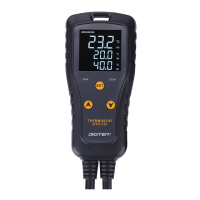
Panel Instructions
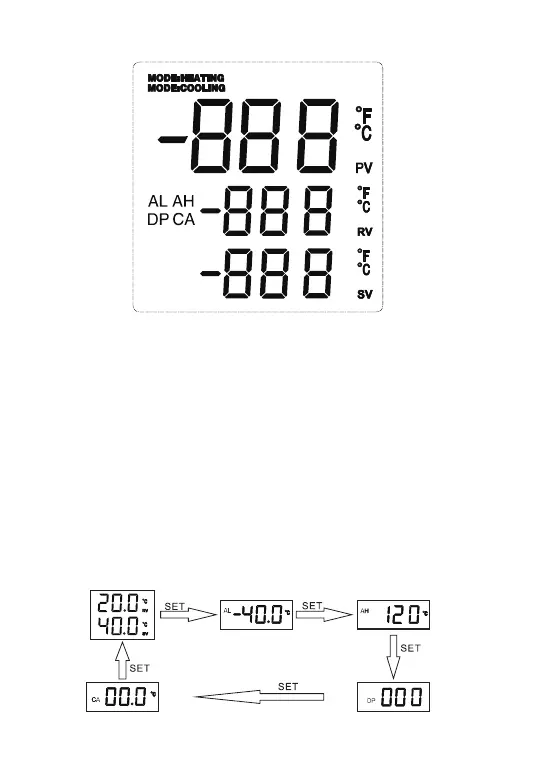
1. PV: Current Temperature.
2. RV: Run Temperature
3. SV: Stop Temperature
4. AH: High Temperature Alarm
5. AL: Low Temperature Alarm
6. DP: Time of Compressor Delay Starting
7. CA: Temperature Calibration
8. Mode: Cooling: Working Mode
9. Mode: Heating: Working Mode
View Setting Parameters
When the controller is working normally, short press SET and you can look at
the parameter values in order.


 To Next Page