EasyManua.ls Logo

Digitus DN-70566 - User Manual

Digitus DN-70566
24 pages
Print Icon
To Next Page IconTo Next Page
Loading...
1 / 24
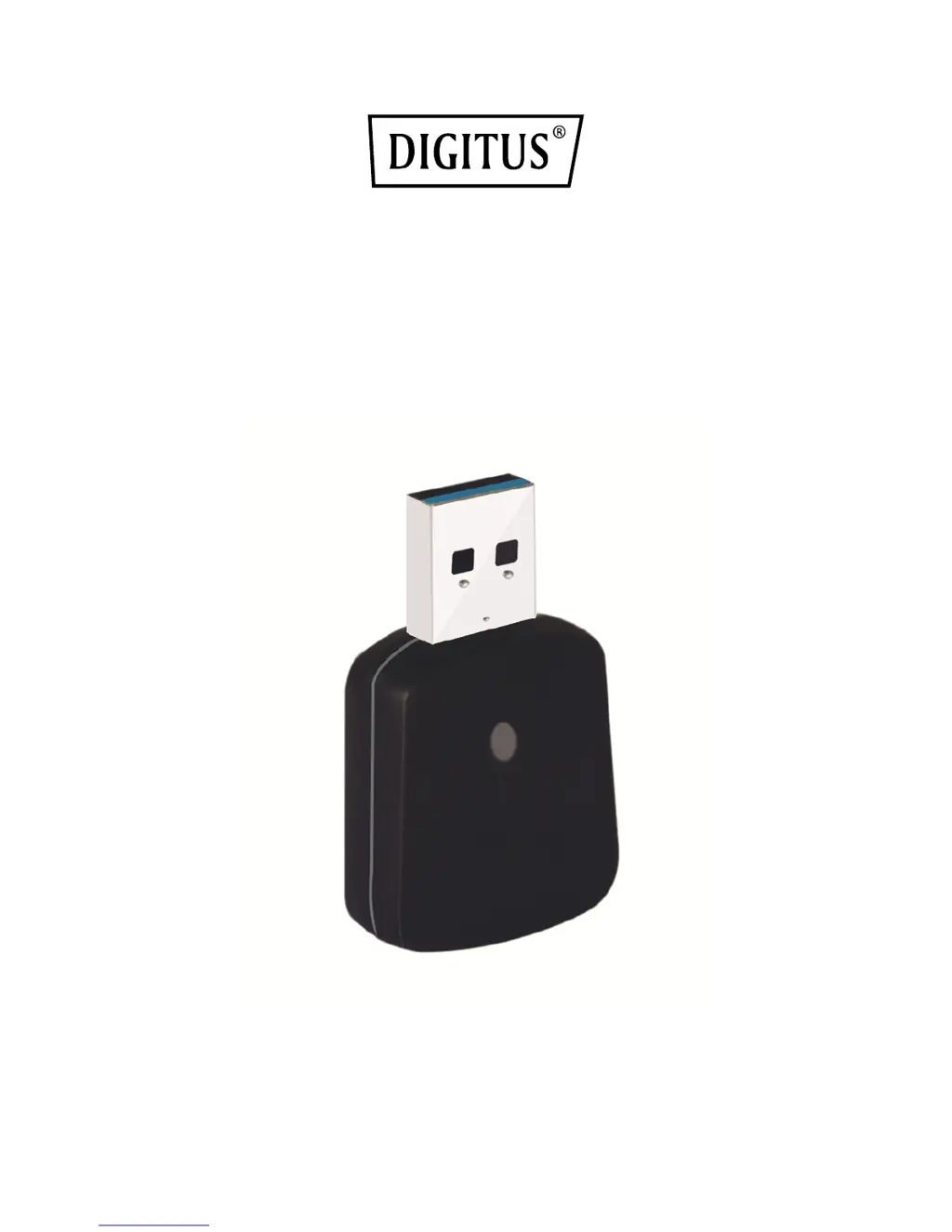
Wireless 802.11b/g/n/a/ac
USB Adapter
User Manual
DN-70566

Questions and Answers

  • S
    Shannon SimmonsAug 11, 2025
    What to do if nothing happens when I click ‘Open Config Utility’ for Digitus DN-70566?
    • M
      Mary PriceAug 11, 2025
      If nothing happens when you click ‘Open Config Utility’ for your Digitus Adapter, ensure the wireless network card is properly inserted into your computer’s USB port. If the issue persists, try rebooting your computer. You may also try removing the card and inserting it into a different USB port. As a further step, consider removing and reinstalling the driver.
  • A
    Andrea BlackAug 18, 2025
    Why is the network slow when transferring large files with Digitus DN-70566 Adapter?
    • S
      Steven LeeAug 18, 2025
      If you are experiencing a slow network or issues when transferring large files using your Digitus Adapter, try moving closer to the access point. Also, the issue might be due to too many users on the same radio channel. In this case, ask the access point owner to change the channel number.
  • N
    Nancy MurphyAug 26, 2025
    What to do if I cannot establish connection with a certain wireless access point using Digitus Adapter?
    • C
      Calvin KimAug 26, 2025
      If you cannot establish a connection with a wireless access point using your Digitus Adapter, try clicking ‘Add to Profile’ multiple times. If the SSID is hidden, manually input the correct SSID. Ensure you are using the correct passphrase or security key for encrypted access points. If the access point requires specific MAC addresses, provide your adapter's MAC address (found in the ‘Status’ menu) to the access point owner.
  • J
    jenniferjohnsonSep 2, 2025
    How to fix not finding wireless access point in ‘Site Survey’ function on Digitus Adapter?
    • M
      Matthew EdwardsSep 2, 2025
      If you can’t find any wireless access point or wireless device in the ‘Site Survey’ function of your Digitus Adapter, try clicking ‘Refresh’ a few more times. Move closer to any known wireless access point. Ensure the ‘Ad hoc’ function is enabled for direct wireless links. Adjust the position of the network card and refresh again. If found, move closer to the wireless access point or device.

Summary

CHAPTER 1. Introduction

1.1 Product Features

Lists the technical specifications and capabilities of the wireless adapter.

1.2 Package Contents

Details the items included in the product package for user reference.

1.3 Indicator Description

Explains the function and meaning of the device's LED indicator.

CHAPTER 2: Quick Installation Guide

2.1 Driver Installation

Provides step-by-step instructions for installing the necessary device driver.

2.2.1 Using Client Utility

Guides users on connecting to a wireless network using the client utility.

2.2.2 Using WPS Connect

Details the Wi-Fi Protected Setup (WPS) feature for simplified secure connections.

PIN Code WPS Connection

Explains the process of connecting to a network using the WPS PIN code method.

Push Button WPS Connection

Guides on establishing a WPS connection using the Push-Button method.

CHAPTER 3 Soft-AP Function

3.1 Switch to AP Mode and Station Mode

Instructions on switching the adapter between client and access point modes.

3.1.1 Configure SSID and Channel

Details setting the SSID and channel for the software access point.

3.1.2 Setup Soft-AP Security

Guides on configuring security options for the Soft-AP mode.

3.2 Advanced Settings

Explains advanced configuration options for the software access point.

3.3 Wireless Statistics

Shows how to view operational data and statistics for the access point.

CHAPTER 4: Troubleshooting

I cant find any wireless access point

Provides solutions for failing to detect wireless access points or devices.

Nothing happens when I click Open Config Utility

Offers steps to resolve issues when the configuration utility does not respond.

I cannot establish connection with a certain wireless access point

Solutions for problems encountered when connecting to a specific wireless access point.

The network is slow; having problem when transferring large files

Troubleshooting steps for slow network performance or file transfer issues.

Digitus DN-70566 Specifications

General IconGeneral
BrandDigitus
ModelDN-70566
CategoryAdapter
LanguageEnglish

Related product manuals