EasyManua.ls Logo

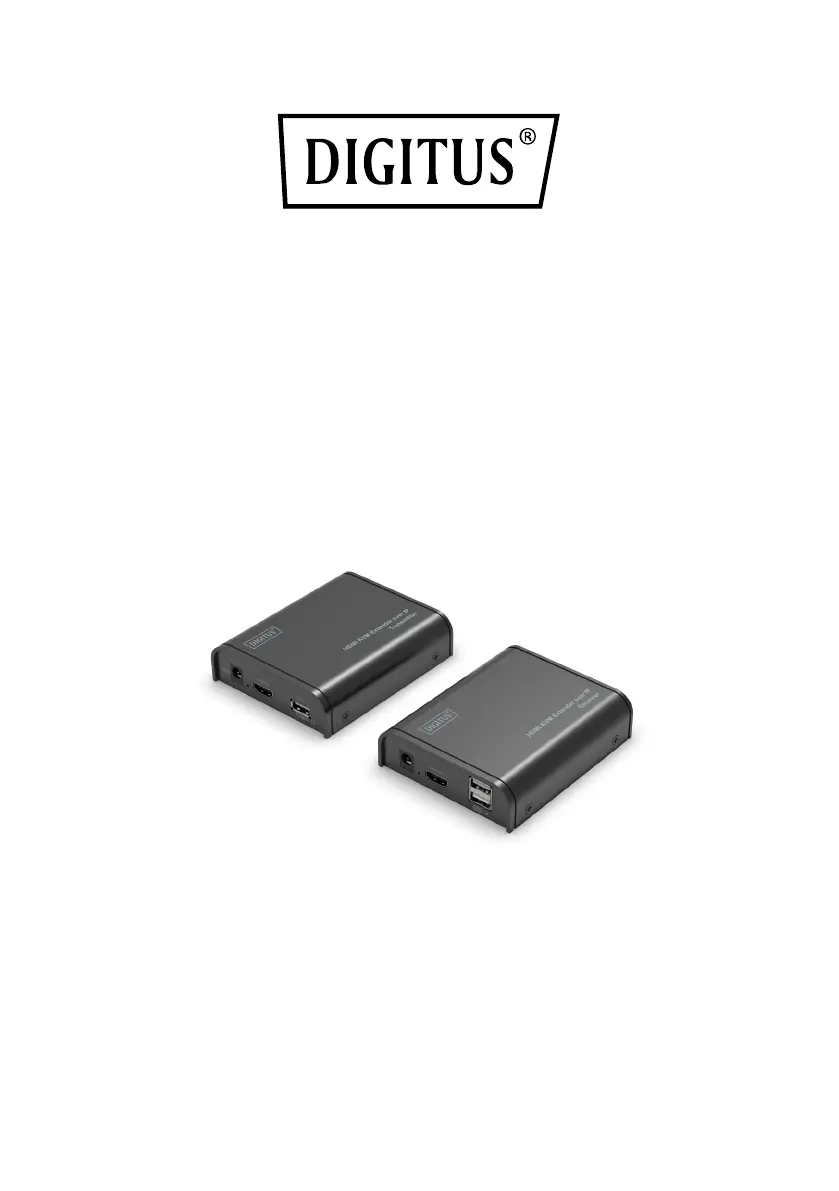
Digitus DS-55202 - User Manual

Digitus DS-55202
9 pages
Print Icon
To Next Page IconTo Next Page
Loading...
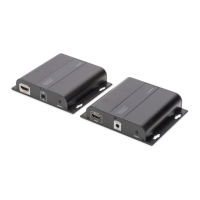
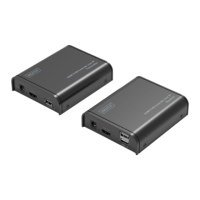
HDMI KVM
Extender over IP, Set
Quick Installation Guide
DS-55202 Rev.3

Questions and Answers

  • A
    Aaron EvansAug 10, 2025
    What to do if there is no picture or picture flicker on my Digitus Extender?
    • N
      newmanjacquelineAug 10, 2025
      If you are experiencing a lack of picture or flickering images, the issue might stem from the quality or connection of your HDMI and UTP cables. Verify that both HDMI and UTP connections are secure. If the problem persists, try swapping them out for high-quality HDMI 1.4 standard HDMI cables or UTP cables (CAT5e/CAT6 or higher is recommended).
  • M
    michael78Aug 19, 2025
    How to fix no sound or sound issues with my Digitus DS-55202?
    • K
      kristin68Aug 20, 2025
      Sound problems with your Digitus Extender can arise from several factors. Here's how to troubleshoot: * First, ensure that the HDMI cables are properly connected. * Second, confirm that the audio format is supported by your displays. If it is not, switch to a supported format. * Third, check the source player's settings to ensure it's set to output audio via HDMI.
  • P
    petersnicholeAug 30, 2025
    Why my Digitus DS-55202 Extender is not power-connected or all LEDs are off?
    • H
      hernandezloriAug 30, 2025
      If your Digitus Extender isn't powering on and all the LEDs are off, the issue might be with the power supply. Ensure the power supply is properly connected and that the output voltage matches the recommended value.

Digitus DS-55202 Specifications

General IconGeneral
ModelDS-55202
CategoryExtender
Data Transfer Rate18 Gbps
HDCPYes
Power Consumption (Transmitter)3W
Power Consumption (Receiver)3W
Power Supply5V DC
Maximum Resolution4K@60Hz
HDCP Version2.2
Transmitter Unit PortsHDMI, RJ45
Receiver Unit PortsHDMI, RJ45
Operating Temperature0°C to 50°C
Storage Temperature-10°C to 70°C

Related product manuals