Digium, Inc. Page 28
Chapter 2: Card Installation
Hardware Installation
1. Now that you are acquainted with your card, power down your com-
puter and unplug it from its power source.
2. Attach a static strap to your wrist and open the case.
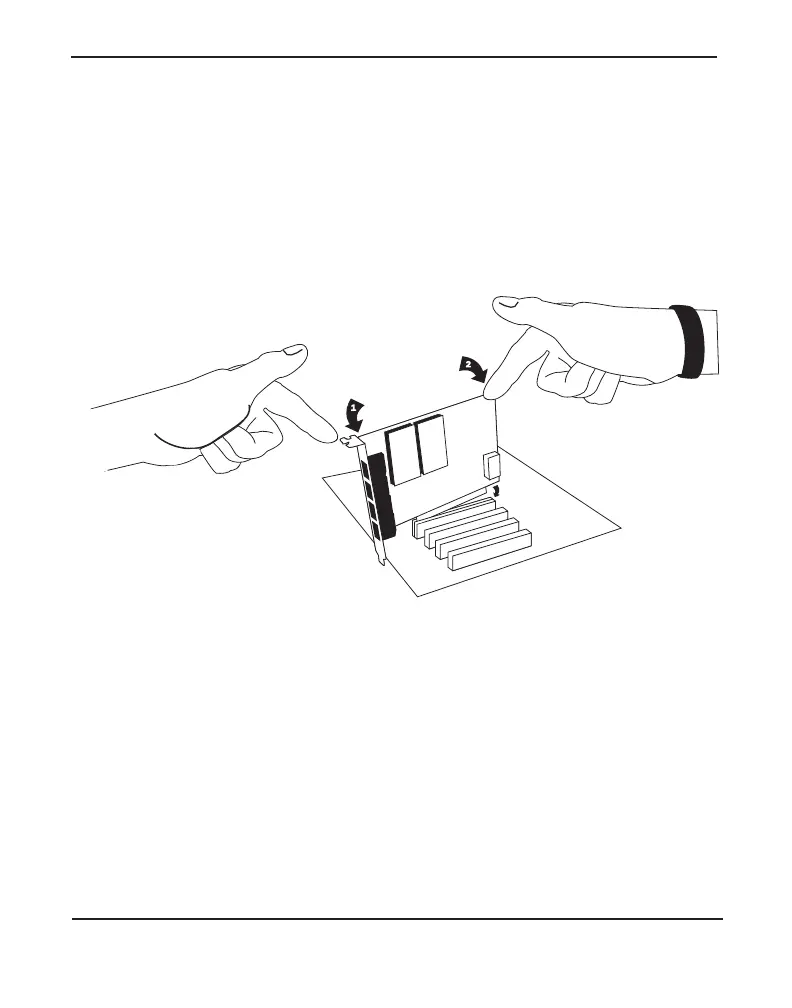
3. Remove the bracket place holder and insert the card into a PCI
(TDM410) or PCI Express (AEX410) slot. See Figure 5.
Figure 5: Insert the Card
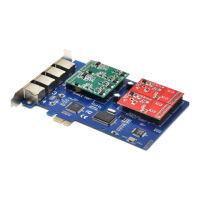
4. If your card has any FXS modules, you will also need to connect the
power cable from your computer’s power supply to the back of the
card. Insert a four-pin 12 volt connector (disk drive power supply
cable, e.g. hard drive) into the white plastic connector on the rear of
the card. See Figure 6.
http://ArtTel.ru


 To Next Page