8
EDxtreme Dynamometer User’s Manual
On/Off key Use this key to turn the unit on and off.
ZERO key Use this key to zero the force indicated
on the display.
ESC key Use this key to escape from portions of
the menu structure and return to previ-
ous choices or displays.
Arrow key Use this key to access any available
soft keys not currently viewed.
Communicator Front
Panel
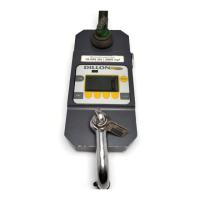
The connector on the EDxtreme is recessed for protection. It is used to
connect the instrument to a Communicator remote display/controller,
printer or external power supply. See your Dillon distributor for details.
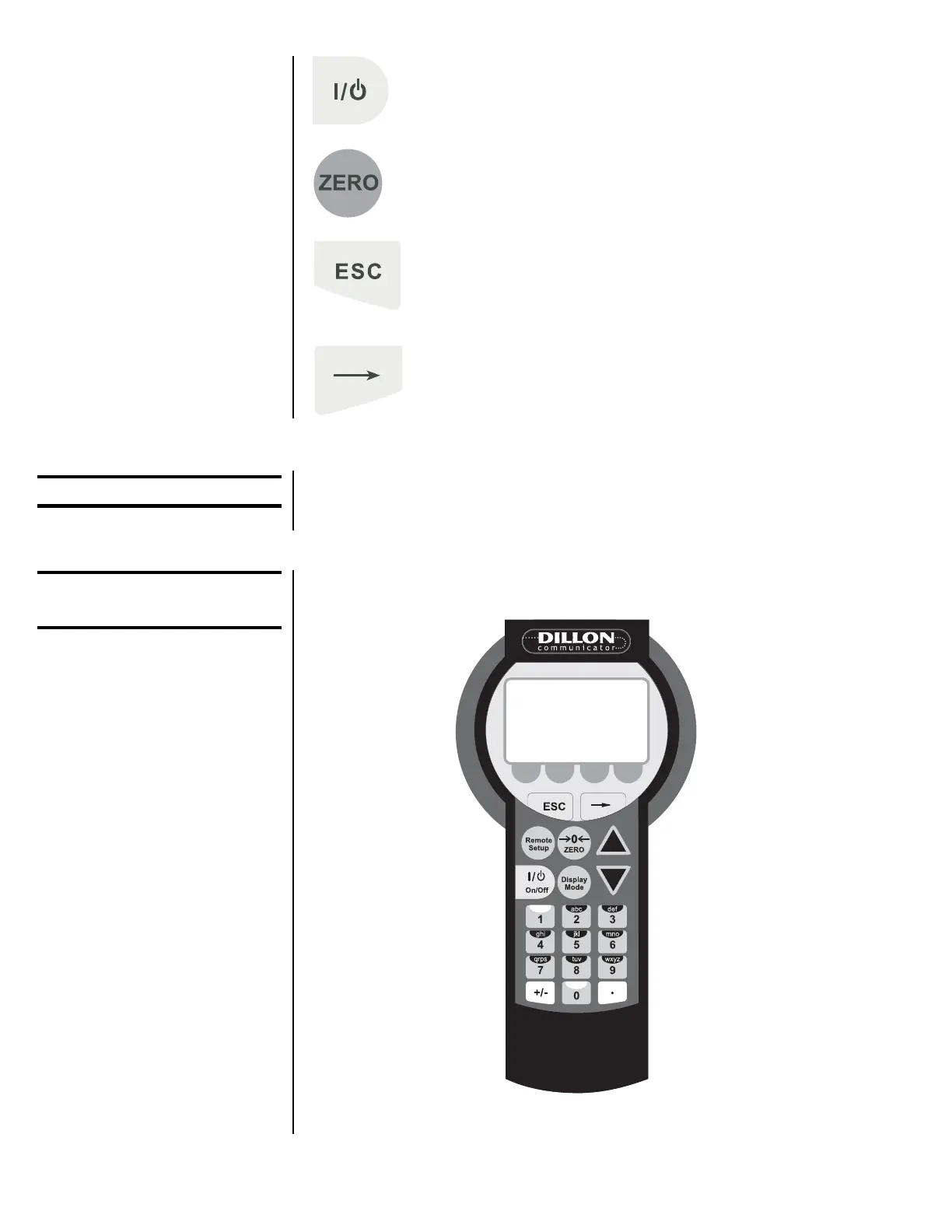
Figure 2 shows the Dillon Communicator. This is a battery powered, radio-
linked (or wired) remote display and control unit.
Figure 2
Dillon Communicator
EDxtreme Connector
If you press and hold the
ZERO key for five seconds,
the EDX display will show the
zero reference calibration
point.



 To Next Page