STANDBY
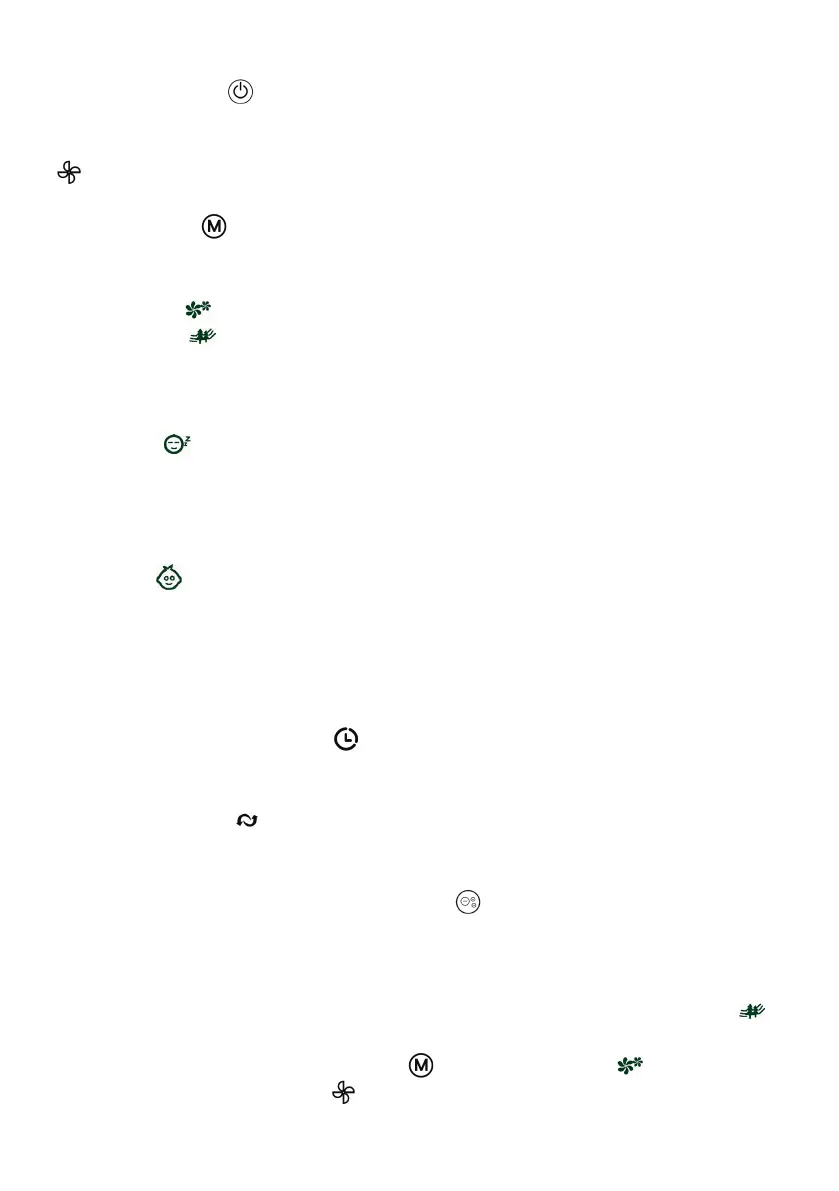
Pressing the ‘STANDBY’ button turns the fan on; Pressing the button again will turn the fan o.
SPEED
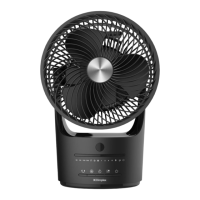
The fan speed can be adjusted to the desired level: low (I), medium (II), or high (III) by pressing the ’SPEED’
button repeatedly until the speed required is displayed on the LED panel (shown in Fig. 4).
MODE
Pressing the ’MODE’ button will change the operation of the fan between NORMAL, NATURAL, SLEEP
and CHILD mode, the symbol for the mode selected will appear on the LED display panel as indicated in the
following description:
In NORMAL Mode , the fan will run continuously at whatever fan speed selected.
In NATURAL Mode , the fan will run at high speed for 15s, then change down automatically to middle
speed for 15s and nally change down to low speed automatically for 15s before cycling back up to high
speed. The fan will then start the same automatic speed changing cycle of operation again and continuing to
run this described way until manually switched o.
If SLEEP Mode is selected at high speed, the fan will work at high speed for 30 mins, then automatically
change down to medium speed for 30 mins and nally change down to run at low speed and it will continue
to run that way until manually switched o. If sleep mode is selected at medium speed it runs for 30 mins at
medium speed then switches down to low speed and continues to run. If selected at low speed it just contin-
ues to run at low speed until switched o. Note: that display always turns o after 30s.
If EASY Mode is selected the fan will start oscillating, the ioniser will switch on and the runback timer will
auto-set to 3 hours, the fan will initially run at high speed for 15 minutes, then change down automatically
to middle speed for 15 minutes and then automatically change down to low speed, it will continue to run at
low speed until manually switched o. The oscillation can be switched o in this mode by pressing the OSC
button once.
TIMER
The fan is equipped with a runback timer that allows you to set its length of operation from 1 hour to 12
hours.
OSCILLATION
Pressing the ‘OSC’ button once will start the oscillation function, the symbol is displayed on the LED
panel when it is selected/on, to stop press the OSC button again.
IONISER
The Ioniser function is only selectable by pressing the ‘ION’ button on the remote control, the “ION”
symbol is displayed on the LED panel when it is selected/on, to stop the Ioniser function press the ‘ION’
button again on the remote. The ioniser discharges negative ions in the air that help to combat airborne
impurities and help create fresher cleaner air.
NB - If the fan speed varies randomly automatically you have selected NATURAL
mode which simulates natural breeze conditions. THIS IS NOT A FAULT. To de-select
this operation please press MODE button until NORMAL mode is lit and only
use the SPEED selection button to change and select the fan speed you require
(Low / Med / High).


 To Next Page
 Loading...