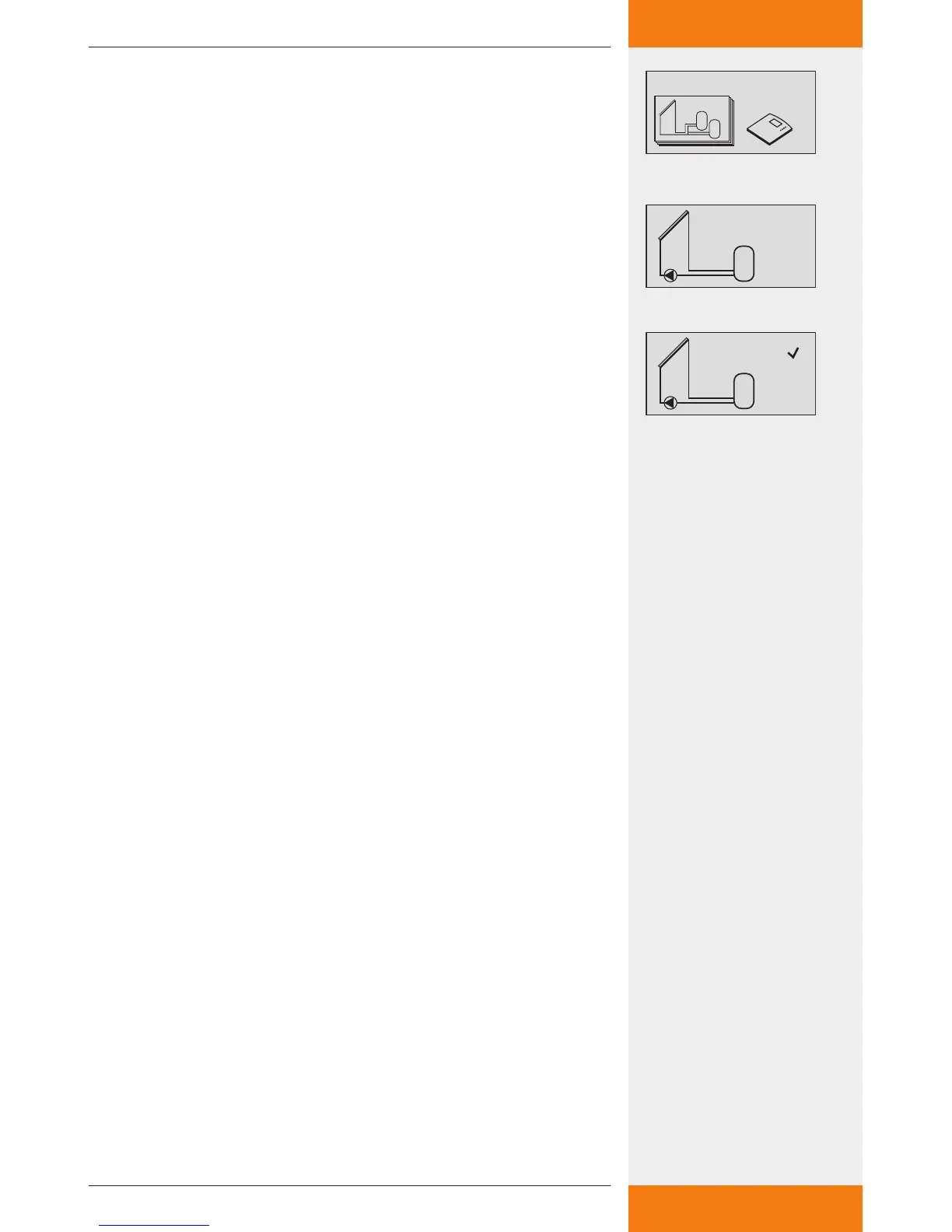
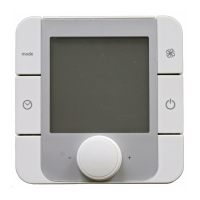
Selecting a system
SET: press button for approx. 2 sec.
: select the menu item "Systems".
SET: open the submenu "System groups".
: Select a system group.
SET: press button to confirm.
: select a system.
SET: press button to confirm.
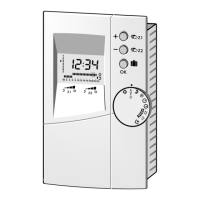
In the display, a small checkmark appears below the item
number, which confirms that the system is selected.
ESC: exit the "Systems" menu item.


 To Next Page