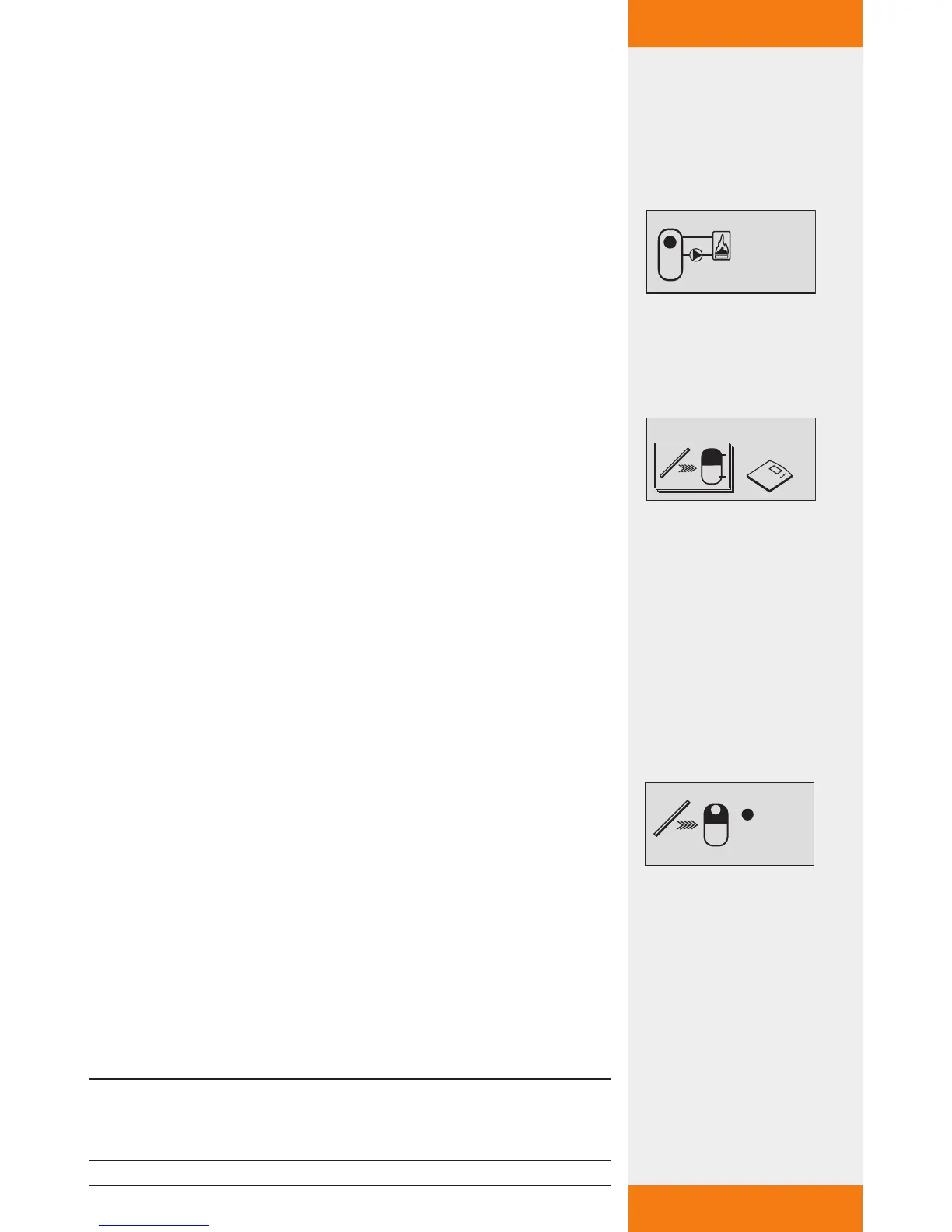
Programming the temperature limits of the solid fuel
boiler and the storage tank
: press button.
The display for setting the temperature limits for storage tank
and solid fuel boiler appears.
SET: press button.
"max" flashes in the display (storage tank's maximum tempera-
ture value).
: set the "max" value.
SET: press button to confirm.
"min" flashes in the display (solid fuel boiler's minimum tempera-
ture value).
: set the "min" value.
SET: press button to confirm.
The settings are saved.
7.3.5 Quick charge function
This function attempts to load the upper part of the storage tank more
quickly by means of a higher loading temperature in order to prevent
conventional boiler back-up heating as early as possible.
When the temperature in the upper part of the storage tank falls below
the "on" value, the loading strategy of storage tank 1 switches from
differential loading to target temperature loading. The controller's RPM
control is then used with the objective of loading the storage tank at a
higher temperature level.
Setting the input for the upper part of the storage
tank, and switch-on/switch-off temperatures
"Functions" submenu selected, see "Selecting a function"
(see chapter 7.3.1).
Quick charge function activated, see "Activating a function"
(chapter 7.3.1).
: press button.
The display for setting the temperature input and the "on" and
"off" values appears.
SET: press button.
"T" flashes in the display (upper storage tank temperature input).
: choose the desired input.
SET: press button to confirm.
The quick charge function's "on" value flashes in the display.
: set the "on" value.
SET: press button to confirm.
The "off" value flashes after confirmation of the "on" value.
: set the "off" value.
SET: press button to confirm.
The settings are saved.
NOTE
When the "on" value is adjusted, the "off" value is altered accordingly in
order to maintain reliable quick charge functionality.
✓
✓


 To Next Page