45
730.138 | 08.12
EN
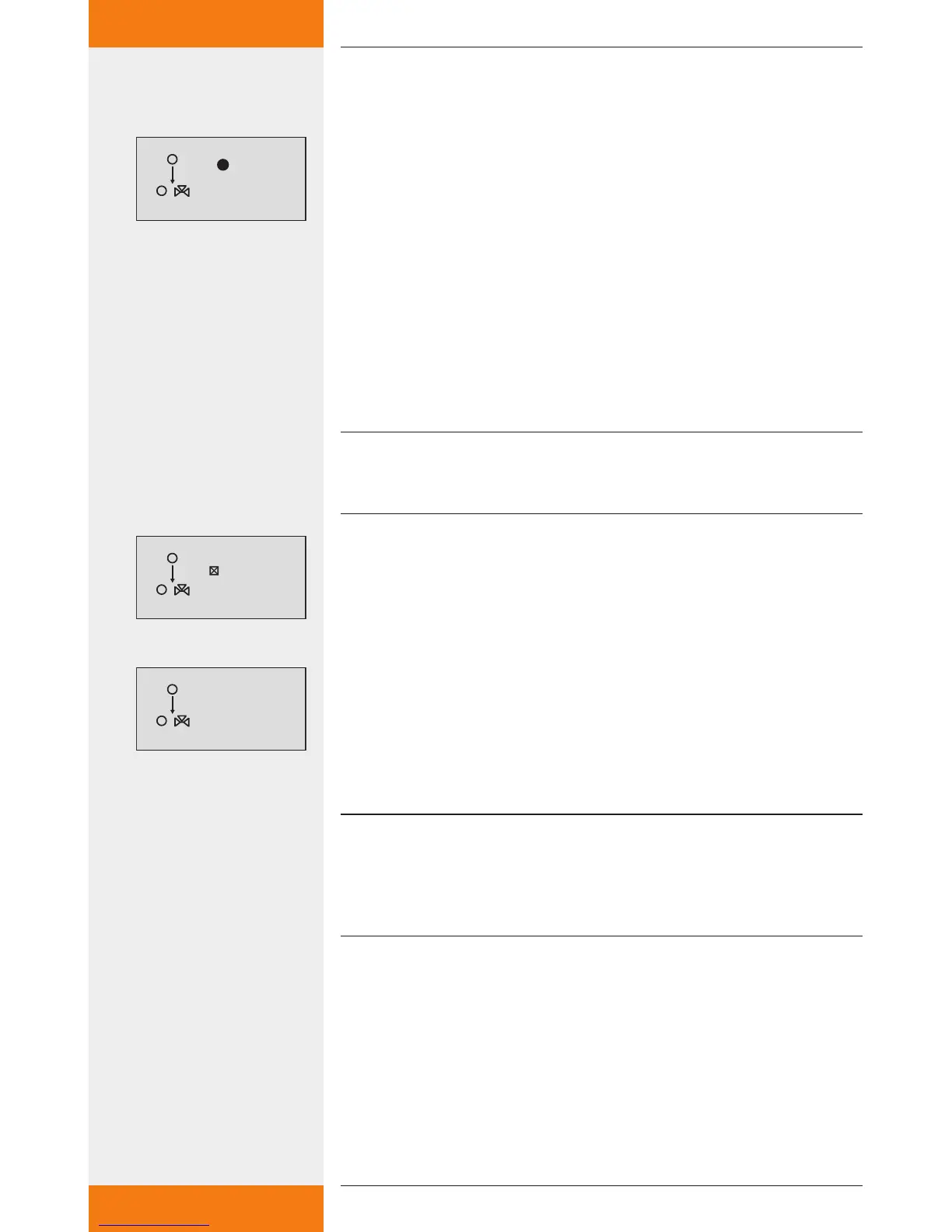
Thermostat activated, see "Activating a function" (chapter 7.3.1).
Outputs selected, see "Selecting an output" (chapter 7.3.1).
: press button.
The display for setting the temperature input and the "on" and
"off" values appears.
SET: press button.
"T" flashes in the display (temperature input).
: choose the desired input.
SET: confirm the input.
The "on" value flashes in the display.
: set the "on" value.
SET: press button to confirm.
The "off" value flashes after confirmation of the "on" value.
: set the "off" value.
SET: press button to confirm.
The settings are saved.
NOTE
The "on" and "off" values must not be equal, as otherwise the thermostat
remains inactive.
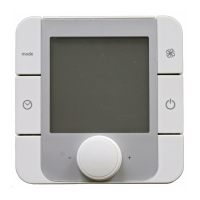
Activating time control
: press button.
The "Time controlled" display appears.
SET: press button.
Time control is activated.
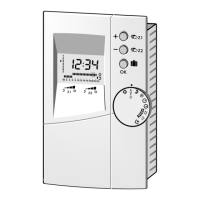
: press button.
The display for setting the duration appears.
SET: press button.
The time value flashes.
: set the time value.
SET: confirm the value and go to the next value.
The settings are saved.
NOTE
The switch-on time must always be before the switch-off time. There-
fore, when the switch-on value is being adjusted, the switch-off value
will also be changed to a later time if necessary. Adjusting the switch-off
value to a time before the switch-on value is blocked.
✓
✓


 To Next Page