53
730.138 | 08.12
EN
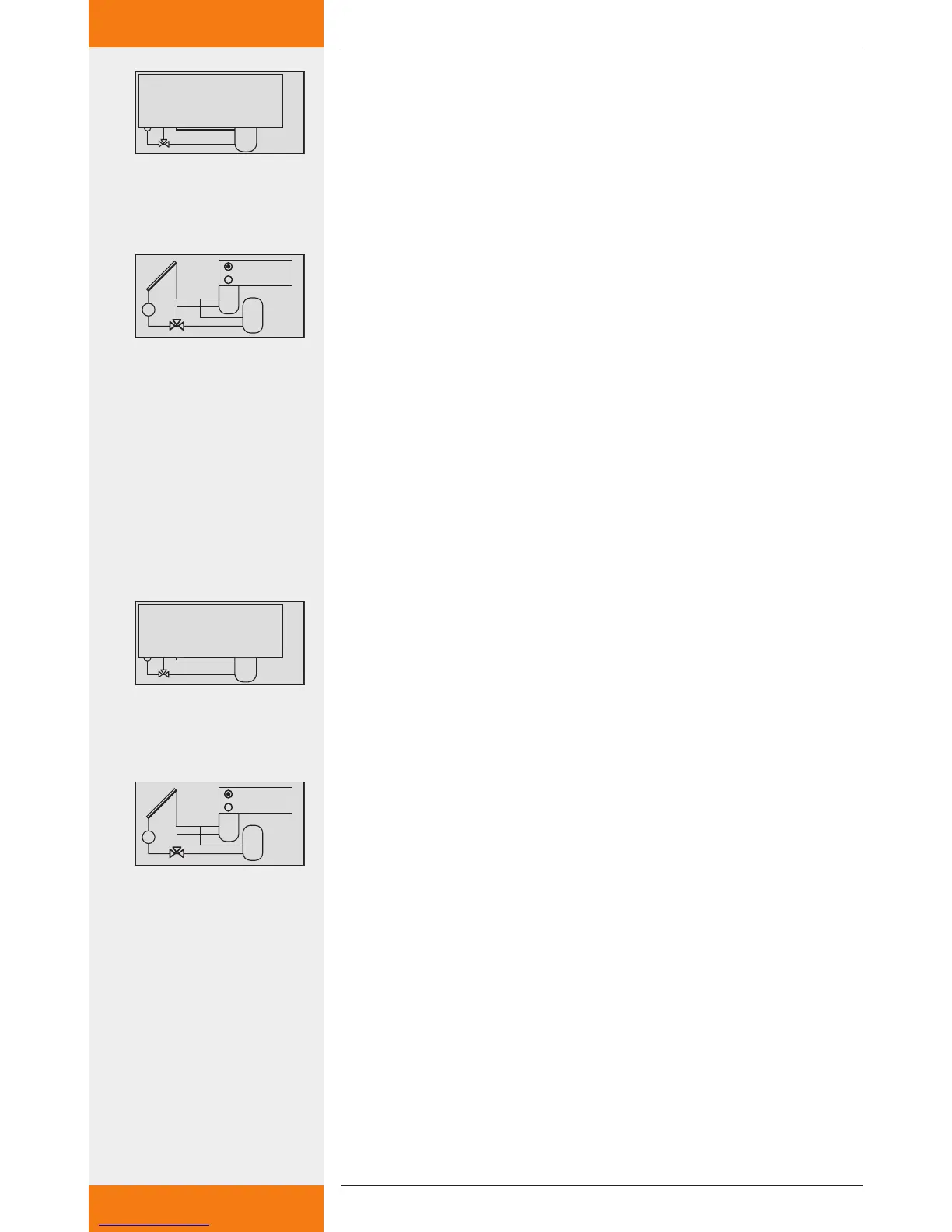
7.4.2 Setting the loading strategy parameter
Access the "loading strategy" parameter, (see chapter 7.4.1).
SET: press button.
The display for setting the temperature differential control or
target temperature control appears.
Choosing loading strategy between temperature dif-
ferential control and target temperature control
SET: press button for approx. 2 sec.
Select either temperature differential control (dT) or target tem-
perature control (T).
Setting the temperature differential value or target
temperature value
SET: press button.
The temperature differential value flashes in the display (e.g.
dT=8 K).
: set the temperature differential value.
SET: press button to confirm.
The target temperature value flashes in the display (e.g.
T=60 °C).
: set the target temperature value.
SET: press button to confirm.
The settings are saved.
7.4.3 Setting the RPM control parameter
Access the "RPM control" parameter, (see chapter 7.4.1).
SET: press button.
The display for activating (yes) or deactivating (no) the RPM
control is shown.
Activating or deactivating the RPM control
SET: press button for approx. 2 sec.
Choose between "yes" and "no" for RPM control.
Setting the minimum speed
SET: press button.
The min. RPM value flashes.
: set the minimum speed.
SET: press button to confirm.
The settings are saved.
✓
✓


 To Next Page