17
HOW TO USE
How To Use
BKP-A Series
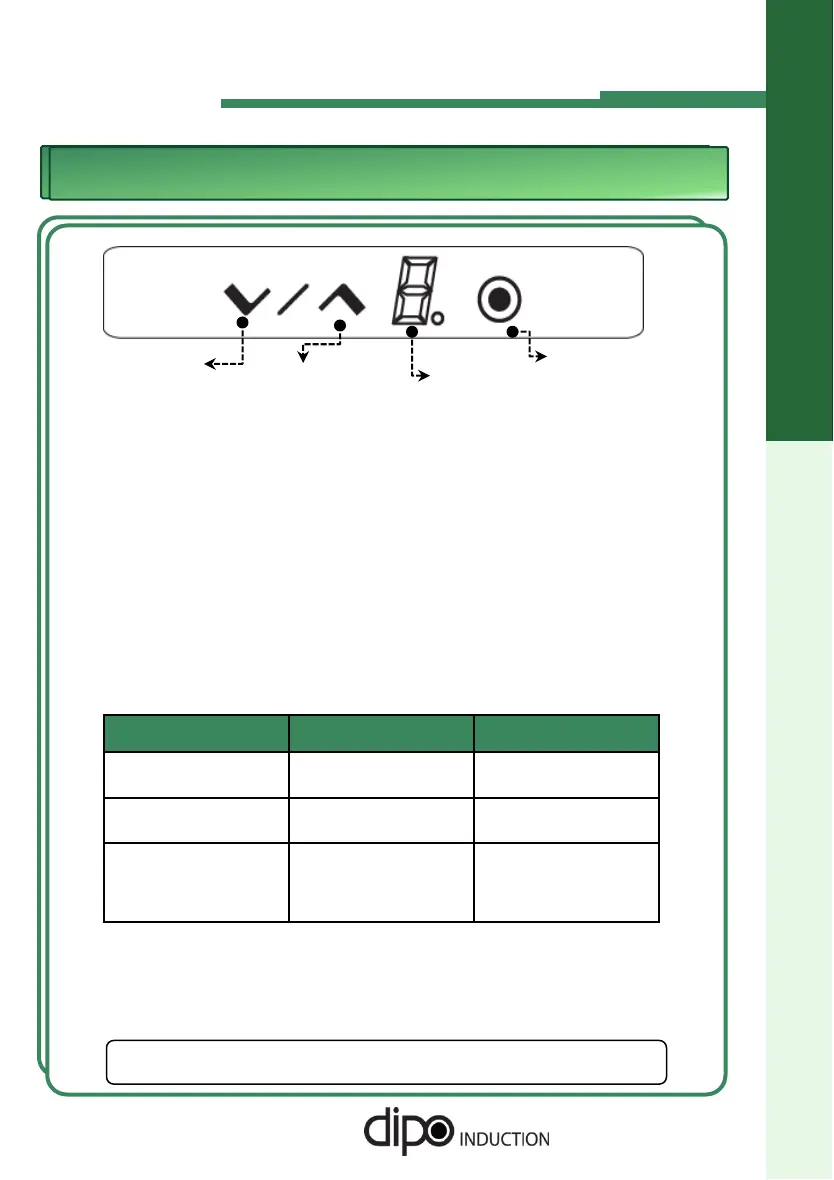
Display
Power Button
Start/Up Step
Down Step
1. Insert power plug.
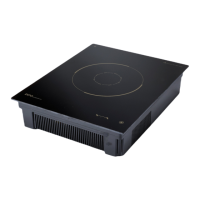
2. Place a vessel on the Ceramic Top Plate.
One lighted dot on the display indicates that the unit is plugged in.
◆ It must be placed in center of the ‘target’ on the Ceramic Top Plate.
3. Operation
◆ If you press the power button, “0” is displayed.
◆ If you want to start operation, press the Up Button. At first, "5" is displayed.
◆ If you want to control Heat Level, press the Up or Down button. You can
control levels from 1 to 9 steps.
4. Heat Levels
Model Cook Warm
BKP26-A
BKP118-A
3 ~ 9 Steps Step 1 (95
o
F)
Step 2 (140
o
F)
BKP18-A 3 ~ 8 Steps Step 1(95
o
F)
Step 2 (140
o
F)
BKPW-A
BKPW11-A
X 1 (95
o
F) 2 (104
o
F)
3 (122
o
F) 4 (140
o
F)
5 (158
o
F) 6 (176
o
F)
7 (194
o
F)
5. To Turn the Unit Off
◆ Press the Power Button to turn the unit off and reset.
◆ Maximum run time is 12 hours. After 12 hours, press the Start/Up
Button to continue the cook cycle.
☞
DIPO is not responsible for damage to the equipment or
injuries caused by mis-use or negligence.



 To Next Page