14
10.2.2 EDITING SPORT LIST FOR ROUTE TRACKING
In the ‘Exercise’ menu, you will find an editable list of
exercises along the top end of the map. To edit the
exercise list, follow the steps on the next page:
• In the ‘Exercise’ menu, tap on “ ” then tap ‘Edit Sports’.
Tap on ‘+’ or ‘-’ to add or delete an exercise type.
10.2.3 STARTING, PAUSING, RESUMING, AND STOPPING AN
EXERCISE SESSION WITH ROUTE TRACKING
In the ‘Exercise’ menu, tap on an exercise name along
the upper list. For example, ‘Outdoor Running’ can be
selected by highlighting the exercise. Tap on the upper list
and swipe left or right to reveal other exercises.
To start an exercise session via the App, tap on the
‘Start’ button for 2 seconds then lift your finger. Once an
exercise session is started in the App, it will trigger the
Ryze Connect Smart Watch connected to the App to run
the sport mode selected in the App.
NOTE: Before starting an exercise session using the
App, check that you have the same sport mode
available on your watch. If not, refer to section
10.3.18 on how to change the sport modes
available on the watch.
• To pause an exercise session via the App, tap on the
pause button ‘
.’
• To stop a paused exercise session via the App, tap
and hold on the stop button ‘
’ for 2 seconds.
• To resume a paused exercise session via the App, tap
on the resume button ‘
.’
NOTE: Exercise needs to last for more than 1 minute
before its data will be saved to create an exercise
record.
10.2.4 SETTING AN EXERCISE TRAINING GOAL
In the ‘Exercise’ menu, tap the upper right setting icon'
.' Tap on ‘Training Goal.’ In the sub menu, select a
type of goal from Distance, Calories, Steps or Duration.
10.2.5 SETTING A DISTANCE ALERT
In the ‘Exercise’ menu, tap the upper right setting icon
'
.' In the sub menu, tap on ‘Sound Alert’ and select a
distance for the alert.
10.2.6 SETTING A HEART RATE ALERT
To set a high heart rate alert during an exercise session,
follow the below steps:
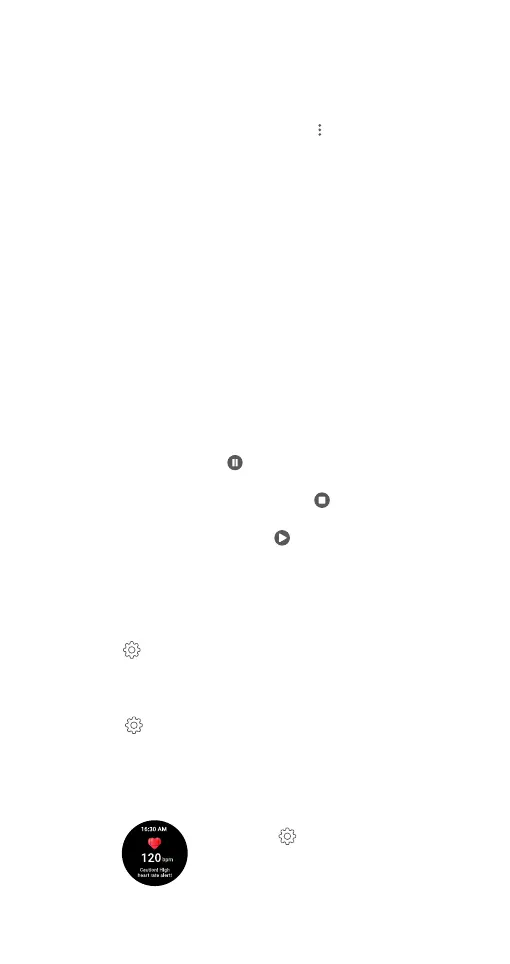
In the ‘Exercise’ menu, tap the upper right
setting icon '
'. Tap on ‘Heart Rate Zone.’
Slide the button next to ‘High HR Alert’ to
the ON position.


 To Next Page