113
Because Whole-Home DVR service uses a network to share programs between your DIRECTV receivers, only a professionally installed
Cinema Connection Kit can be used to connect to the Internet.
Never connect an Ethernet cable to an HR24, H24, or H25 receiver with Whole-Home DVR service; this will disable the Whole-Home
network and disable playlist sharing.
If you have DECA Connected Home Adapters connected to your HD Receiver, you must use a professionally installed Cinema
Connection Kit to connect to the Internet.
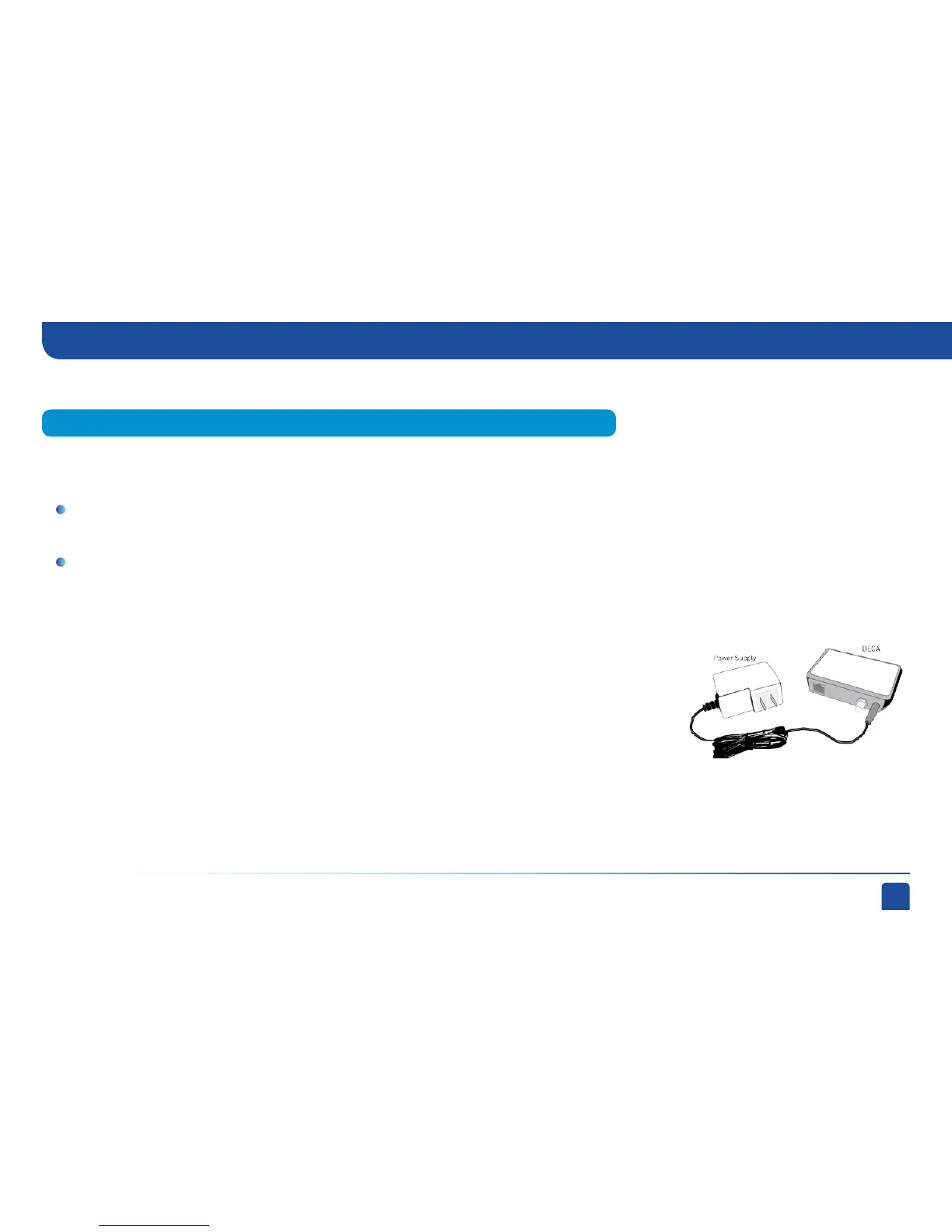
Your professionally installed Cinema Connection Kit should consist of a Broadband DECA similar to the
one shown here.
The Cinema Connection Kit connects to a coaxial cable and an Ethernet cable connected to your home
router to provide home network and Internet connectivity to all of the Whole-Home capable receivers in
your household.
If you have Whole-Home DVR Service and are having difficulty accessing the DIRECTV CINEMA service
or DIRECTV™ Media Share features, check to ensure the Broadband DECA is powered and the coaxial cable and Ethernet cable are firmly
connected.
Professionally Installed Cinema Connection Kit
If you have Whole-Home DVR Service:
Appendix 2: How to Network Your HD Receiver (High-Definition Receivers)



 To Next Page