Chapter 1
Chapter 2 Chapter 3 Chapter 4 Chapter 5
CHAPTER 2 - Detailed Information
81
Parental, Fav’s & Setup - Parental Controls
Note: If you have Parental Controls set and temporarily unlocked, turning the
receiver off will turn the parental controls back on.
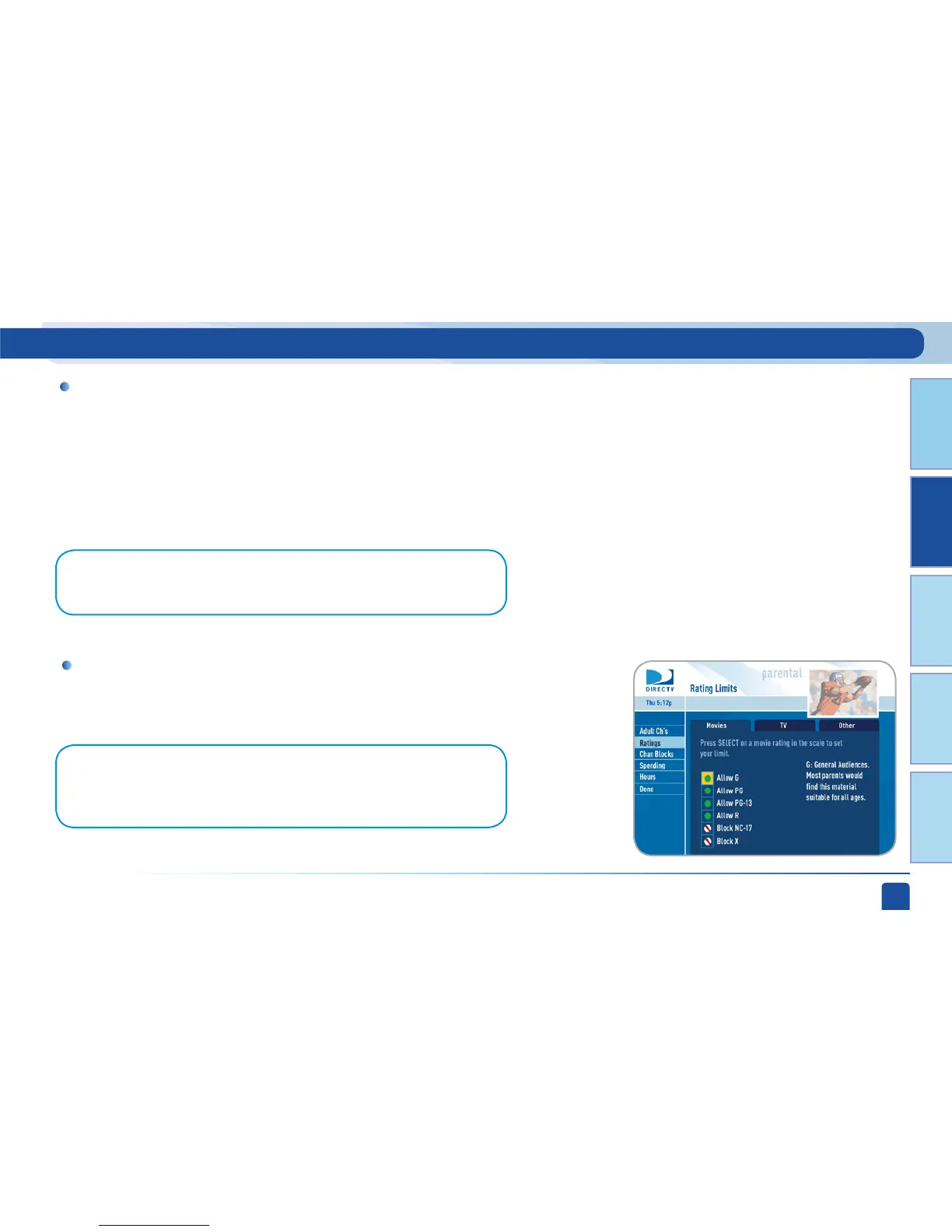
Note: On Standard-Definition Receivers, select “Ratings” and then highlight the
desired tab using the GREEN and RED buttons on your remote to switch between
tabs. There is a separate tab for Movies, TV and Other.
When parental controls are locked, a message appears if you try to tune to
a restricted program explaining why the program is blocked. To temporarily
unlock a particular program select “Unlock Now” and enter your passcode.
For more unlock options, press MENU, select “Parental Fav’s & Setup”,
then select “Parental Controls.” Various options for removing restrictions
temporarily or permanently will appear. Select one and enter your passcode.
Unlock Your Receiver
Set rating limits for Movies, TV and Other (unrated) shows. From the left
menu, select “Rating Limits” then select either “Movies”, “TV” or “Other”.
Rating Limits (or Ratings)



 To Next Page