Chapter 1
Chapter 2 Chapter 3 Chapter 4 Chapter 5
CHAPTER 2 - Detailed Information
87
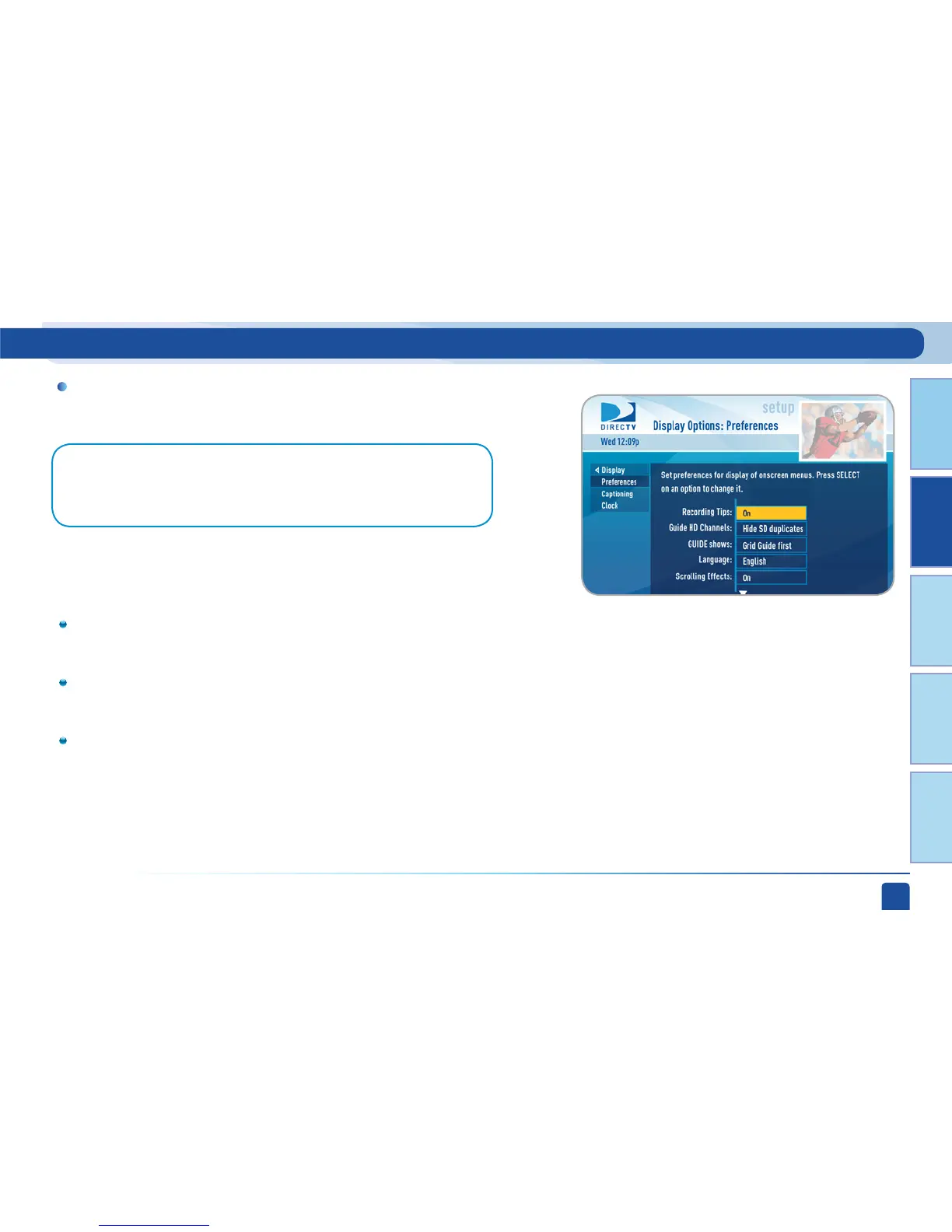
Select “Display” and then select either “Preferences”, “Captioning” or “Clock”.
Display
Parental, Fav’s & Setup - System Setup
Note: For Standard-Definition Receivers select “Display” and then press the
GREEN and RED buttons on your remote to move between the Preferences, TV Ratio
and Time Zone screens.
These are user interface display settings which include:
Recording Tips (High-Definition Receivers ONLY): Turn “On” or
“Off” helpful tips that display on screen whenever you schedule a
recording.
Guide HD Channels (High-Definition Receivers ONLY): Choose
whether you want the guide to show you HD channels and their
duplicate SD channels or to hide the SD duplicates.
Guide shows: Select whether you want the first press of the GUIDE
button to take you directly to the program guide or to go to the
category filter first. No matter which one you choose, pressing
GUIDE a second time shows you the other option.
-Preferences



 To Next Page