Chapter 1
Chapter 2 Chapter 3 Chapter 4 Chapter 5
CHAPTER 2 - Detailed Information
95
Satellite (or Sat & Antenna)
On High-Definition Receivers, the “Antenna Setup” option can be
used to display channels received via your off-air antenna in the
Guide. You must have an off-air (terrestrial) antenna connected to
your HD DVR Receiver. Not all HD DVR’s have a built-in off-air tuner.
High-Definition Receivers
This option is used by installers when your system is initially set up; you
should not have to use it. However, you can use this screen to view the
satellite signal strength your receiver is getting or to repeat the satellite
setup procedure.
Parental, Fav’s & Setup - System Setup
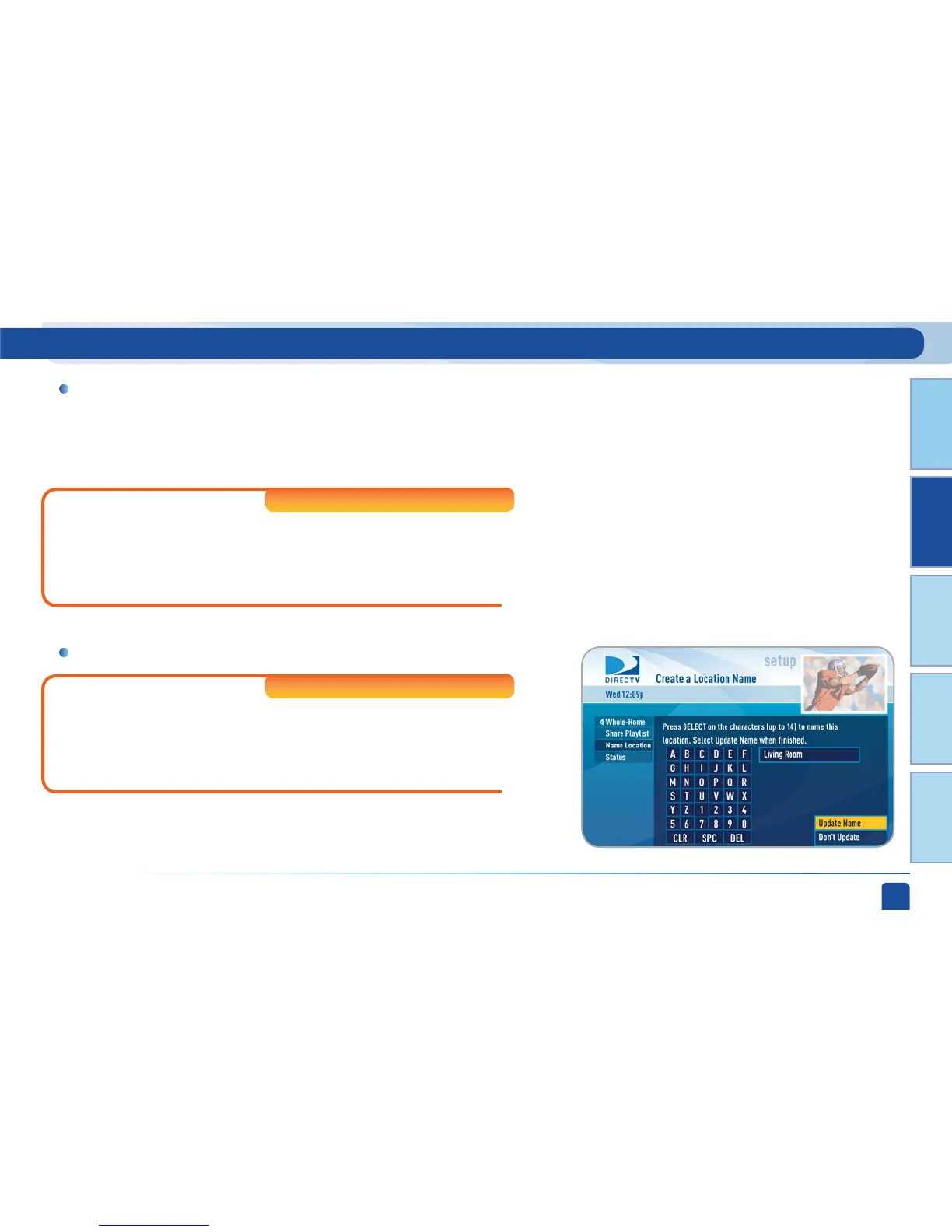
Whole-Home
If you’re using DIRECTV
®
Whole-Home DVR service you can use this
option to set or change your DVR Playlist Sharing preferences or to
create or change the names of each receiver location. To learn more,
read the “DIRECTV
®
Whole-Home DVR service” section in Chapter 2.
High-Definition Receivers



 To Next Page