Chapter 1
Chapter 2 Chapter 3 Chapter 4 Chapter 5
Chapter 2 - Detailed Information
45
Making multiple entries aimed at guessing the passcode is discouraged by a
time delay; each invalid passcode entered lengthens the delay for subsequent
entry by one second.
To change your passcode at any time:
Scroll down to “Passcode” and press SELECT.
Enter your current passcode, then enter a new one twice to
confirm.
Press MENU, then select “Parental Fav’s & Setup,” then
select “Parental Controls.”
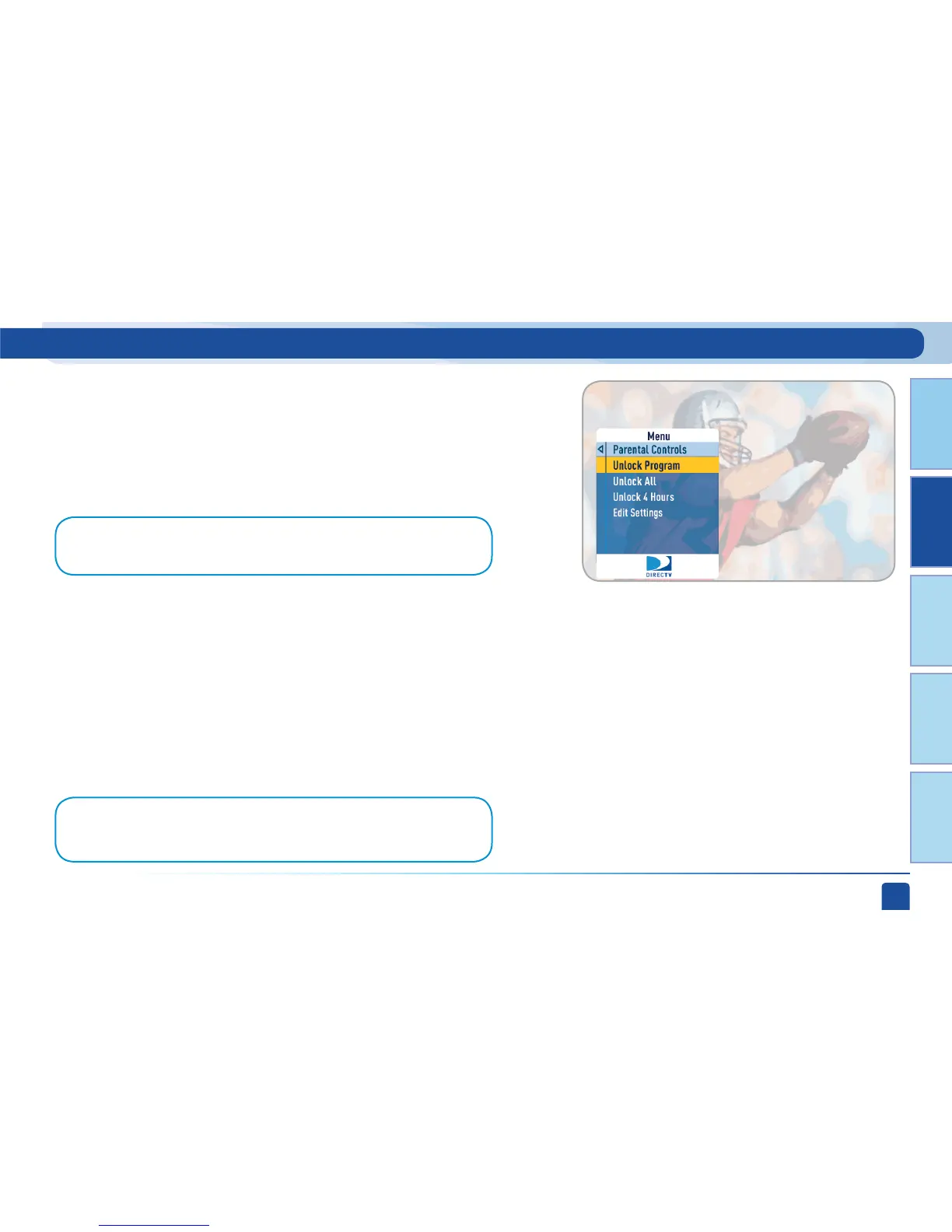
Various options for removing restrictions temporarily
or permanently will appear. Select one and enter your
passcode.
For more unlock options:
1.
2.
3.
2.
Press MENU, select “Parental Controls, Fav’s & Setup,” then
“Parental Controls,” then “Edit Settings.”
1.
Note: If you forget your passcode, call 1-800-531-5000 to reset it. You must be
the registered account holder and have your account number.
Note:If you have Parental Controls set and temporarily unlocked, turning the
receiver off will turn the parental controls back on.
Parental, Fav’s & Setup - Parental Controls



 To Next Page