24
DIRECTV
®
HD DVR RECEIVER USER GUIDE
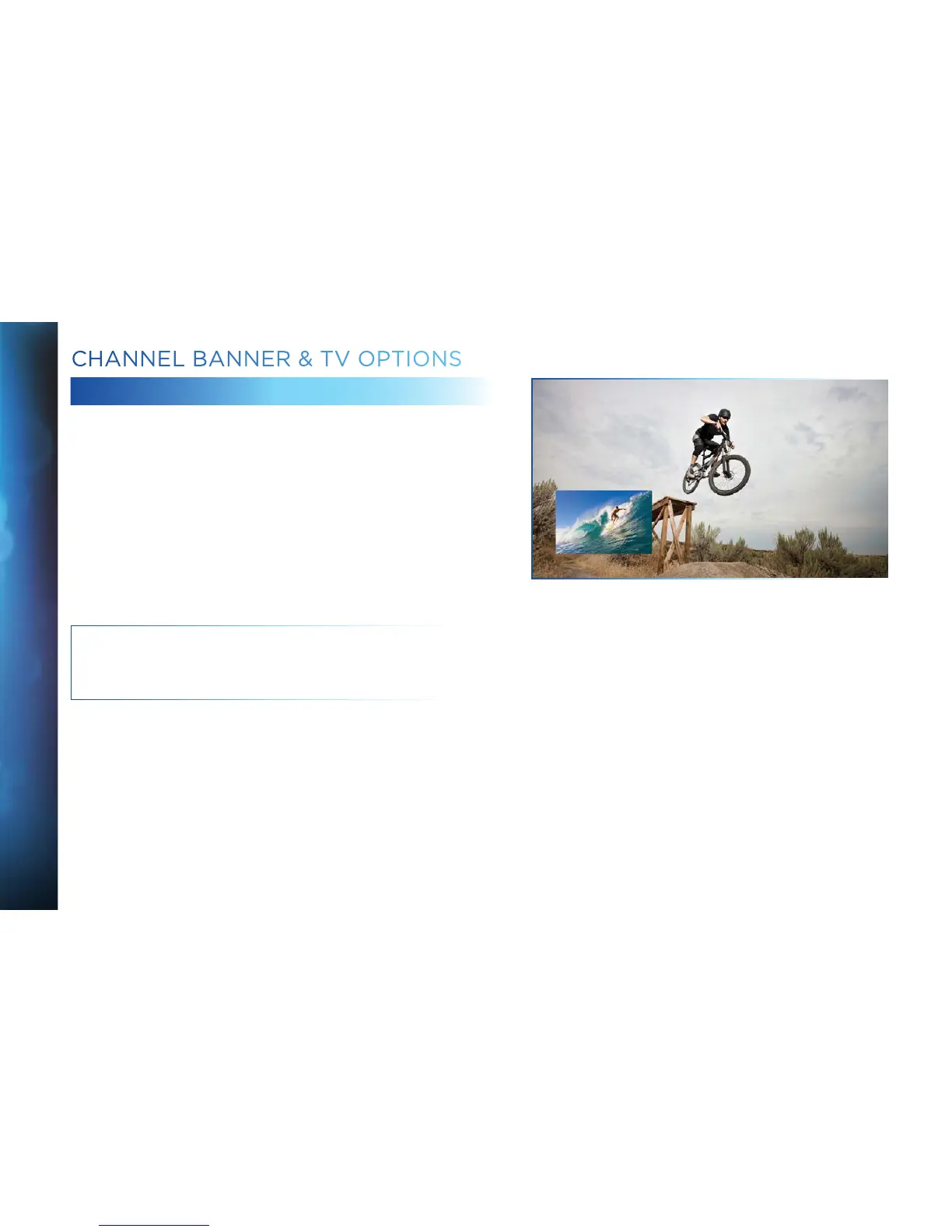
PICTURE IN PICTURE
Watch two programs, live or recorded, at the same time. While
watching one program, press the INFO button on your remote.
Select “PIP”. The program you’re currently watching moves into
a smaller window on your screen. The larger video is the active
program and can be controlled by your remote. To switch between
programs, press the DOWN ARROW.
To change the position of the smaller window, press INFO on your
remote. Select “PIP” and choose a position from the
options provided.
NOTE: The Picture in Picture feature is only available on the TV
connected directly to an Advanced Whole-Home HD DVR (model
HR34 and above).
CHANNEL BANNER & TV OPTIONS



 To Next Page