30
DIRECTV
®
HD DVR RECEIVER USER GUIDE
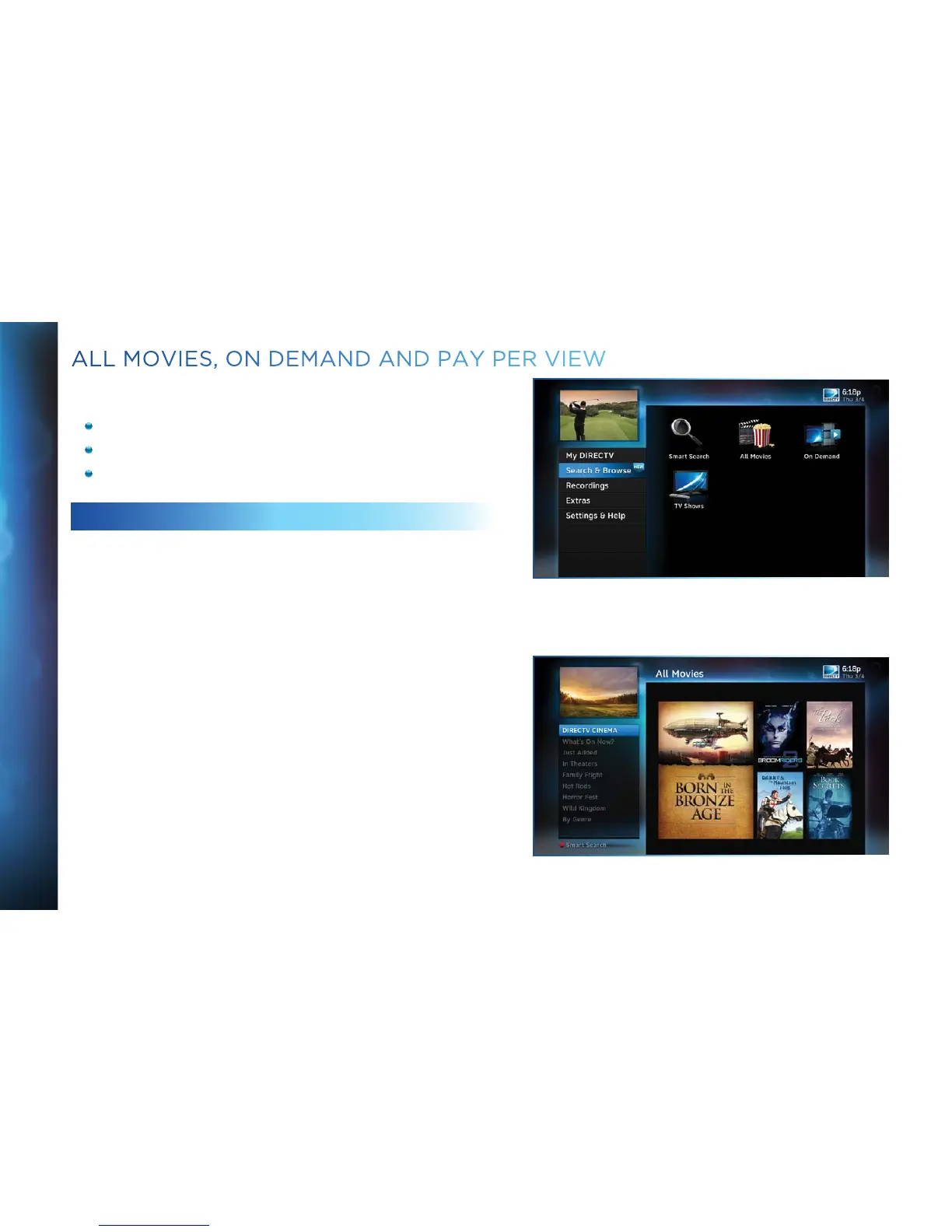
To see what movies and On Demand content are available, press
MENU, select “Search & Browse”, then select either:
“All Movies” (Channel 1100)
“On Demand” (Channel 1000)
“TV Shows” (Channel 1998)
ALL MOVIES
“All Movies” offers an easy, one-stop way to find ANY movie on
DIRECTV, including broadcast channels, premium channels,
latest releases, In Theaters, Pay Per View, and On Demand. This
includes both free and premium movies.
Press MENU, select “Search & Browse”, then select “All Movies”.
The latest movies are also available in the program guide
starting at channel 125.
A few of the categories include:
Just Added - New titles available every week.
What’s On Now? - Movies that you can either watch instantly or
that will start in the next 30 minutes.
In Theaters - Movies coming soon. Read a description of the
movie and schedule it to record as soon as it’s available.
Select a category and browse the titles using the arrow keys on
your remote or the Page Up/Down buttons. Alternatively, you
can search for a movie by typing in your search term using the
number keys on your remote like a cell phone.
ALL MOVIES, ON DEMAND AND PAY PER VIEW



 To Next Page